
Help Center > Competitive Market Analysis > How to Upload Your Competitive Market Analysis MLS Positioning Export File
How to Upload Your Competitive Market Analysis MLS Positioning Export File
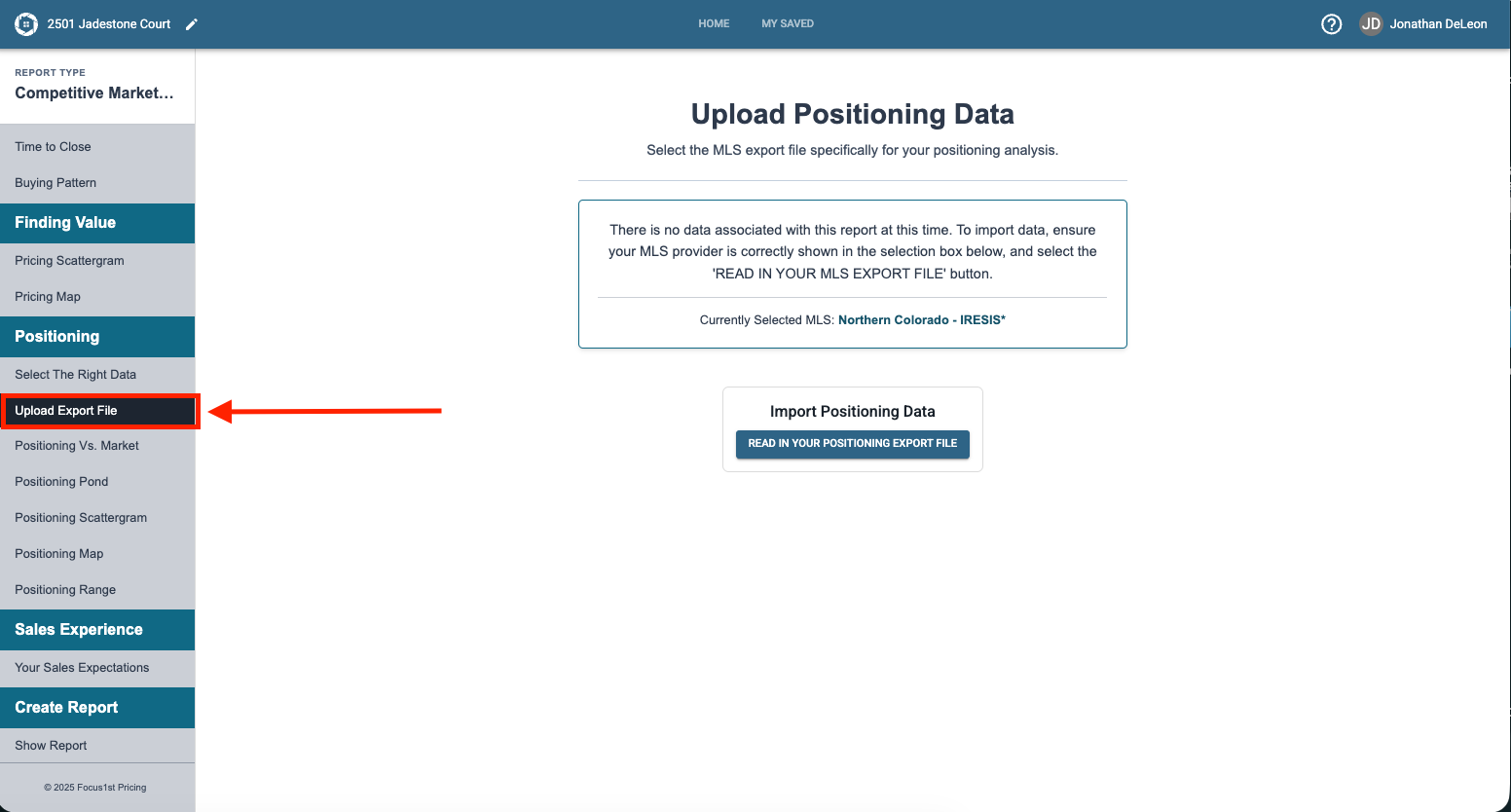
To upload your the positioning data from your second MLS Search you’ll first need to open the Upload Export File step under the Positioning section in your Competitive Market Analysis sidebar.
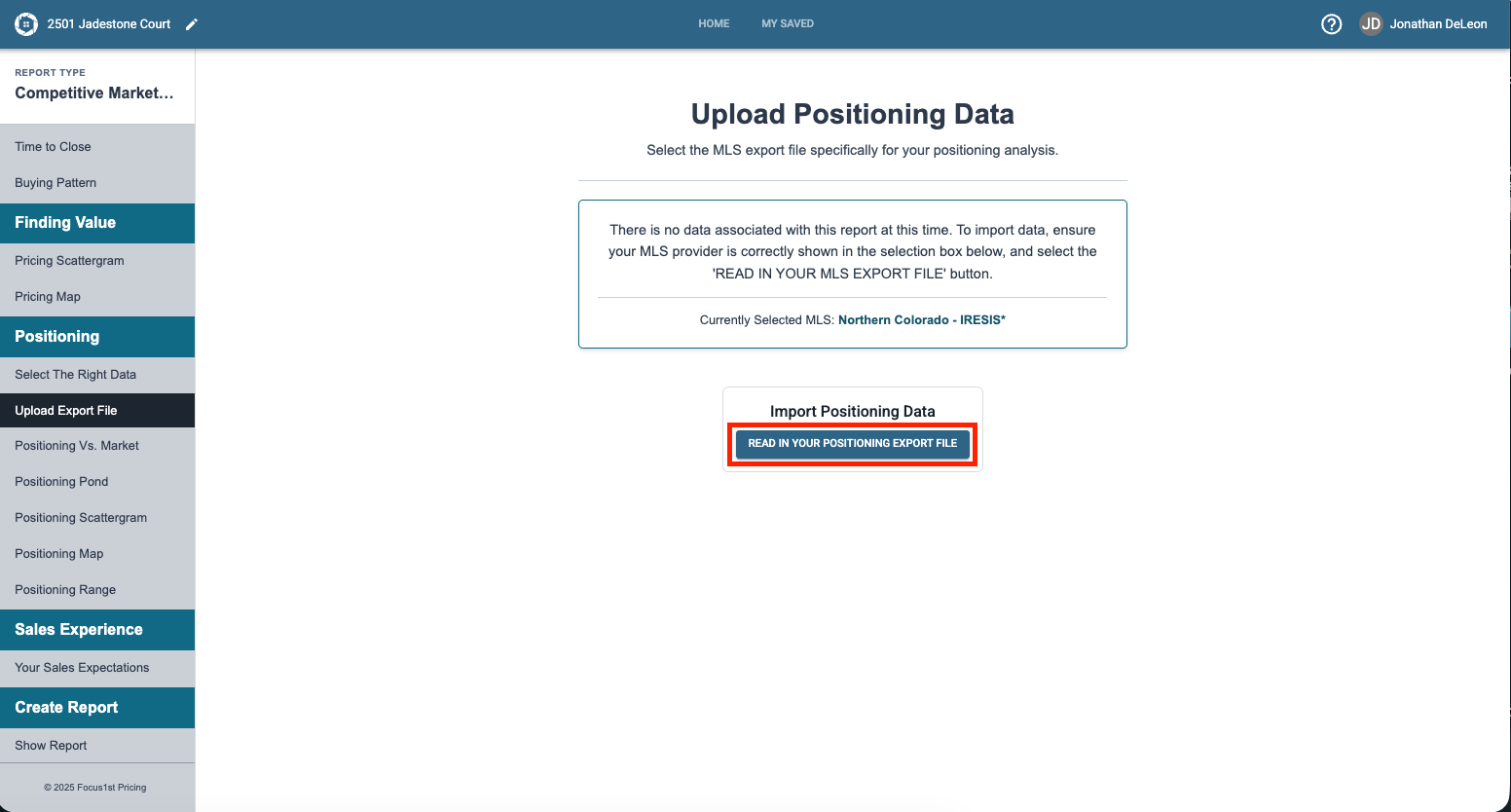
Then click on the Read in Your Positioning File button.
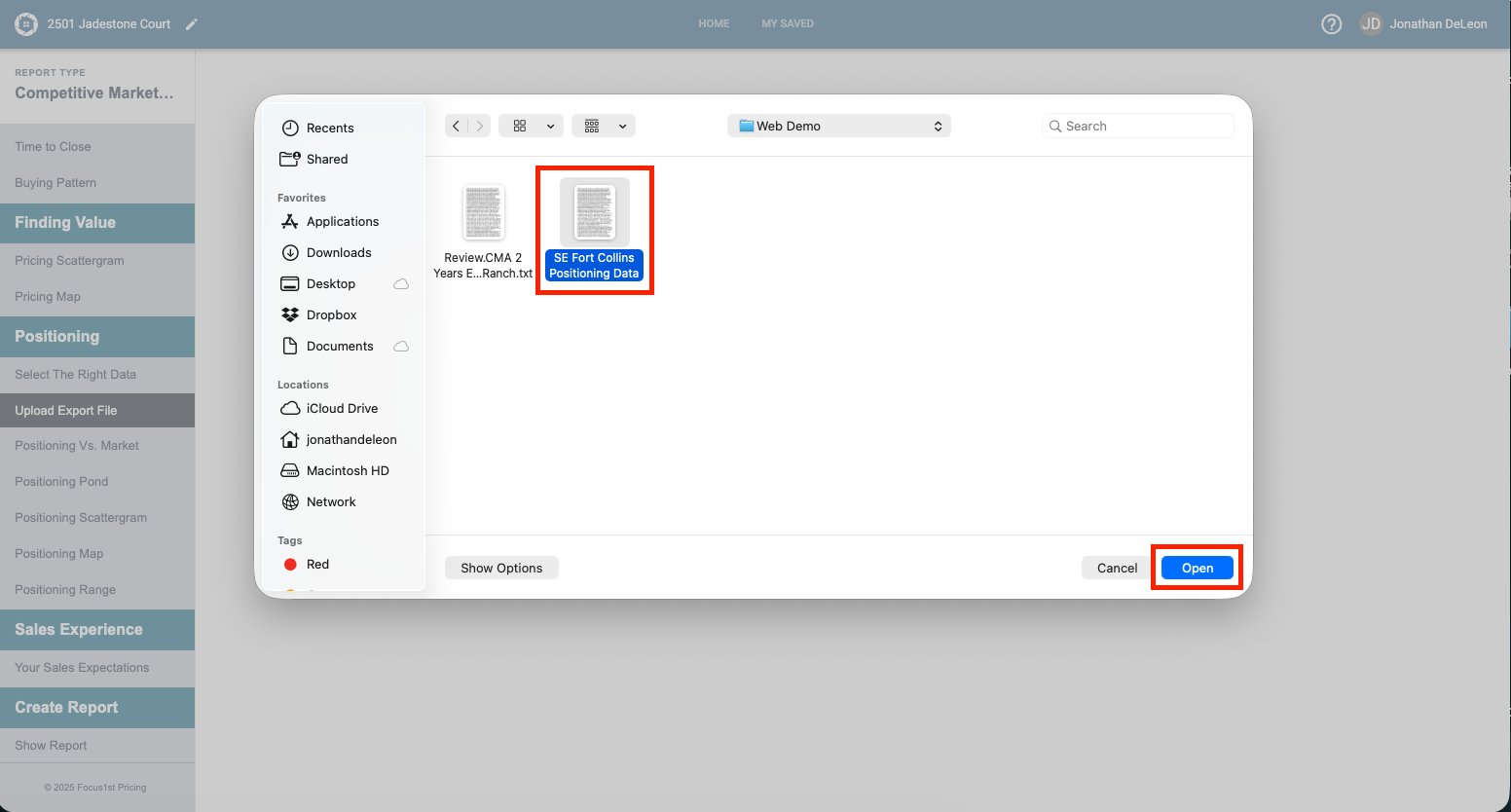
Use the window that opens to find your data file, select it and click open.
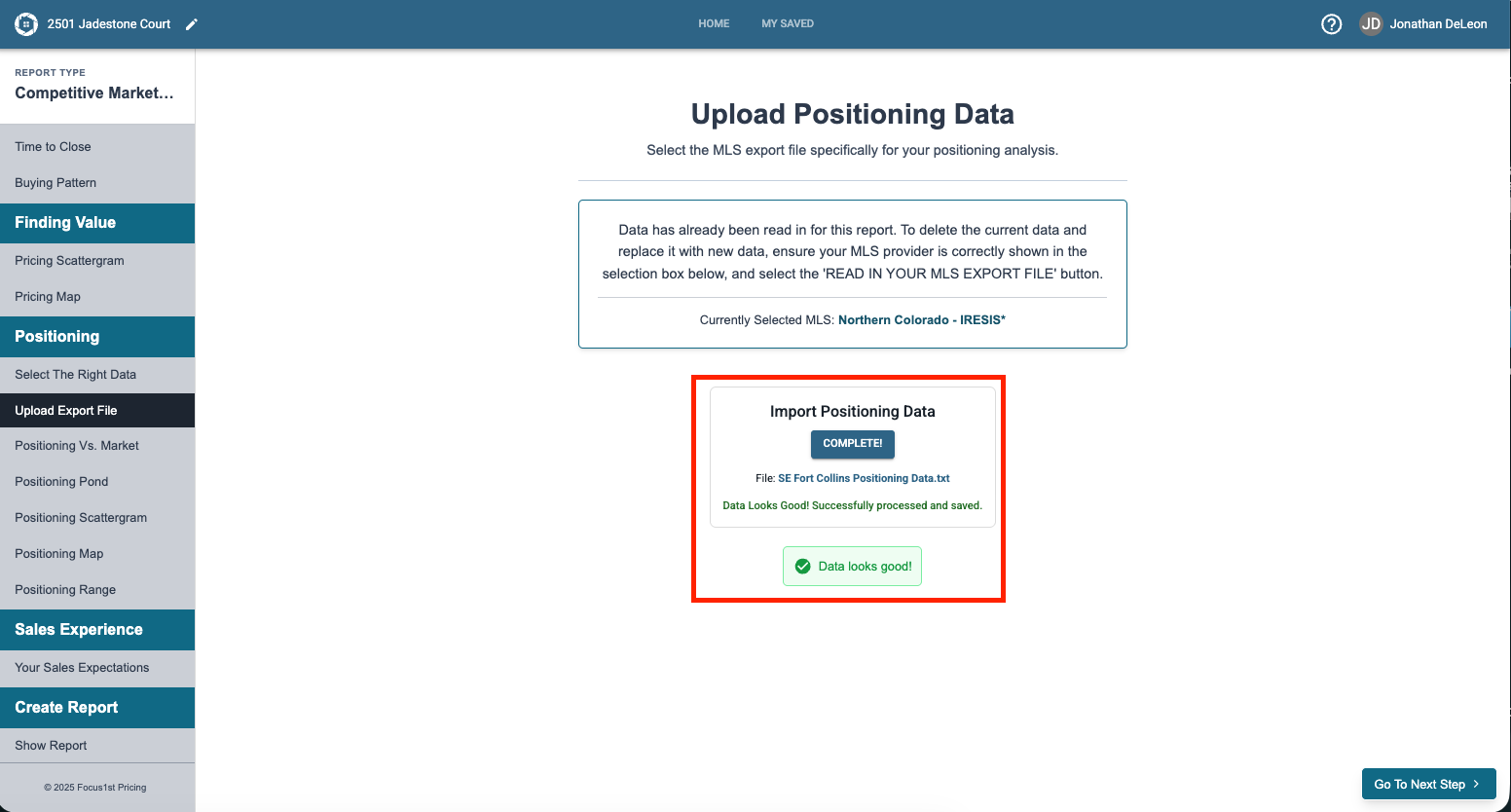
If the data uploads successfully the software will tell you. There are some cases where you will see a warning here if the data you provided appears to be missing software or can be improved. This warning is necessarily a failed upload, but may show a way to improve your search. Read more on data warnings here.
Upload File Sidebar Step
Upload File
Data Warnings