
Help Center > Real Estate Reviews > How to Select Your Real Estate Review Template
How to Select Your Real Estate Review Template
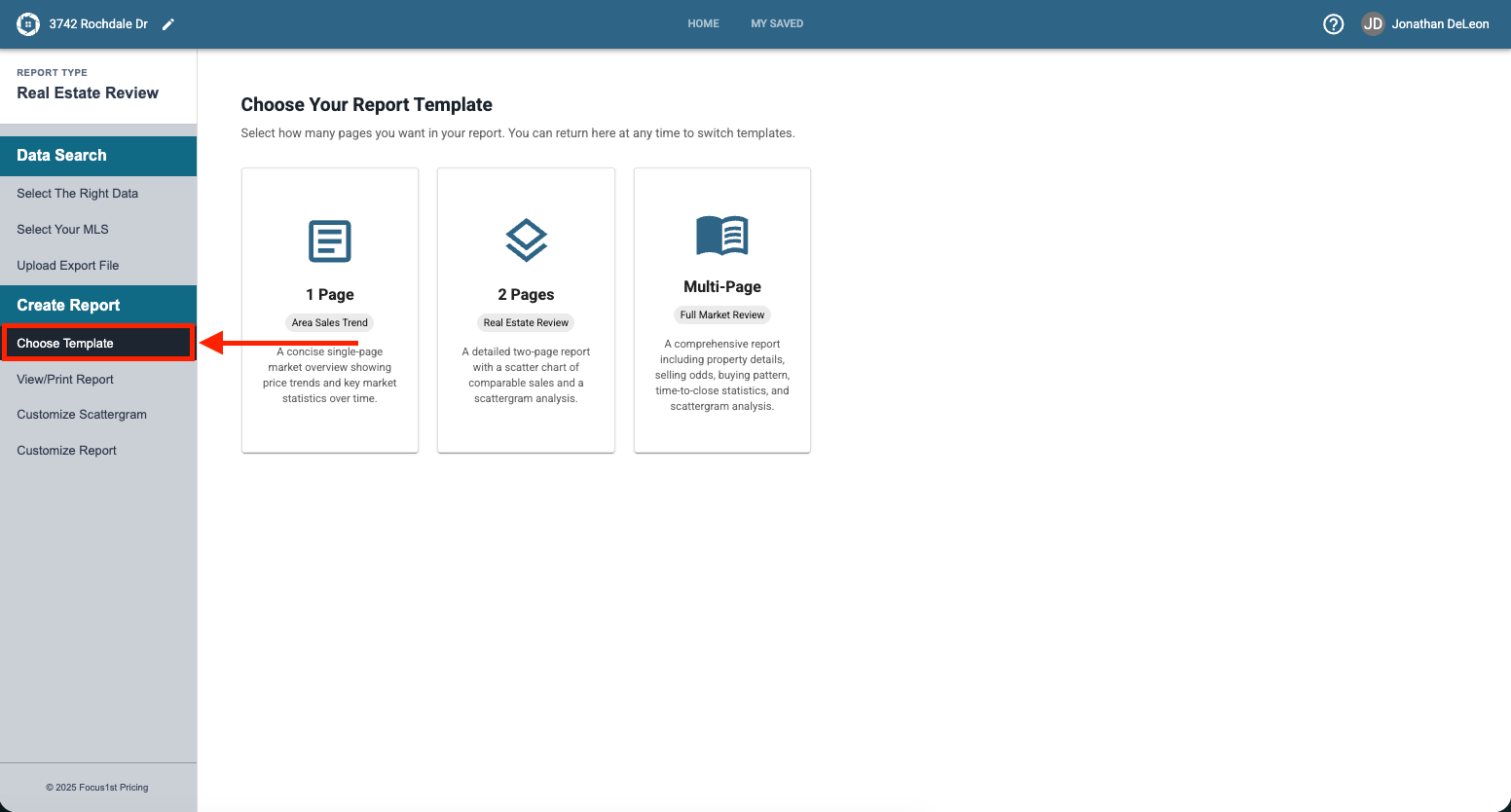
The Real Estate Review has three options for reporting your data. They are easy to switch between using the step Choose Template on the sidebar.
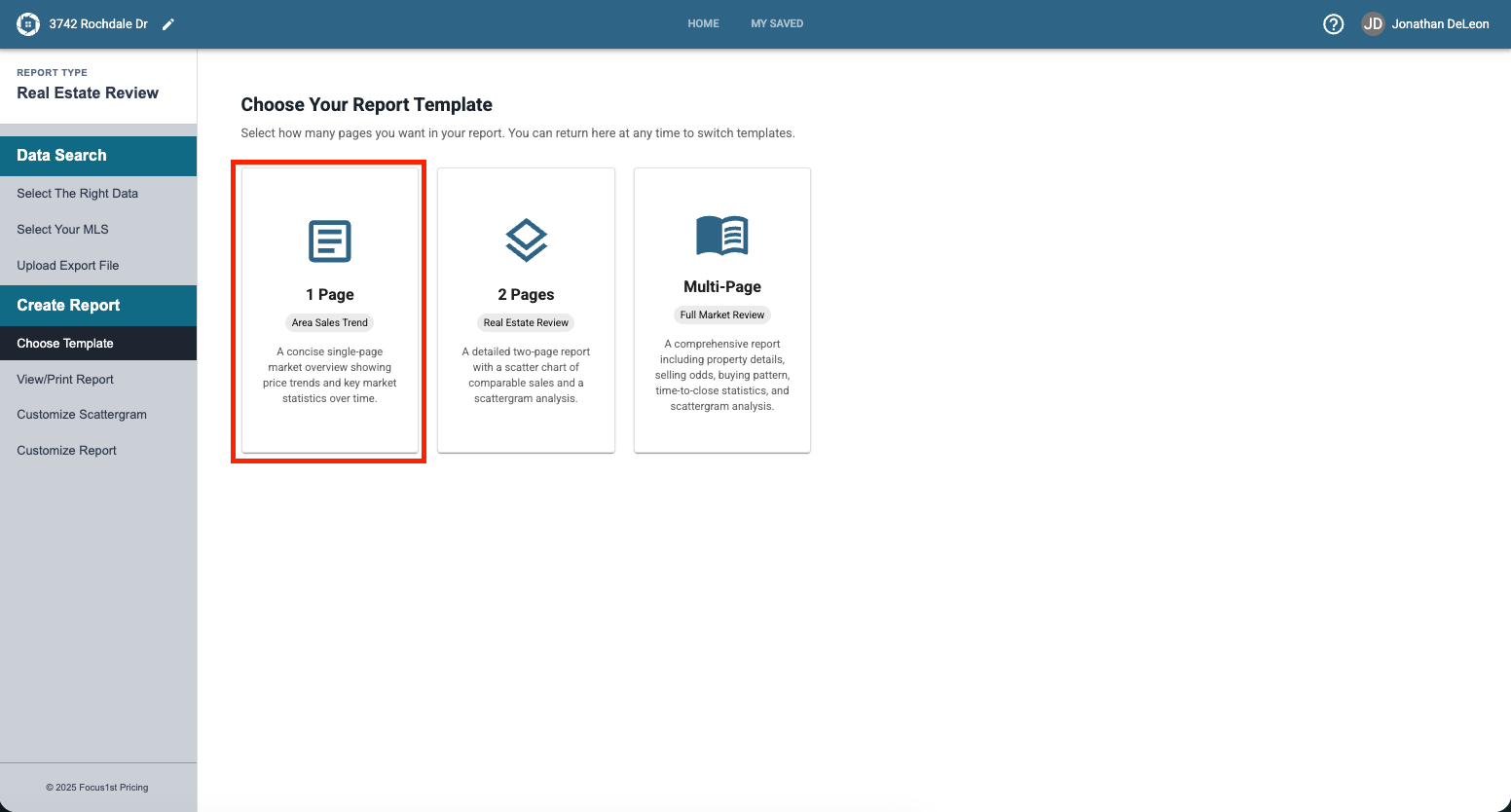
The 1 Page Report allows you to create a simple yet powerful Area Sales Trend, and is selected by clicking the option on the left.
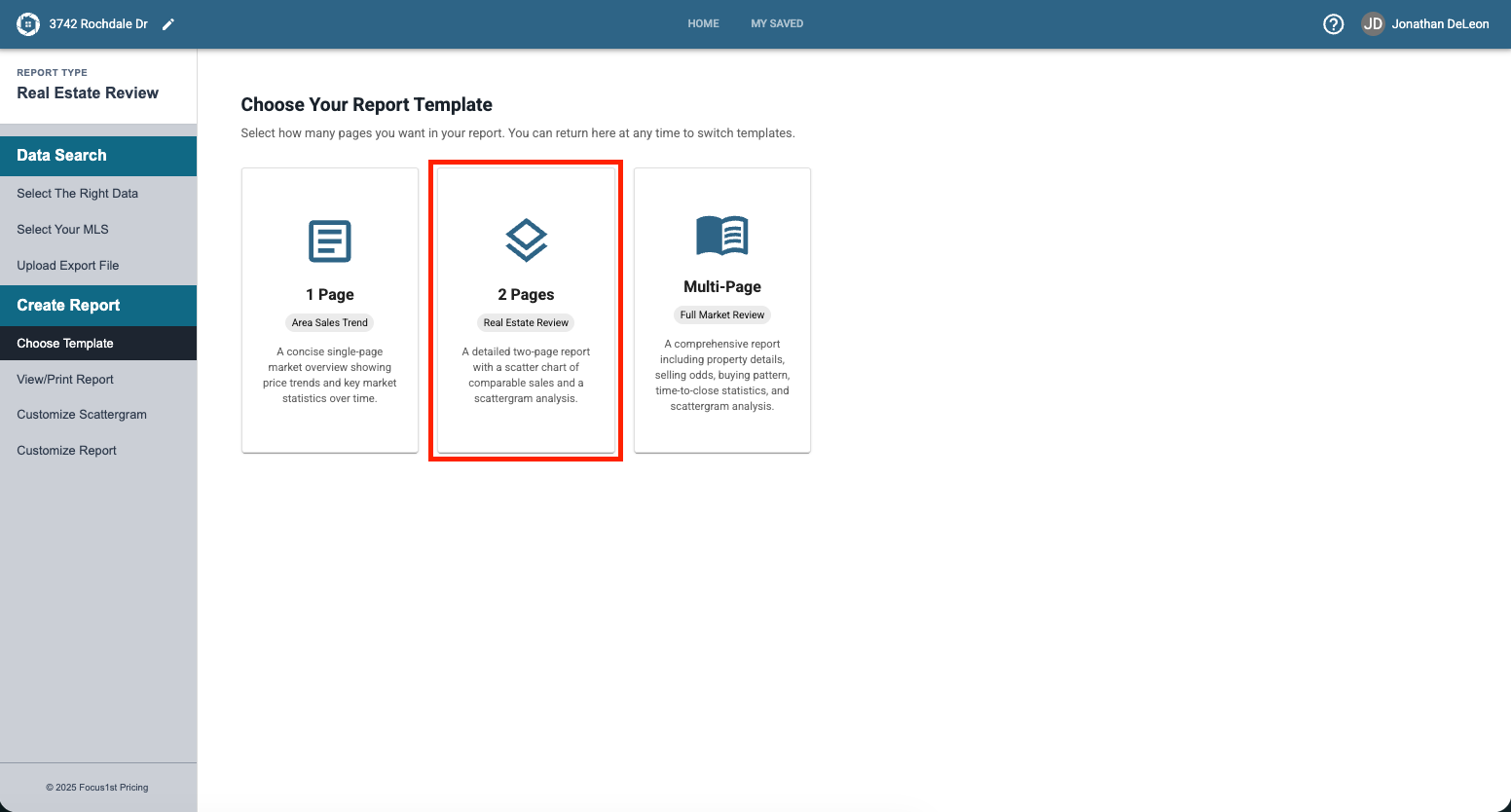
The 2 Page Report allows you to create a report that shows the area patterns on one page and Scattergram on the other. This let’s you have a more in-depth discussion with your clients regarding their area. Select this option by clicking the second button.
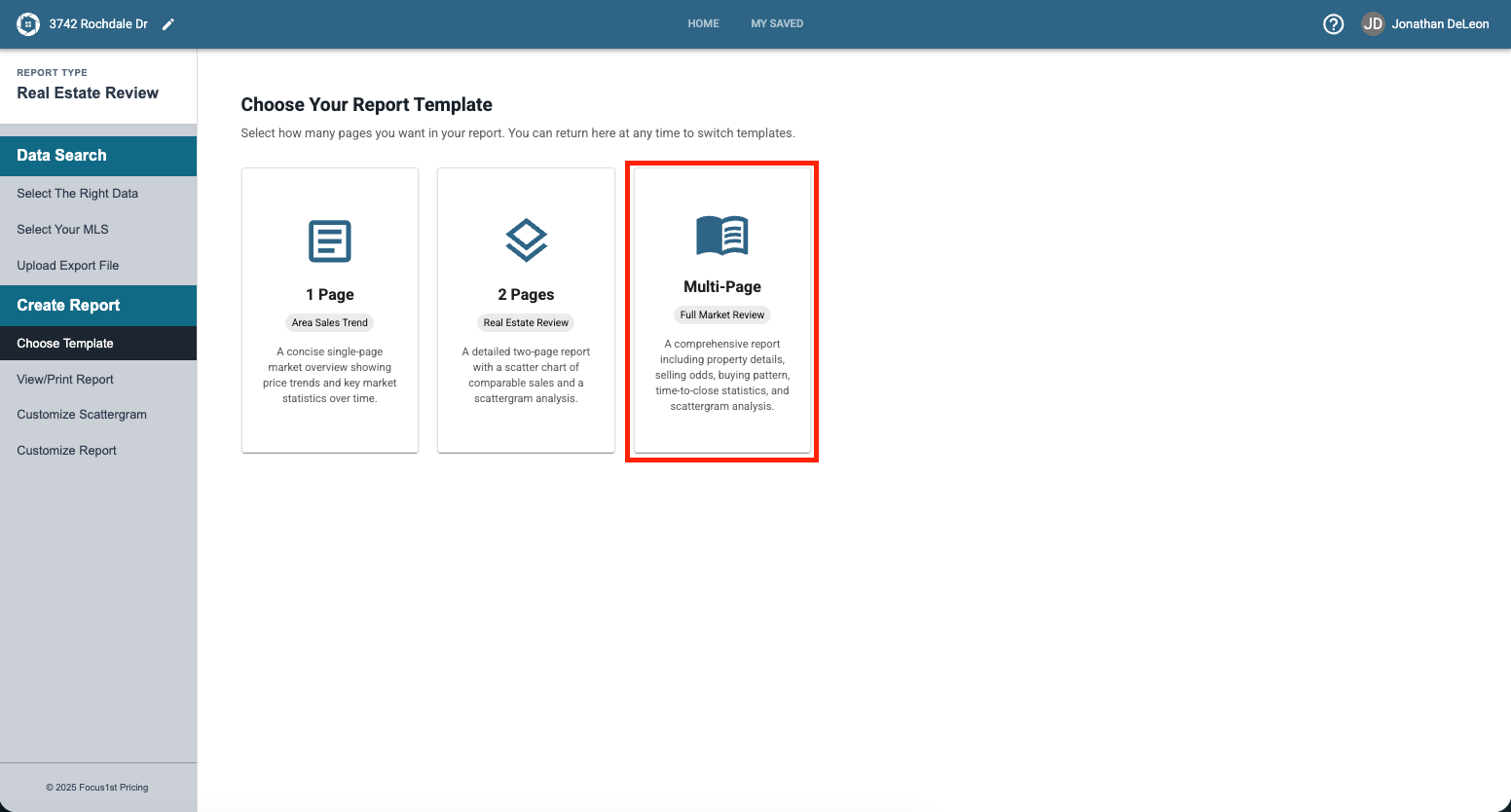
The Multi-Page Report is the most robust option with additional pages and more custom options. It is for the agent that wants a longer discussion and larger graphics. Select this option by clicking the third button.
Customizing these options are each detailed in their own instruction page found HERE.
Open Choose Template Sidebar Step
Select Your Report Option