
Help Center > Profile & Billing > How Can I Change My Subscription?
How Can I Change My Subscription?
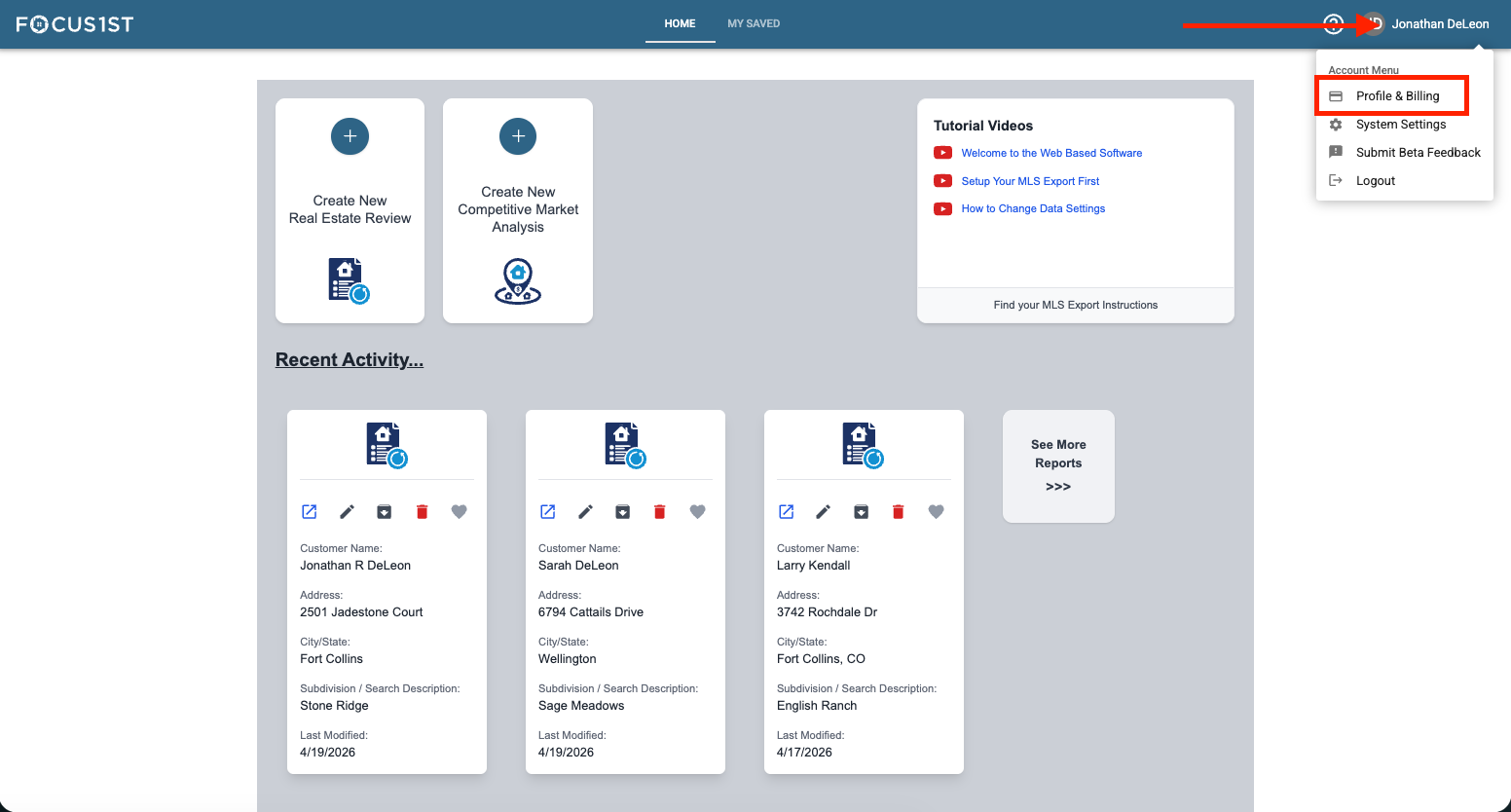
Open your profile menu using the dropdown, clicking your name then the option “Profile & Billing.”
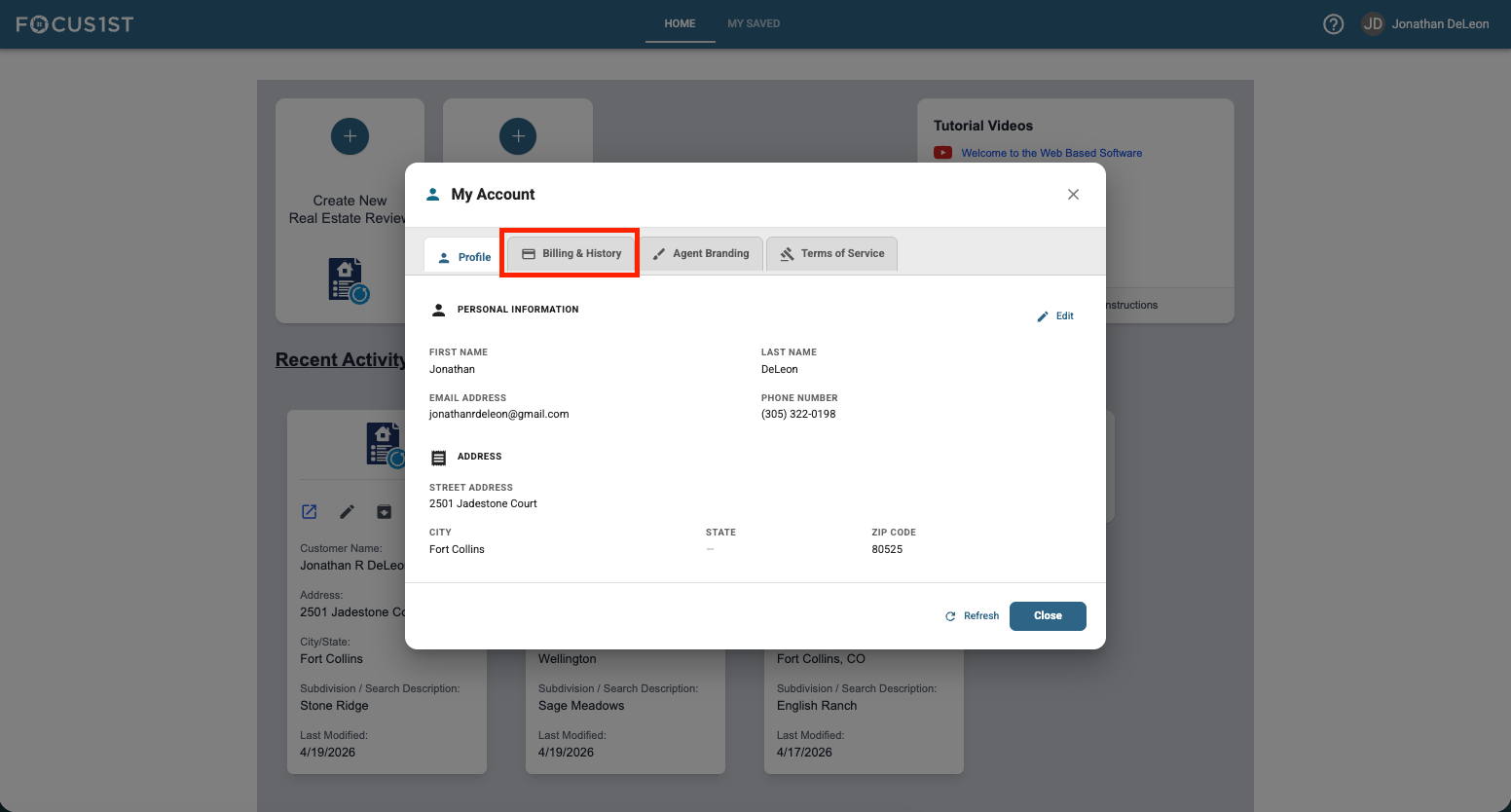
Click the tab “Billing & History.”
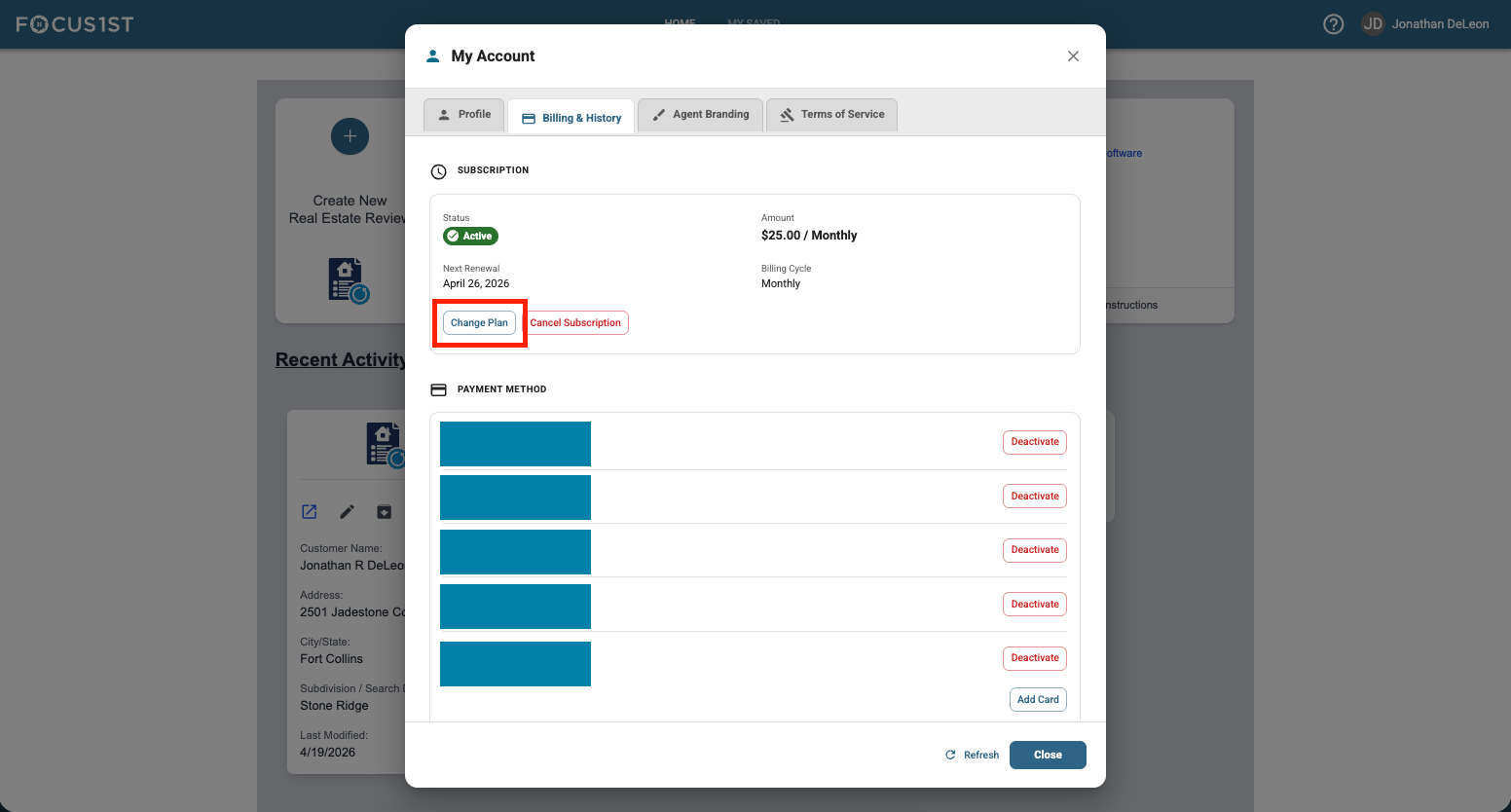
Click the Change Plan button in the Subscription area.
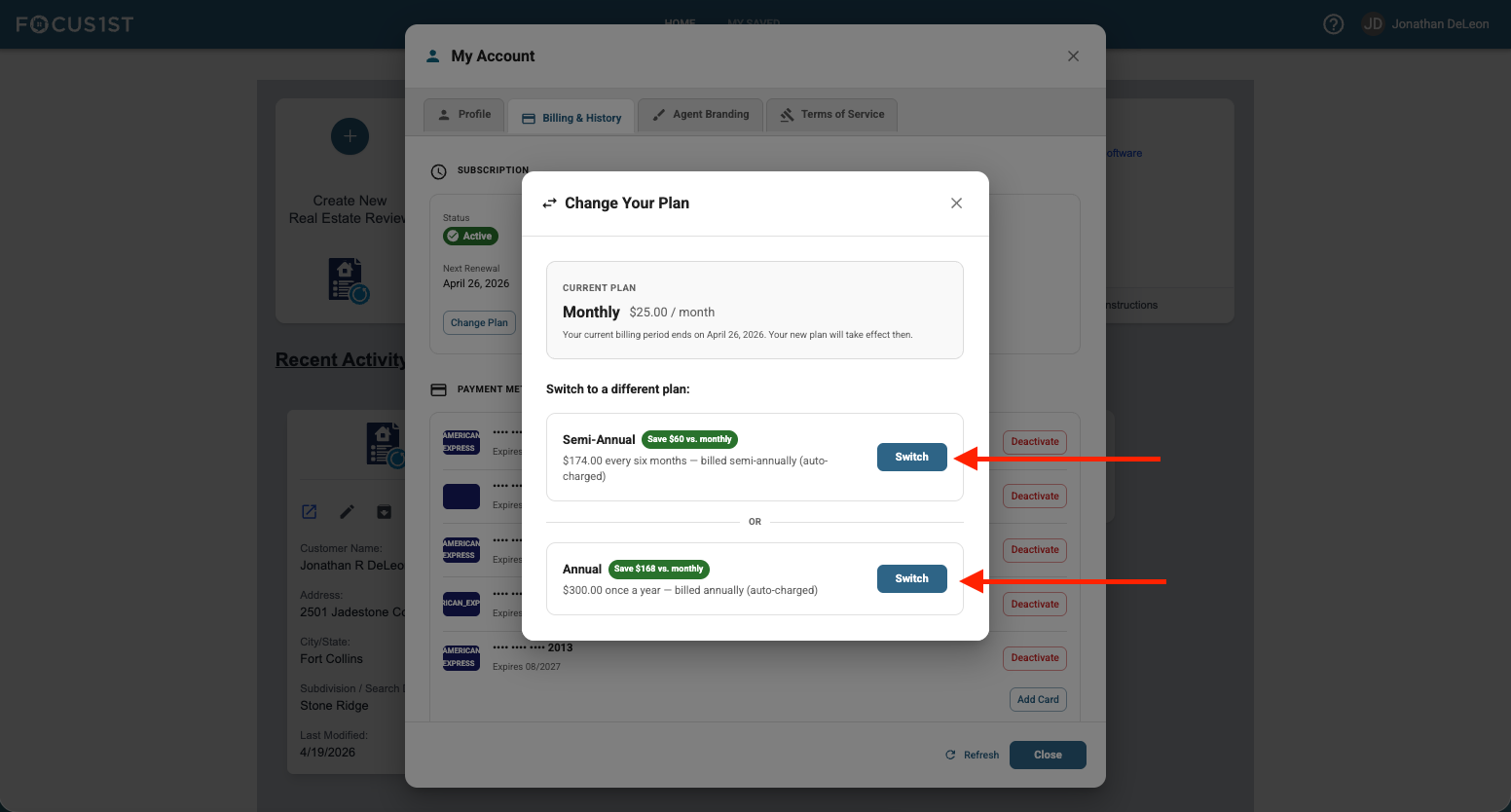
Click the new plan option you’d like to switch to. NOTE: Annual and Semi-Annual are prepaid billing so if you change to a monthly plan from an annual (or the like) you won’t see the billing change until your current plan runs out of the prepaid time.
Open Profile & Billing
Click Billing & History Tab
Click Change Plan Button
Select New Plan