
Help Center > My Saved Area > The Report Title Card Controls
The Report Title Card Controls
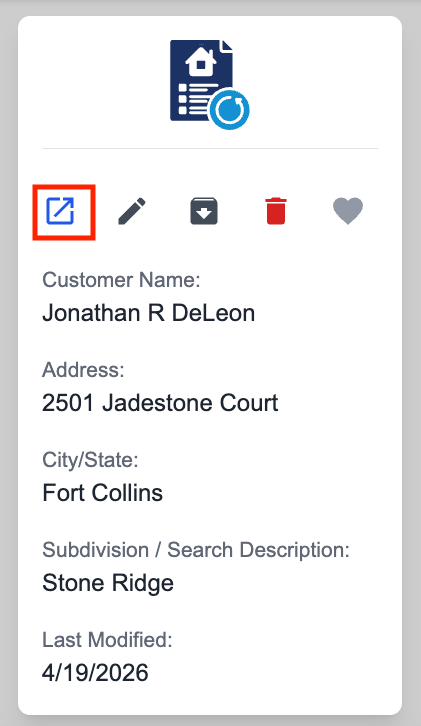
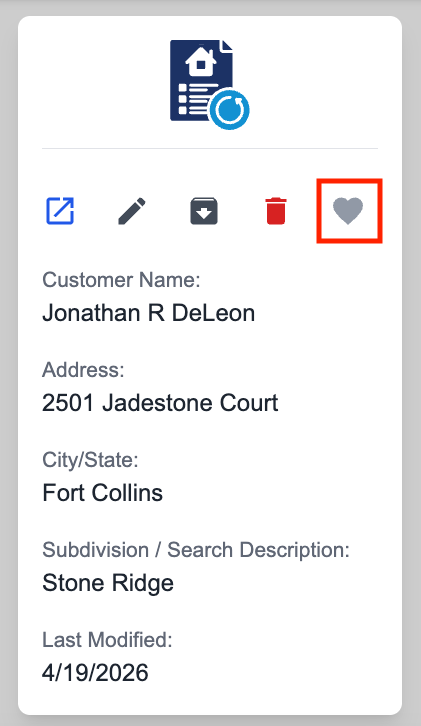
To open a file, click the arrow opening icon.
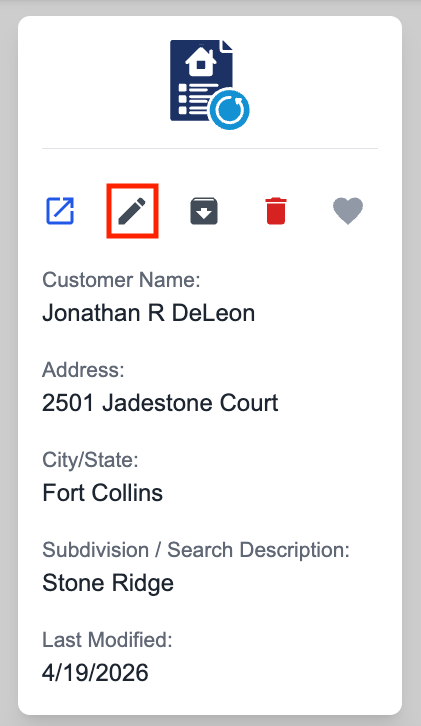
To edit the details of the report, click the pencil icon.
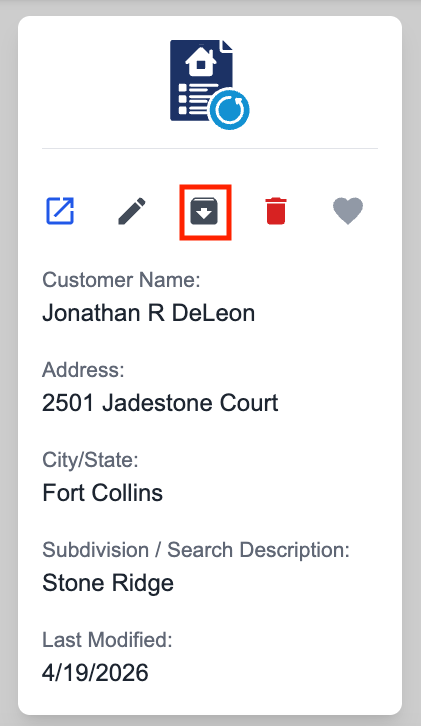
To archive (hide) a file, click the down box arrow icon.
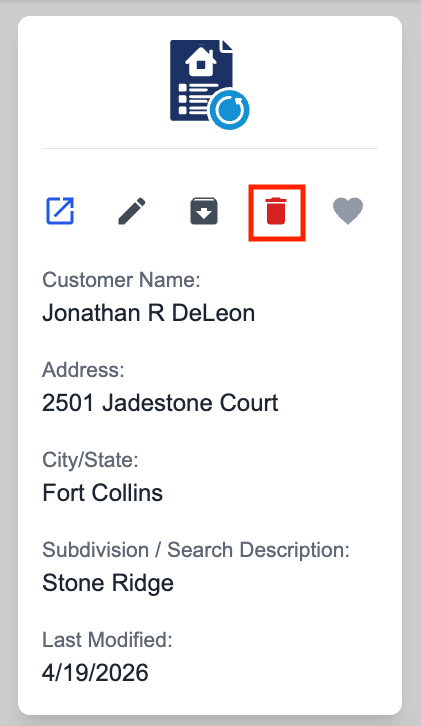
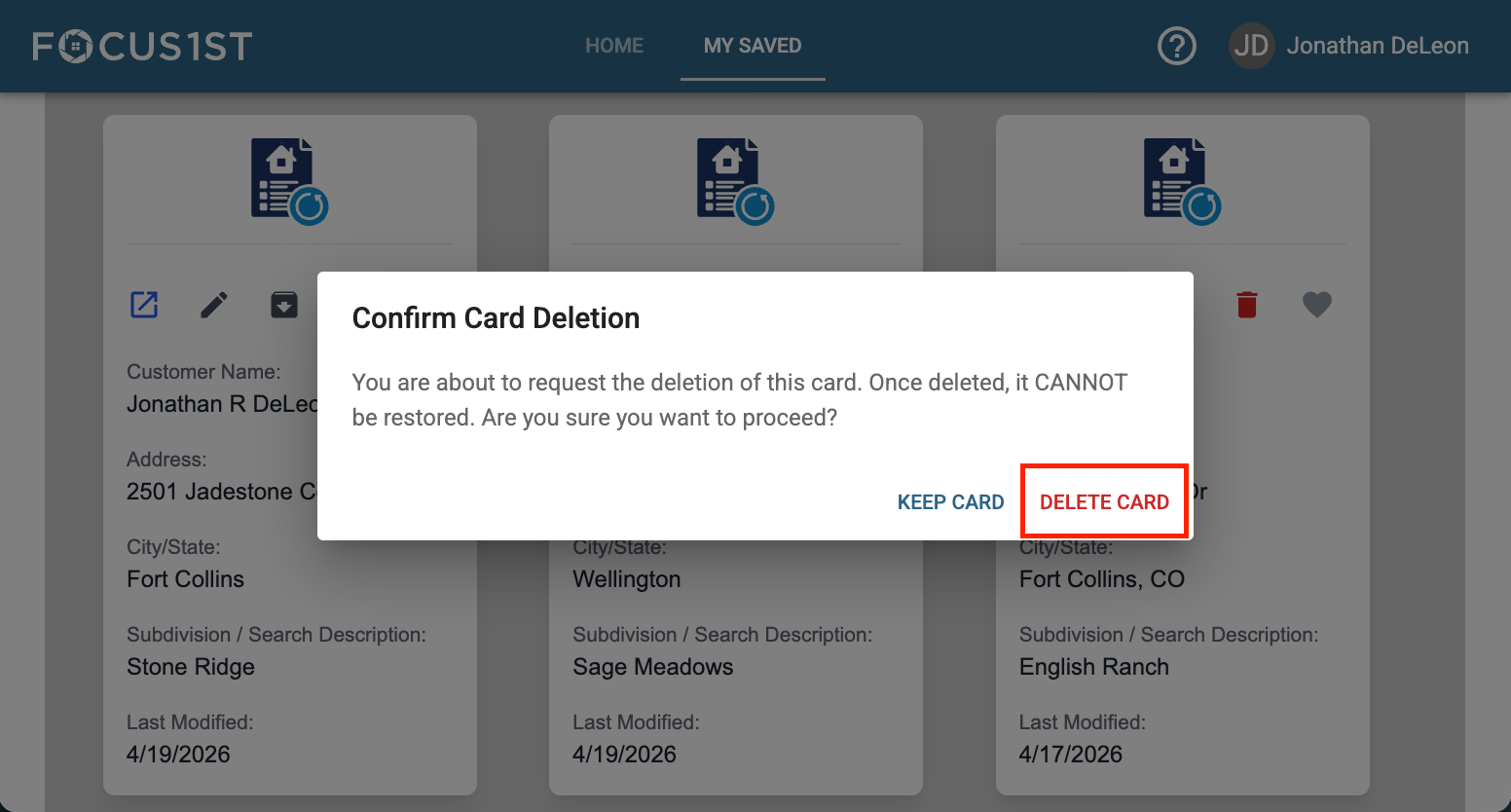
To delete a file, click the red trash can icon, then say DELETE CARD.
To favorite/unfavorite a file, click the heart icon.
Open File
Edit File Details
Archive File
Delete File
Favorite File