
Help Center > My Saved Area > How to Sort Your Saved Report Files
How to Sort Your Saved Report Files
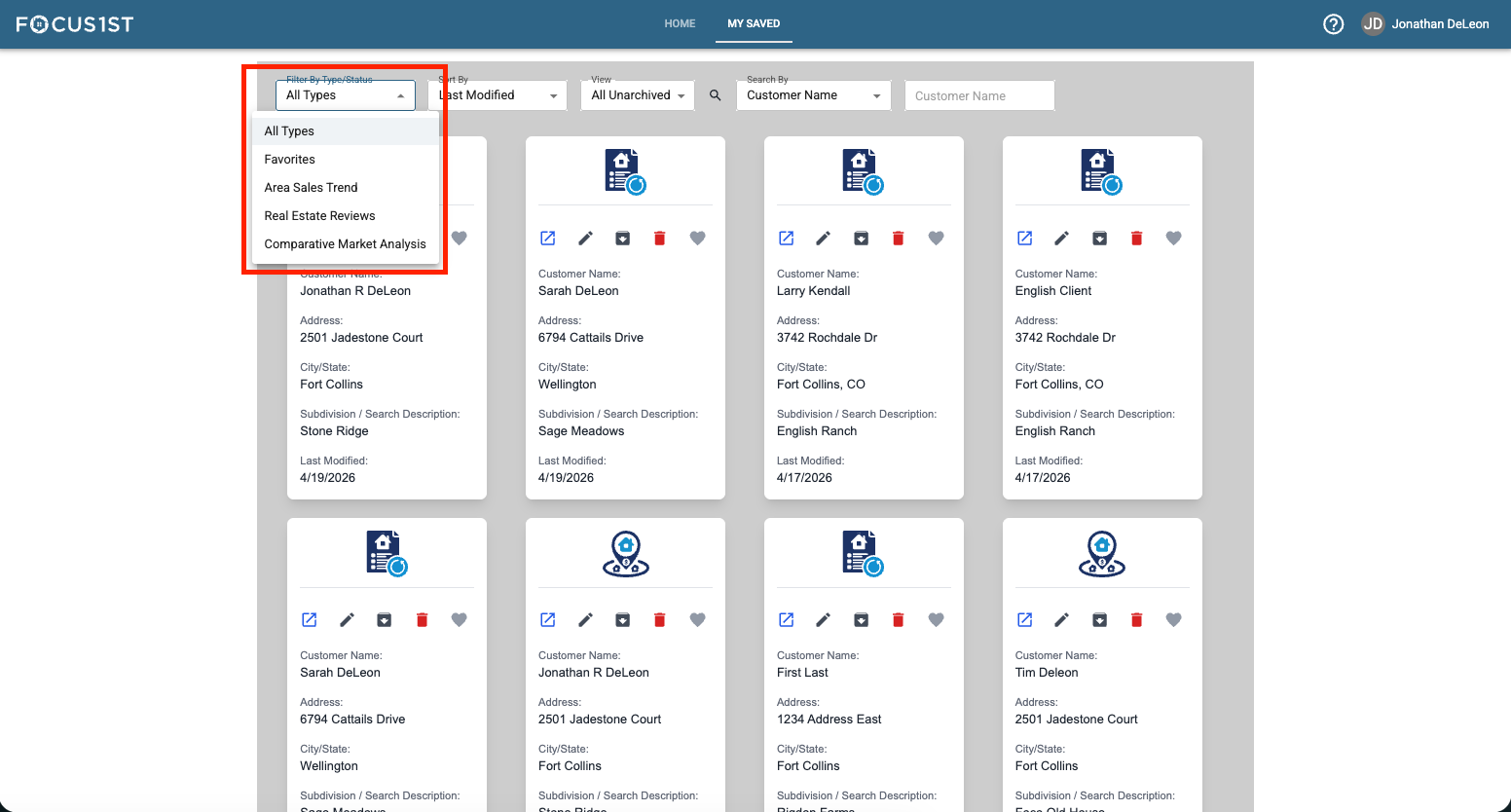
See only the report types you want by using the Filter By Type/Status dropdown.
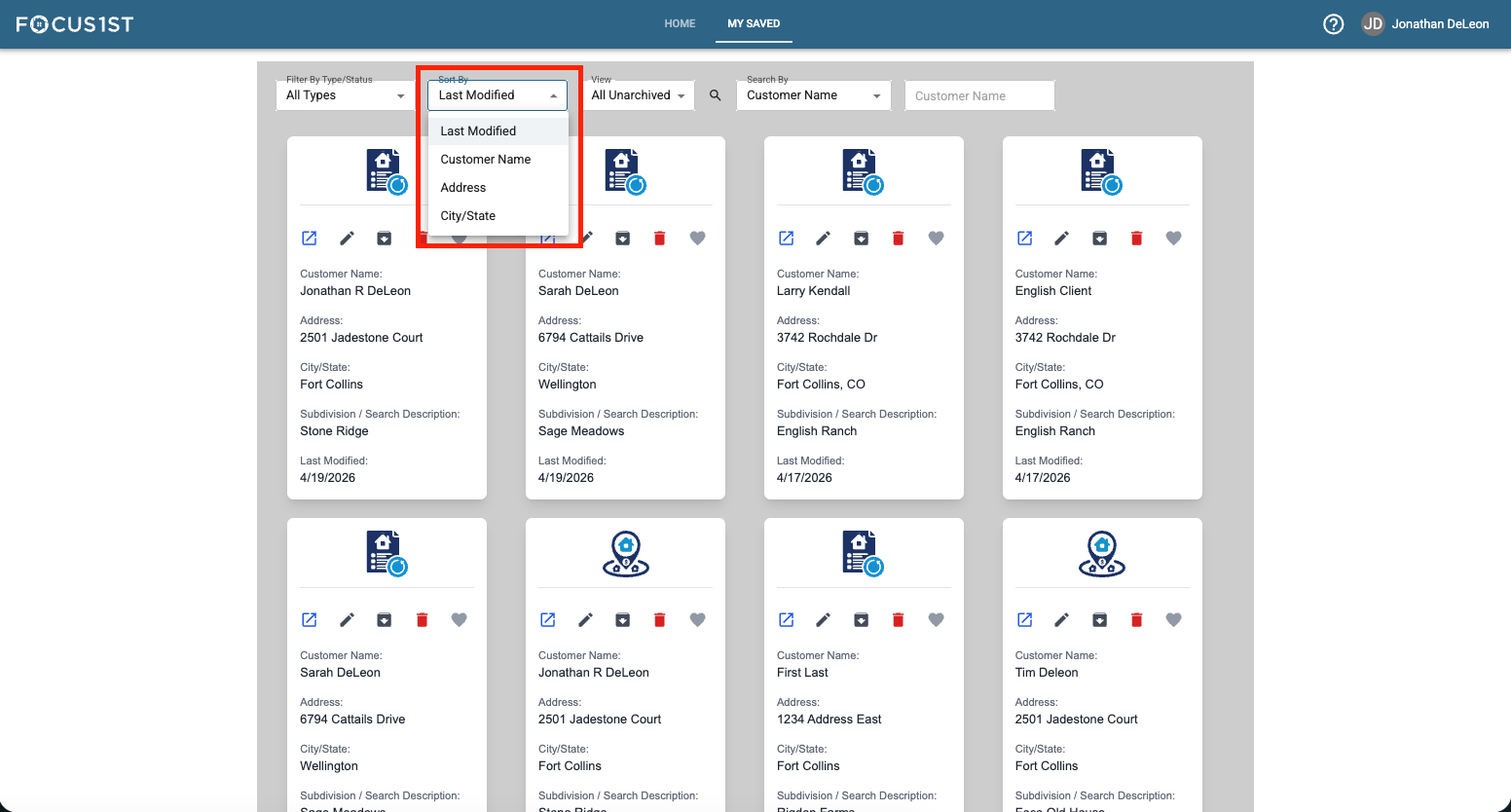
Arrange the saved area by different methods using the Sort By dropdown.
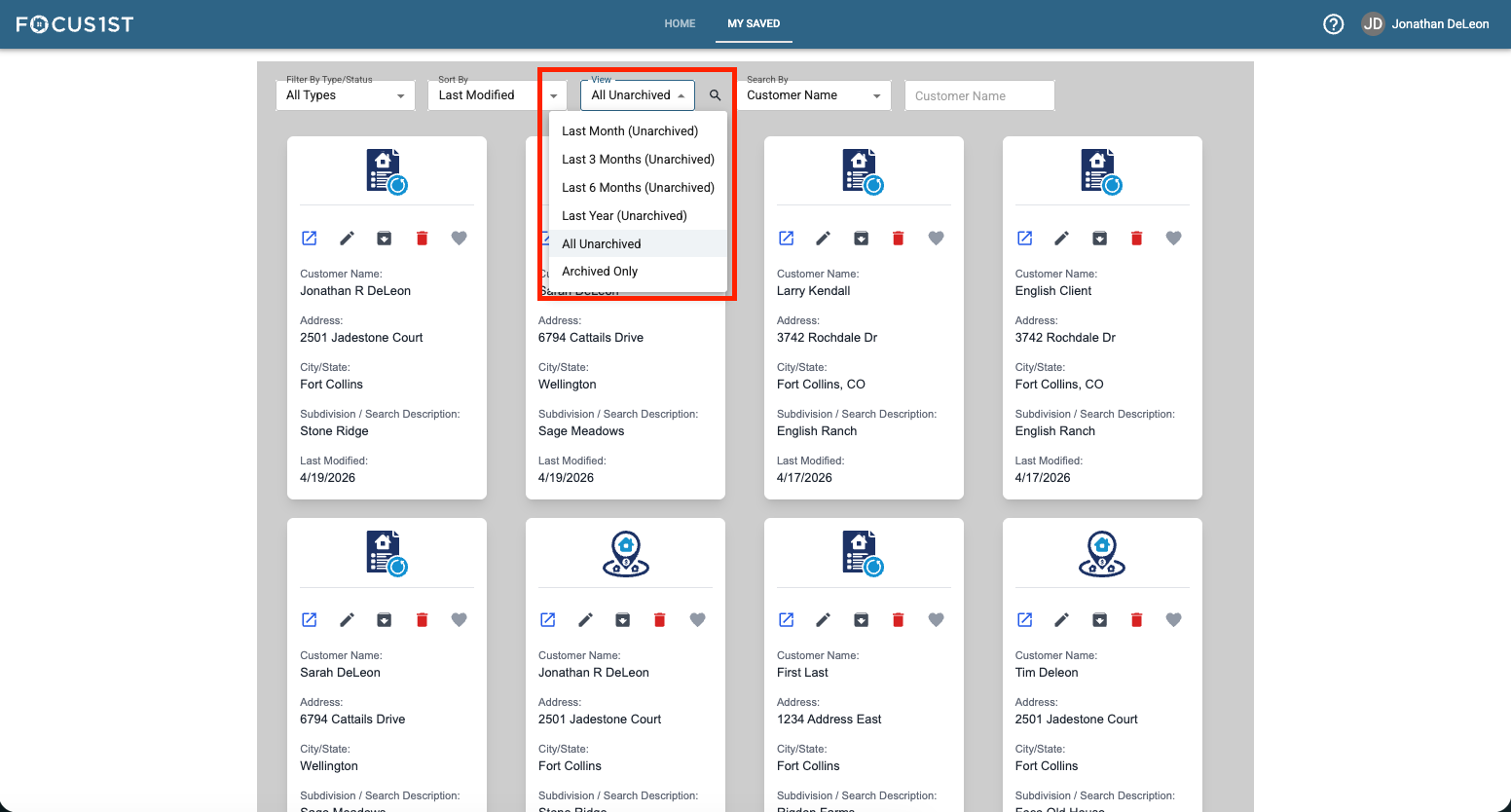
Show reports from only certain time periods using the View dropdown.
Filter By Type/Status
Sort By Option
Time Period View Option