
Help Center > Getting Started > Setting Up Your MLS Export File
Setting Up Your MLS Export File
What the software needs in order to run is a lot of good formatted data that is available to all in the MLS, however sometimes we need to ensure it’s exporting it properly. Every MLS is different which means every setup can vary some. We have created a large library of instructions that allow you to ensure you get is setup up right. Here is what you’ll need to do.
Login to your MLS and your software.
Click the link here to open you MLS Export Instructions: MLS Export Instructions
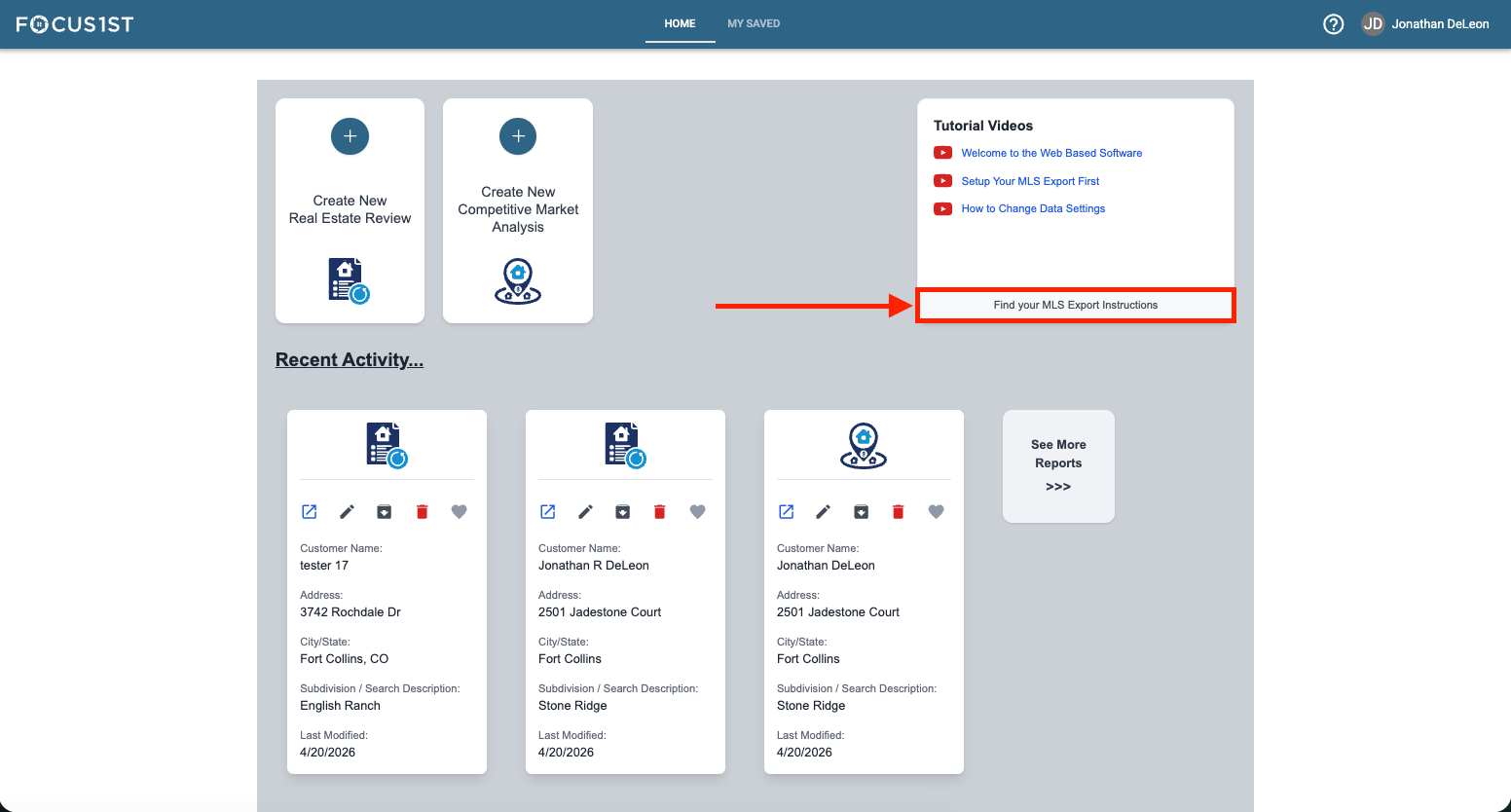
OR in your software to open the page using the button at the bottom of the tutorials window.
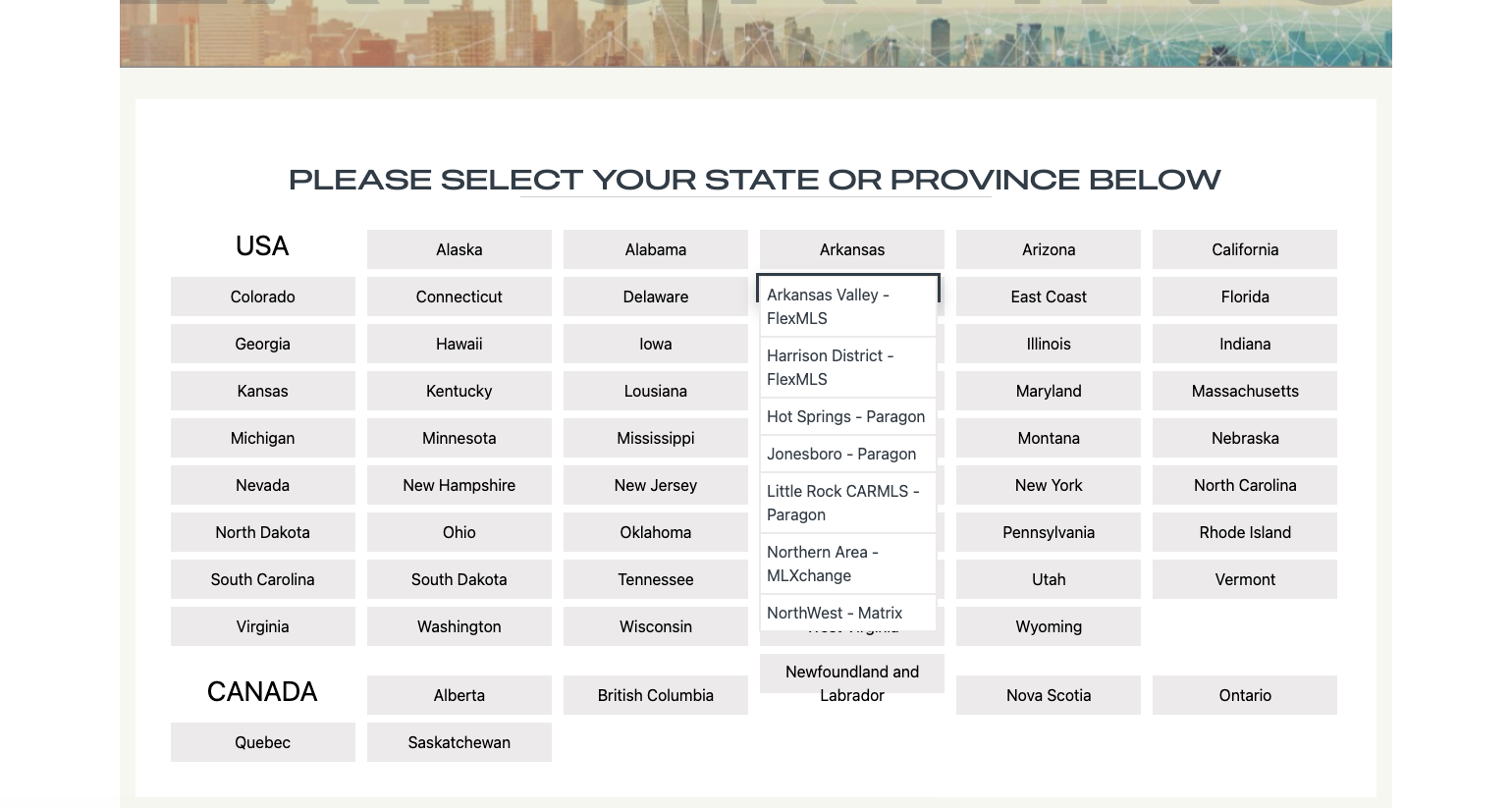
On the instructions page, hover over your state and select your MLS in the dropdown menu.
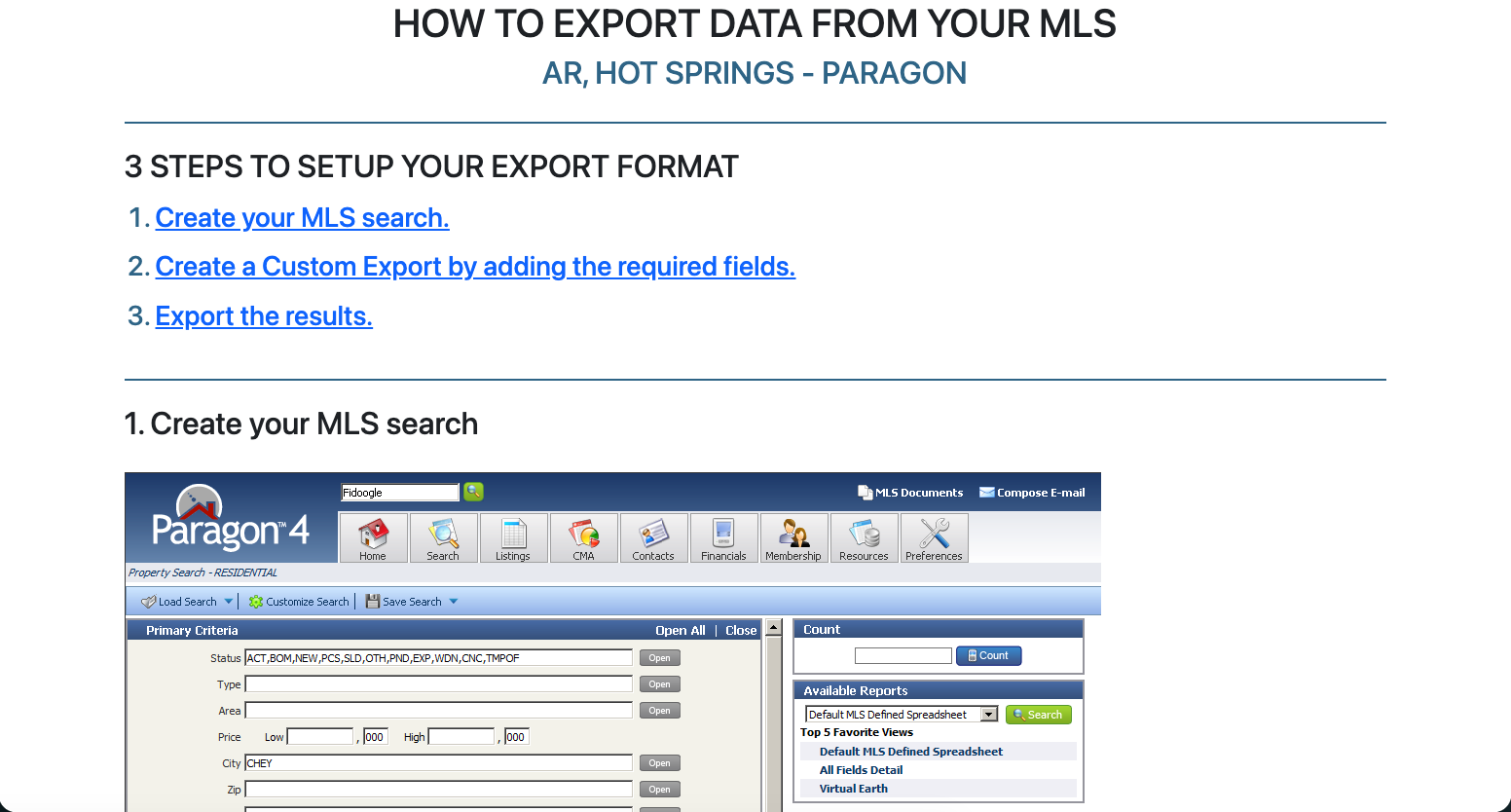
Follow the instructions to make sure your export from the MLS is setup correctly.
If you’re having issues or you can’t find your MLS, please reach out to our support team and we’ll get you up and running asap! Email us at support@focus1st.com and we’ll start a support ticket.
What We Need
Every MLS is Different
Where to Find Your Instructions
How to Get Support If Needed