
Help Center > Getting Started > How to Use the Report Creation Area
How to Use the Report Creation Area
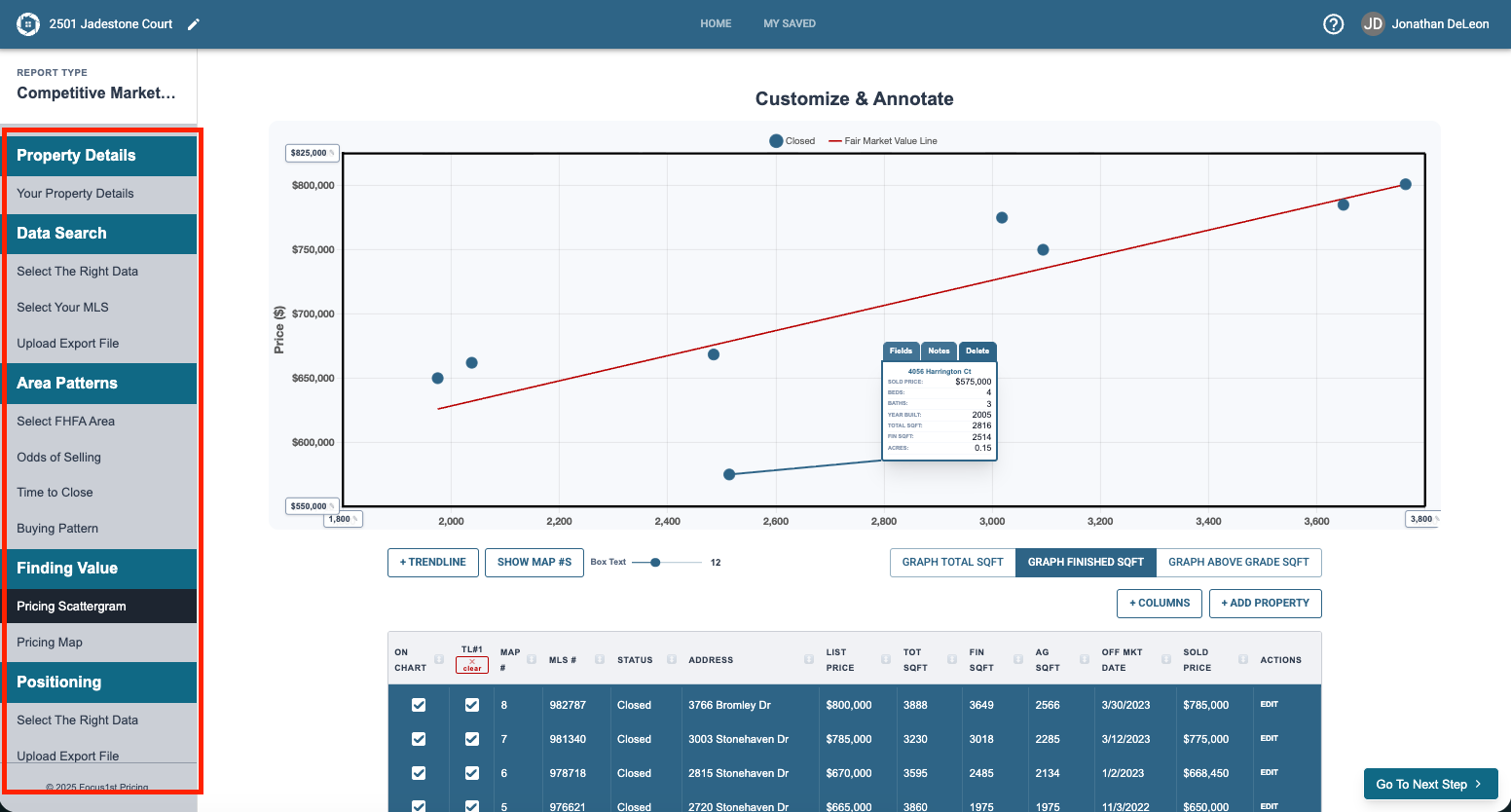
The report creation area is divided in two main areas. The first is the sidebar. This is the step-by-step progression you’ll be working through as you create your report. It also a navigation that you can click on to skip to certain steps or go back if needed.
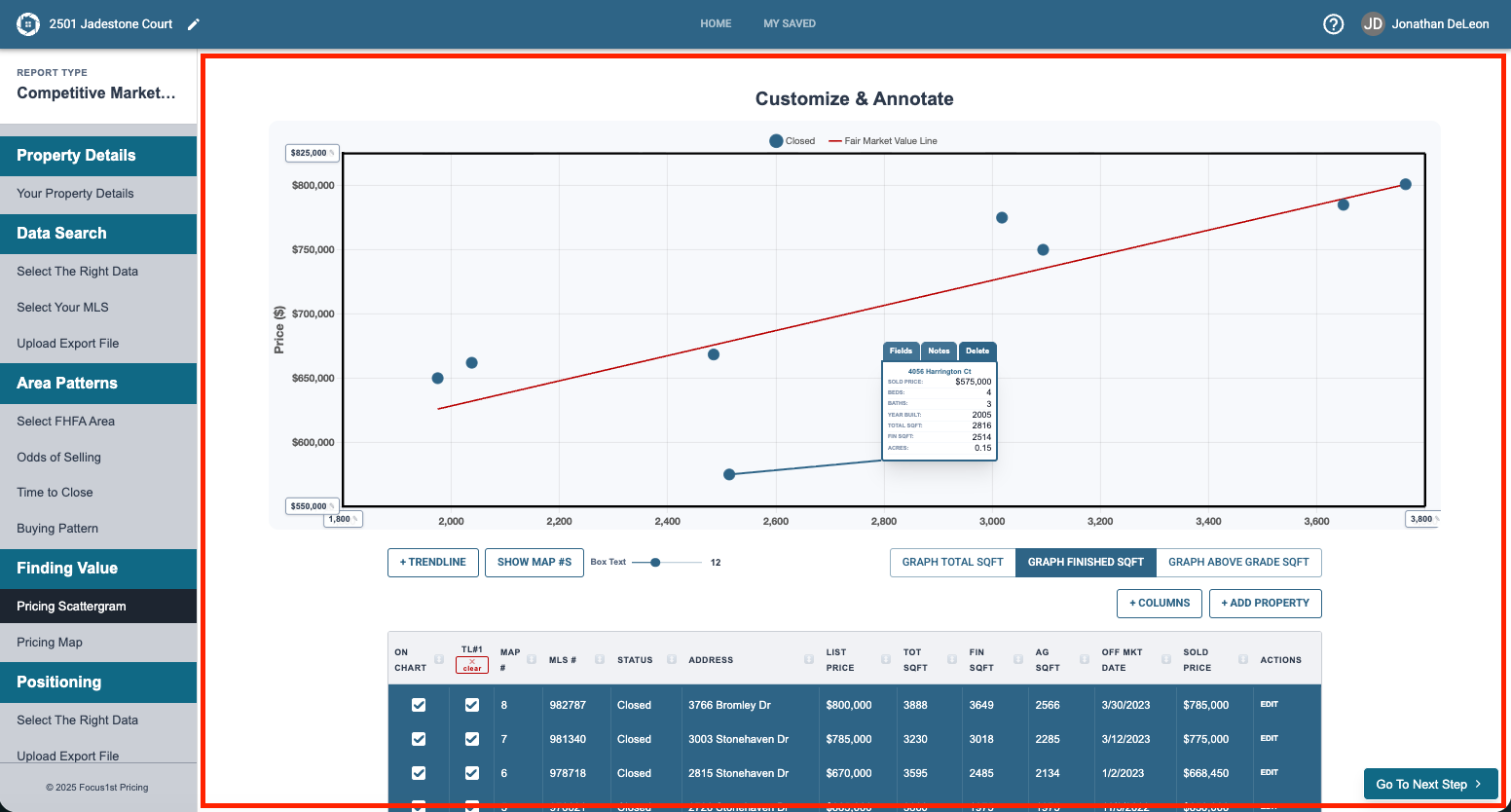
The other main area is a reflexive report controls area that changes and allows you to take the necessary functions to accomplish each step as you continue through the process.
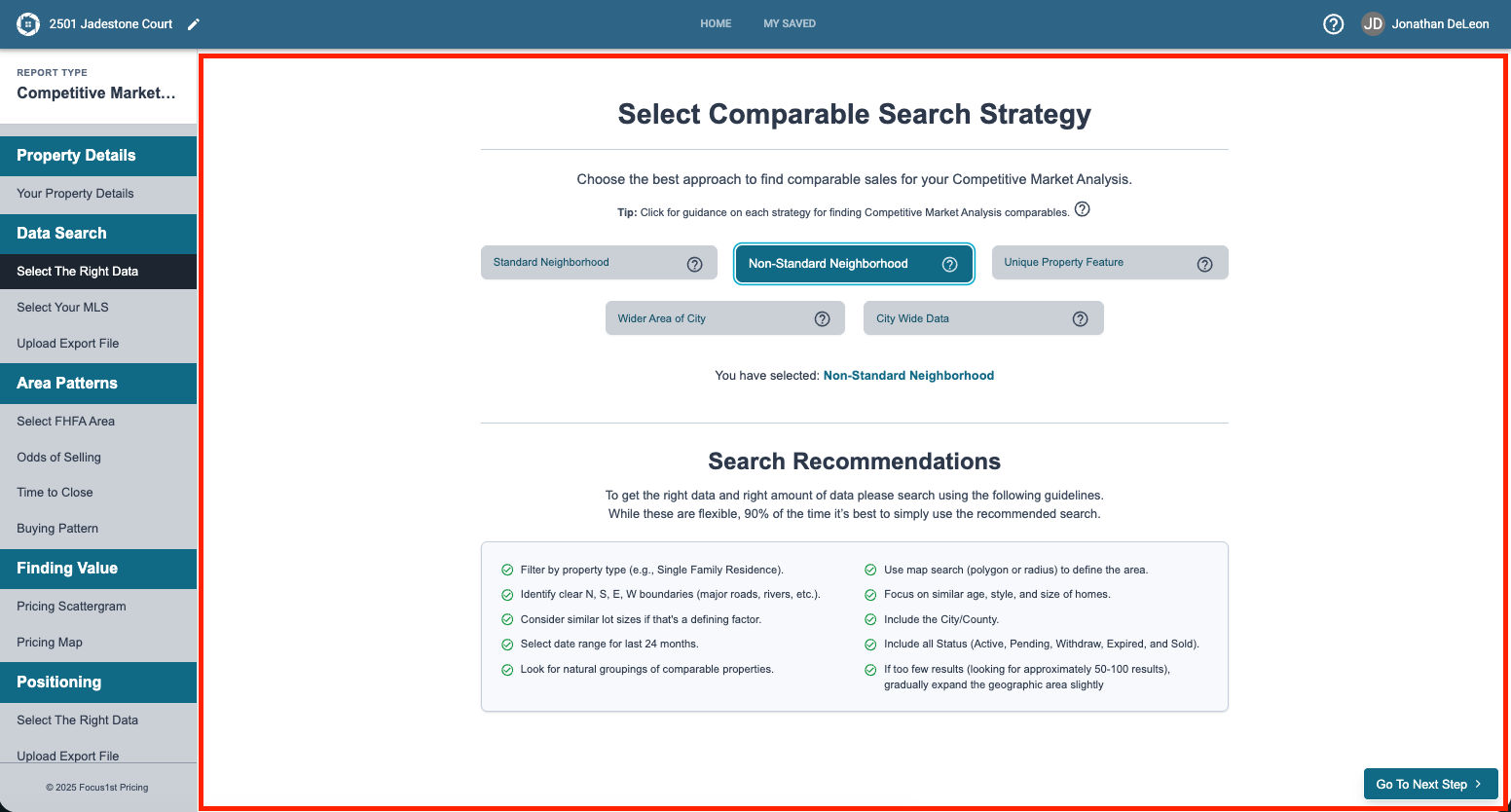
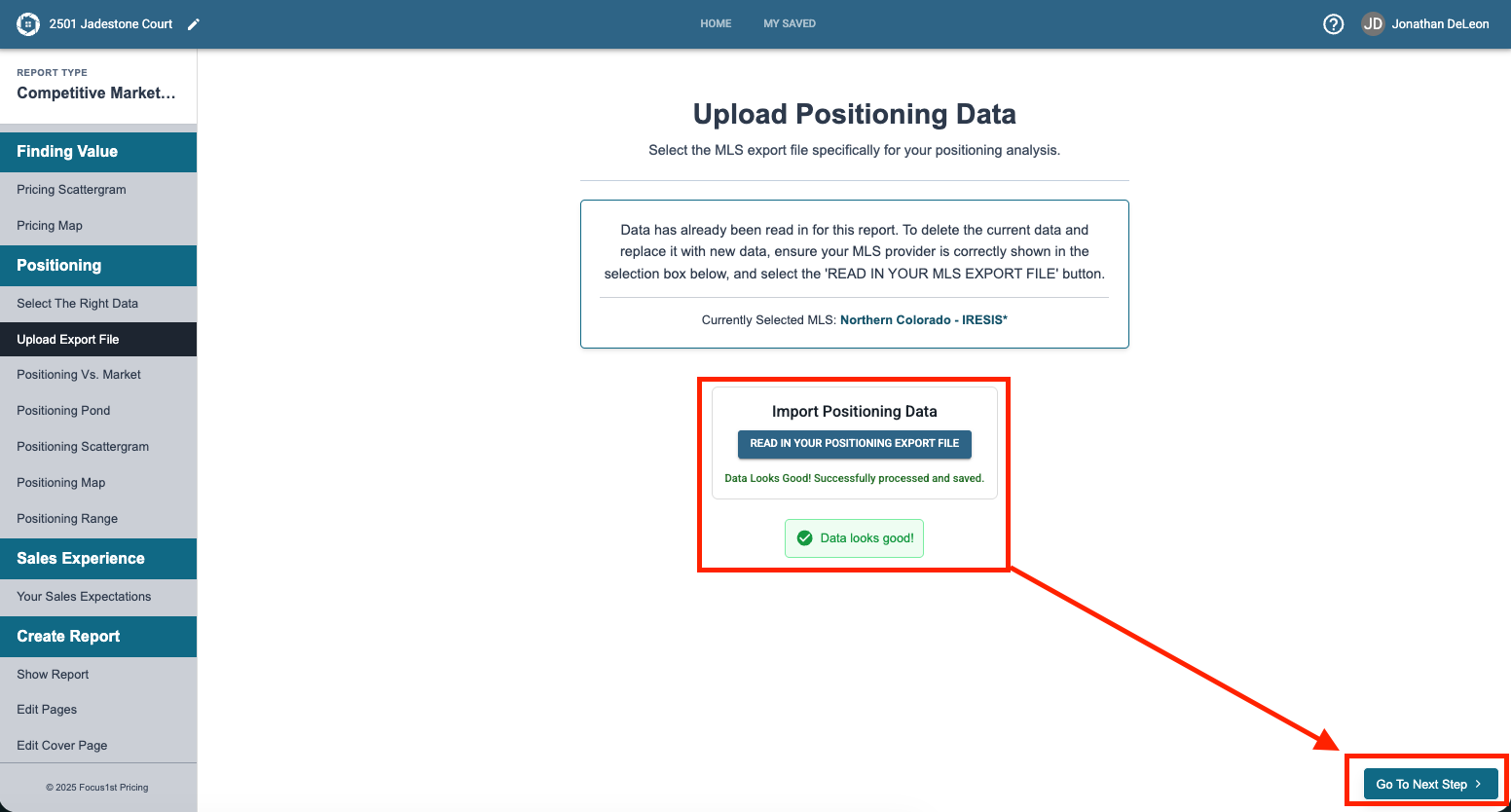
To use the software, you will take the necessary actions on the report creation area then click the Go To Next Step button. The program will lead you to the correct completion as you go.
Main Layout
Sidebar
Main Functions Area
Reflexive Step Options