
Help Center > Getting Started > How to Request a Forgotten Password Reset
How to Request a Forgotten Password Reset
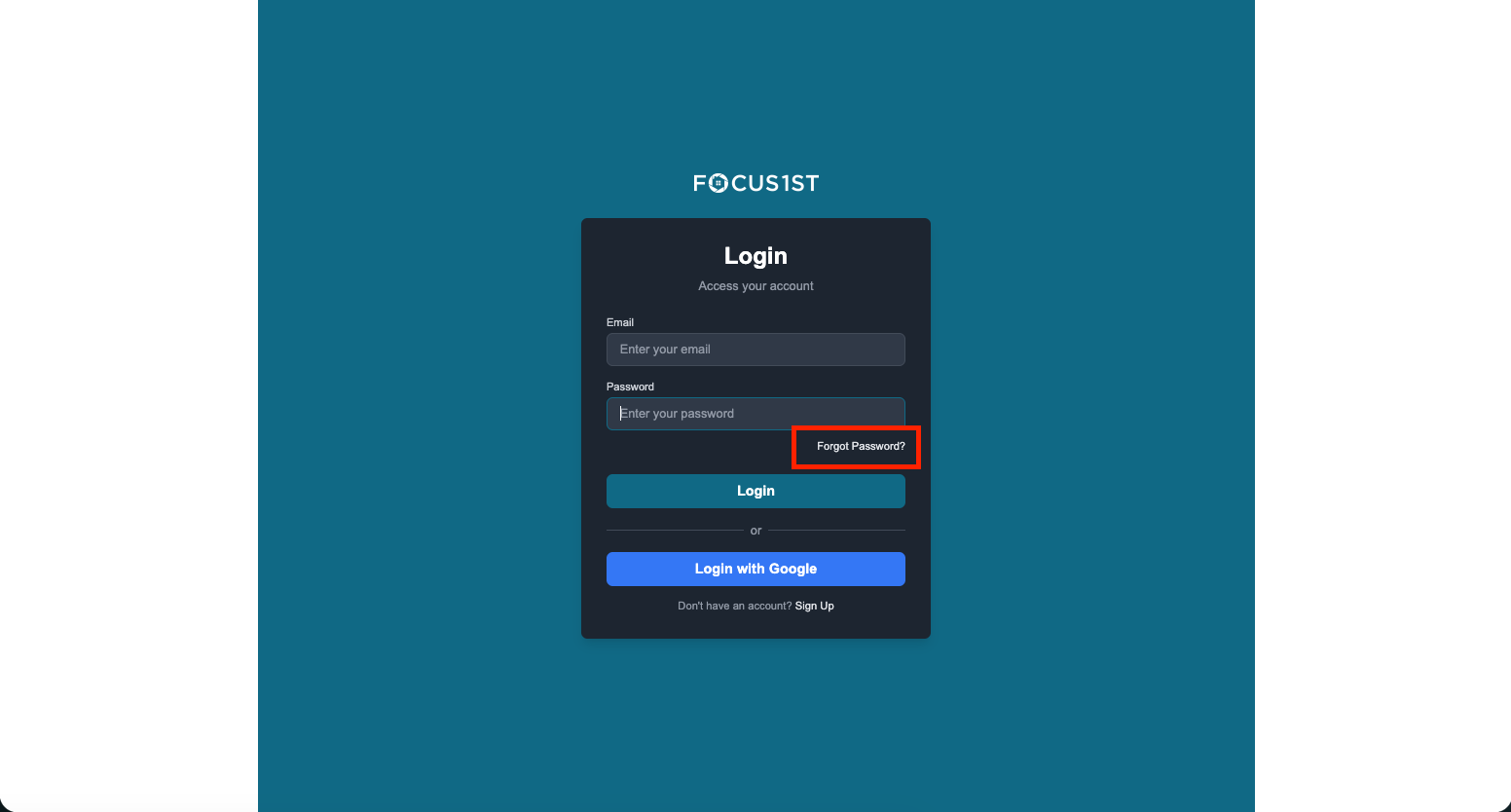
When you forget your login, it’s easy to request a new password. On the login page, click the link “Forgot Password.”
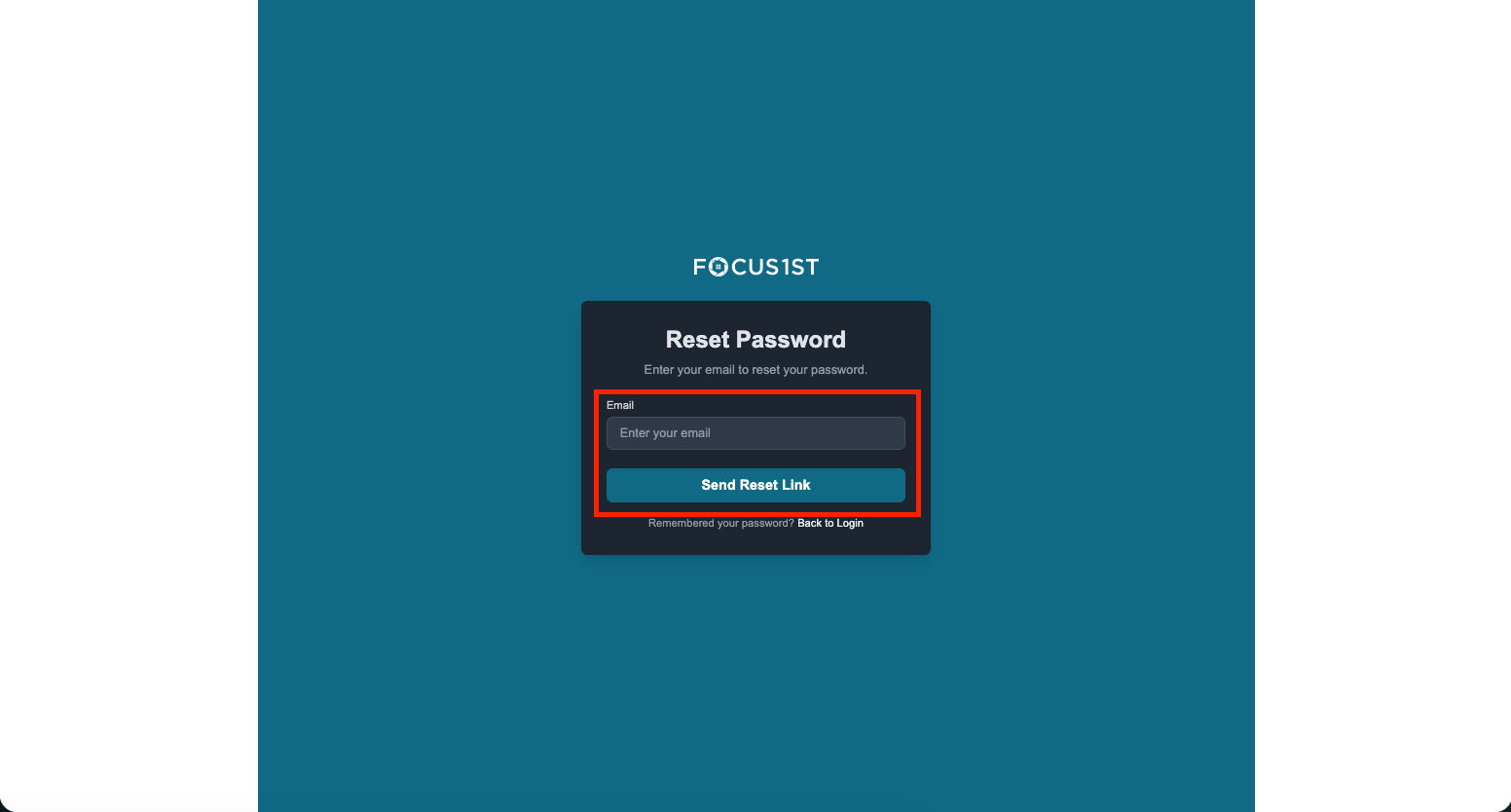
Then on the next screen enter your email and click “Send Reset Link.” In a few minutes you’ll receive an email to create your new password. NOTE: Check your promotions and other folders if you don’t see that email within 10 minutes.
Forgot Password
Send Reset Link
Follow Email Instructions