
Help Center > Getting Started > How to Navigate the Software
How to Navigate the Software
The Layout of the Software is essentially divided by the navigation bar and the main working area. The main working area changes based on the step you’re on or what controls you’re doing.
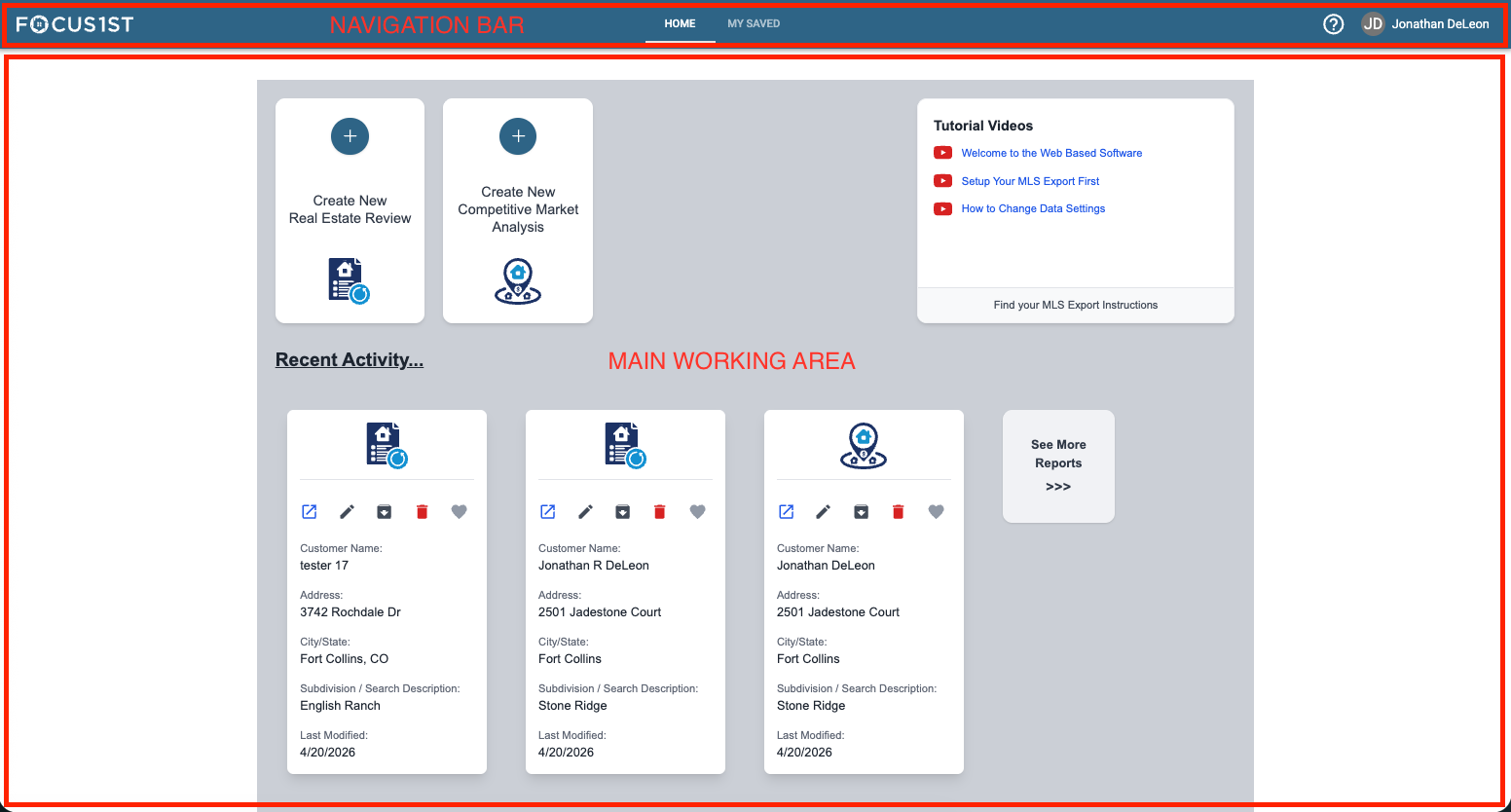
Navigation Links in the Center
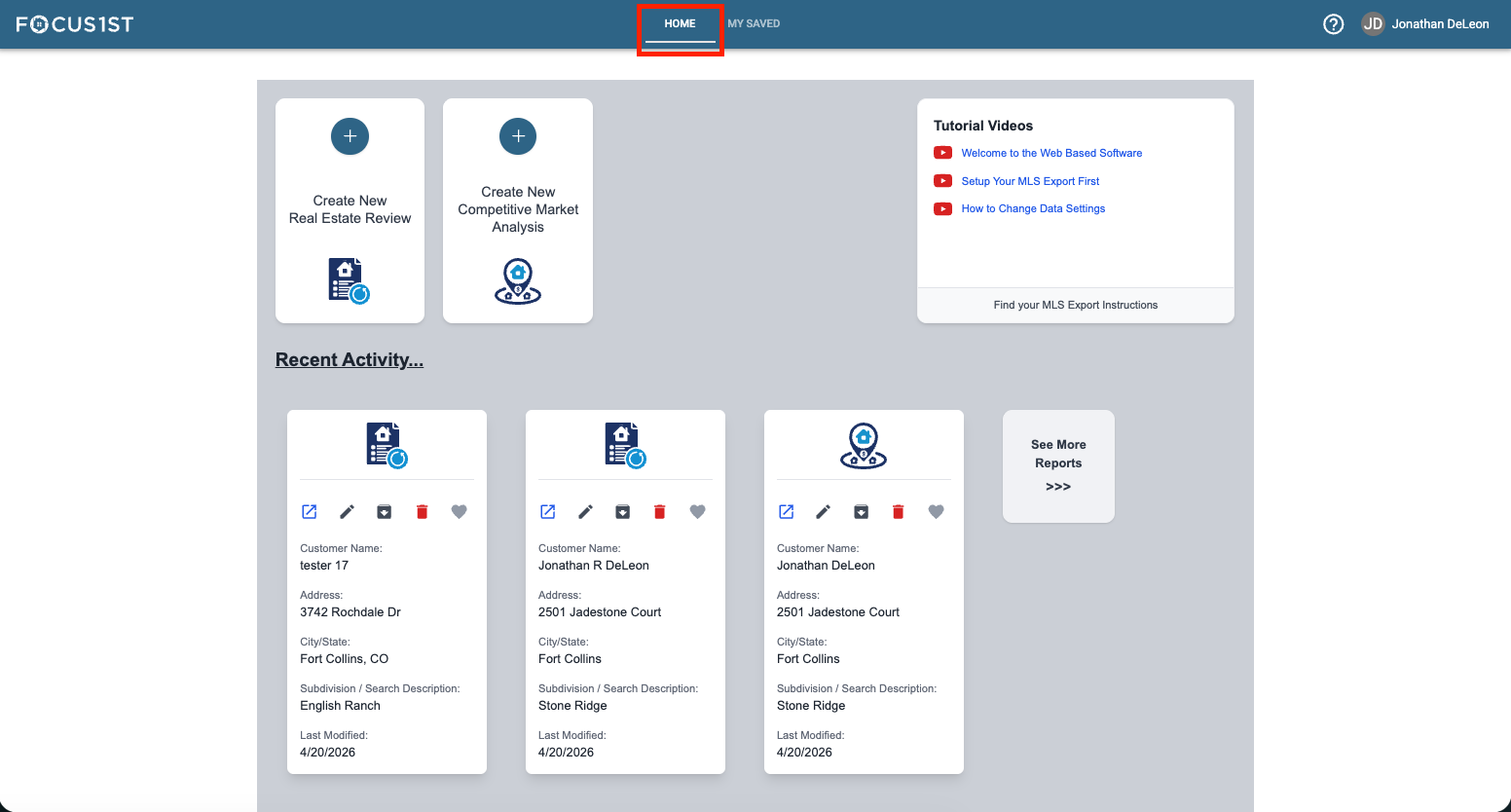
Home takes you to main screen from anywhere in the software.
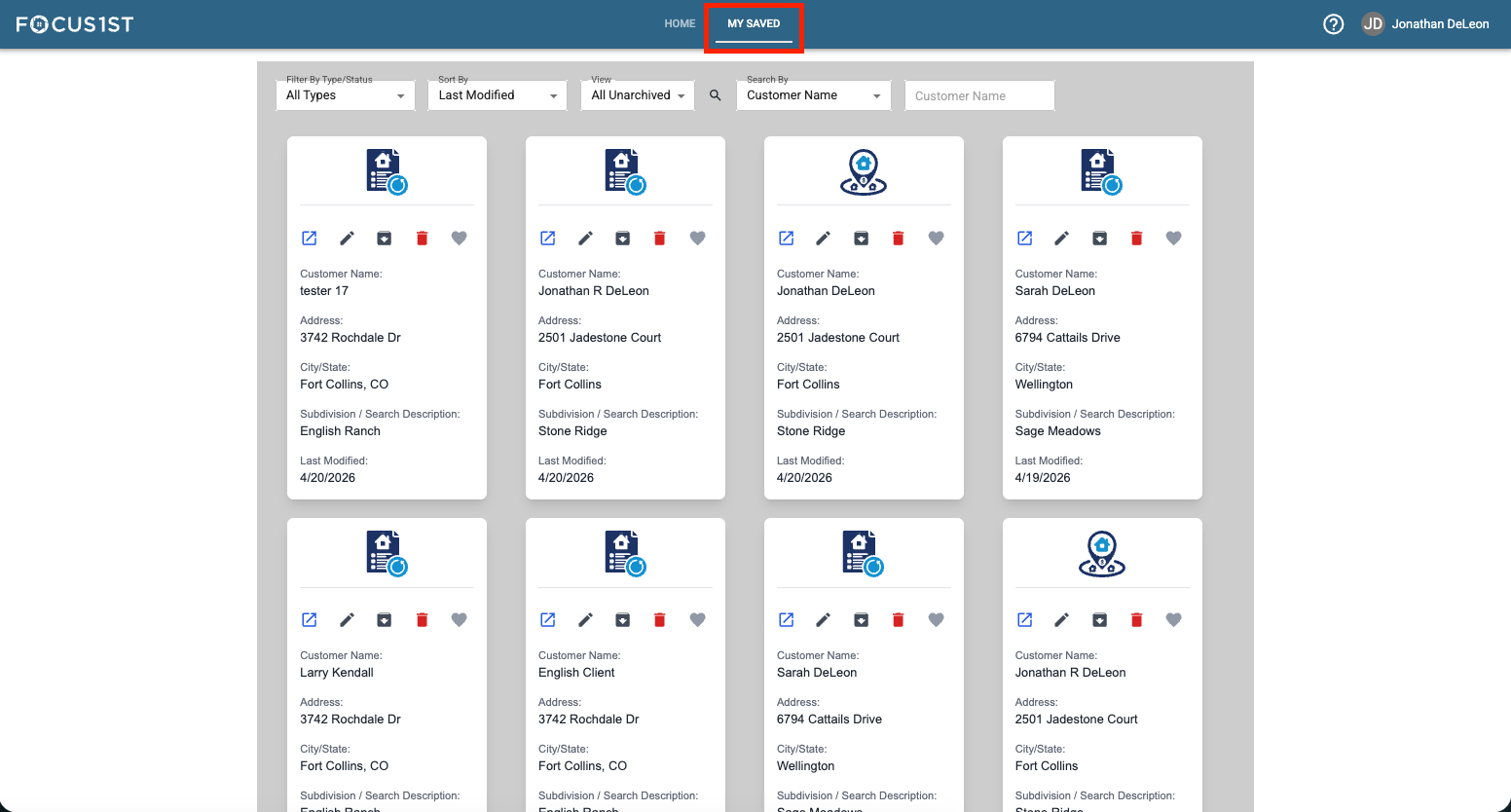
My Saved takes you to the saved area from anywhere in the software.
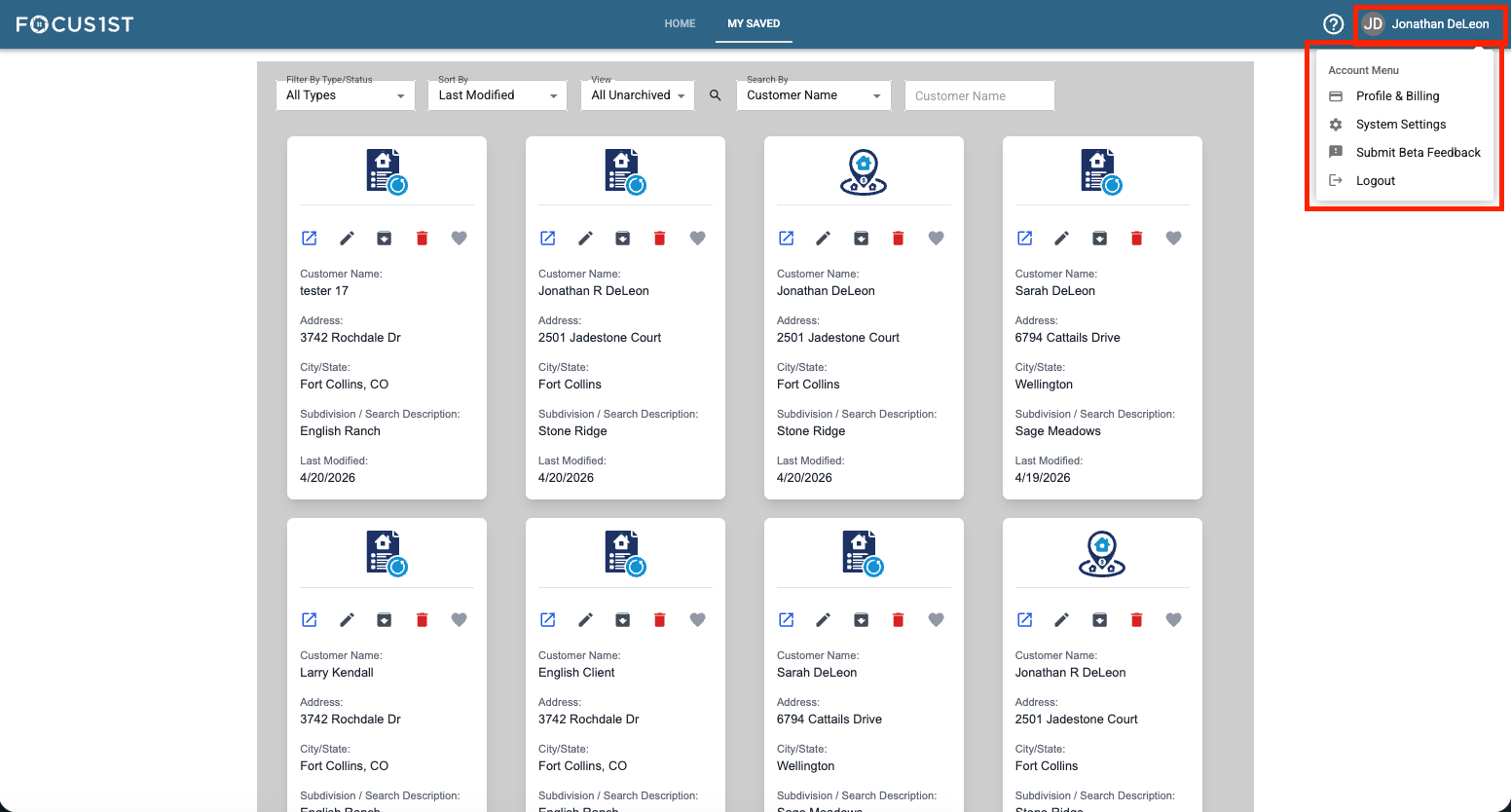
Name Dropdown
Gives you access to change your account, update billing and change custom settings.
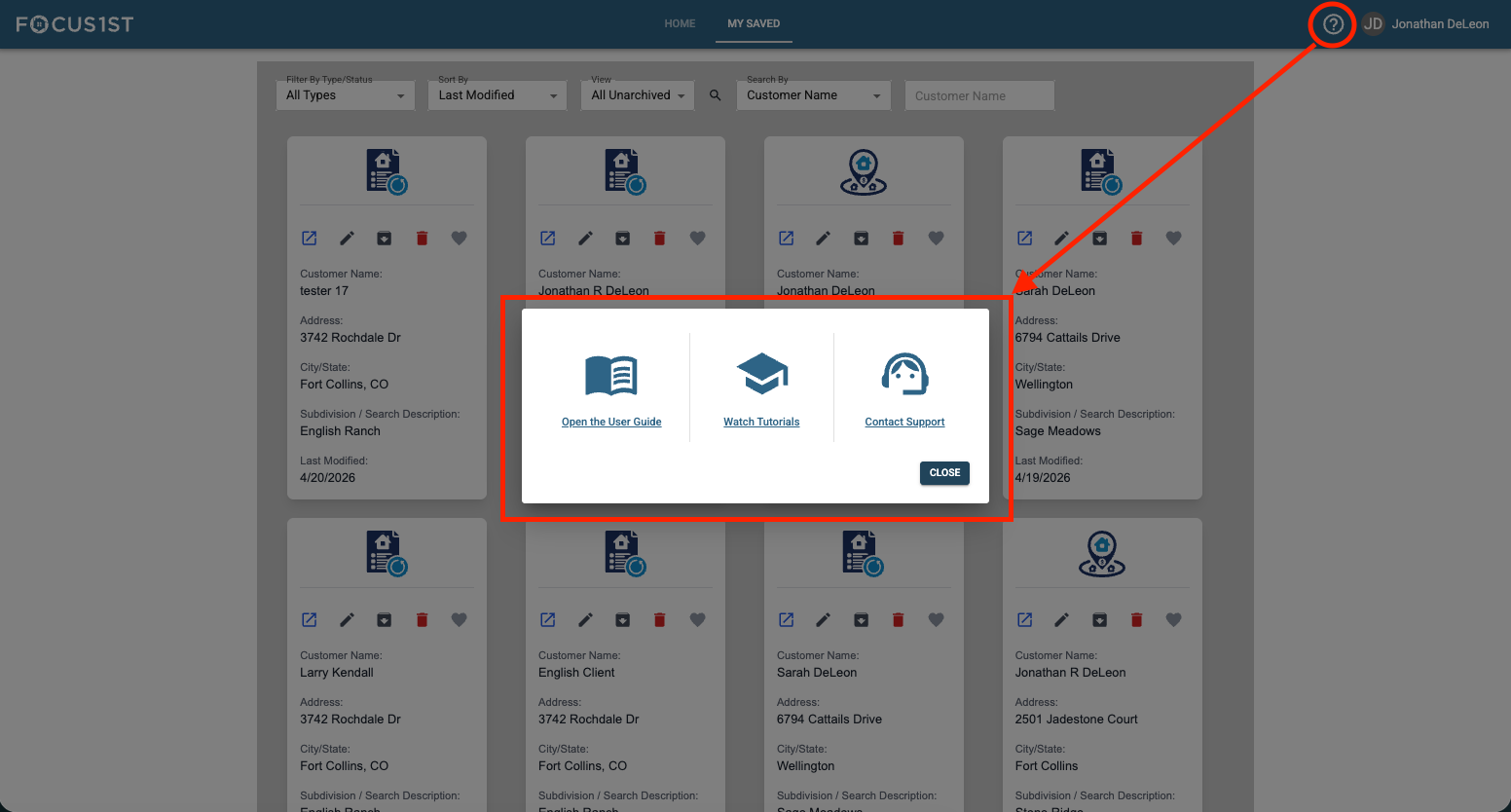
Support ? Icon
Opens the help window that gives you access to this help center, tutorials link and a contact support link.
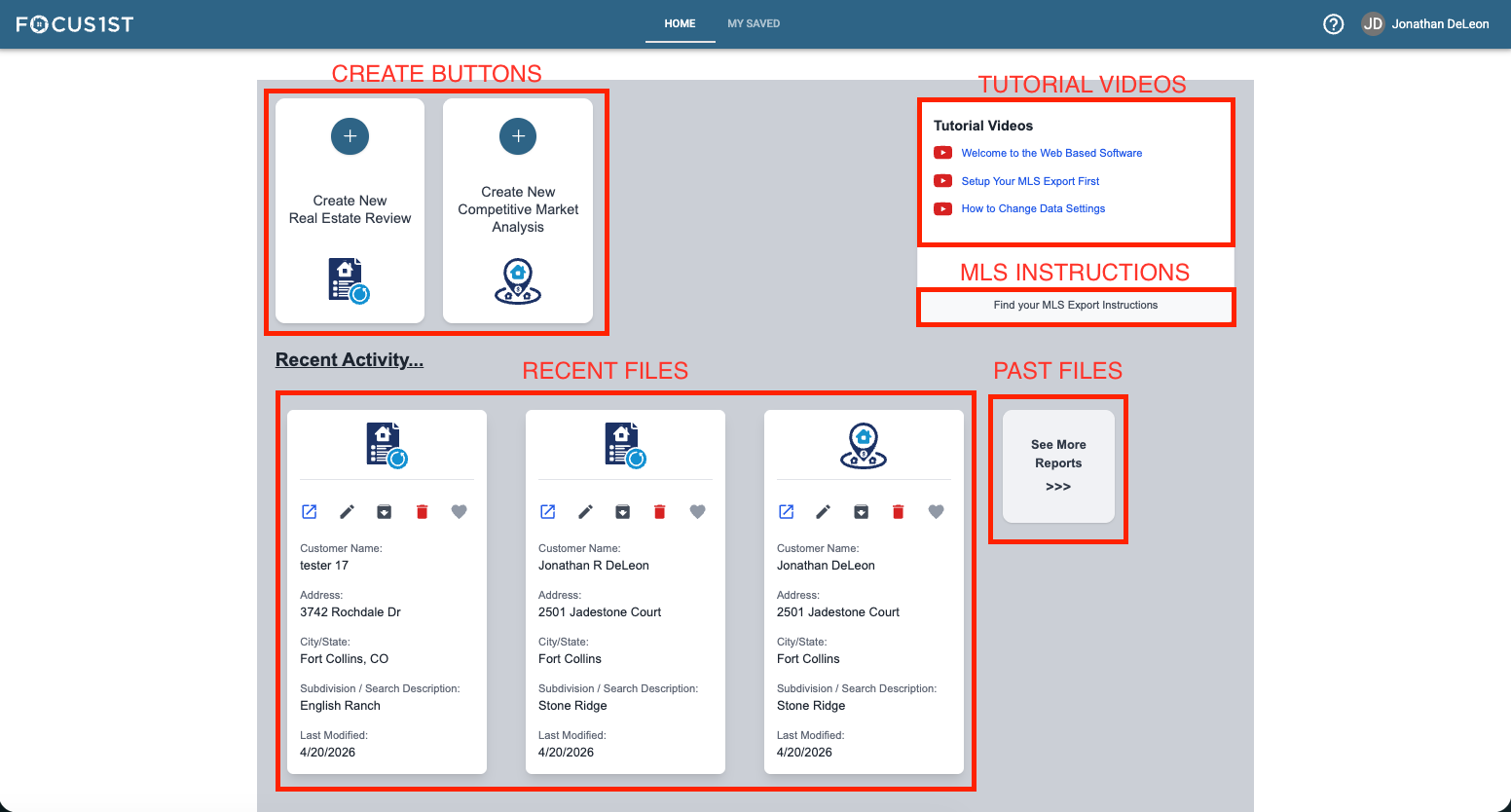
Home page lets you create new files by click the create buttons, access recent files quickly and find more instruction.
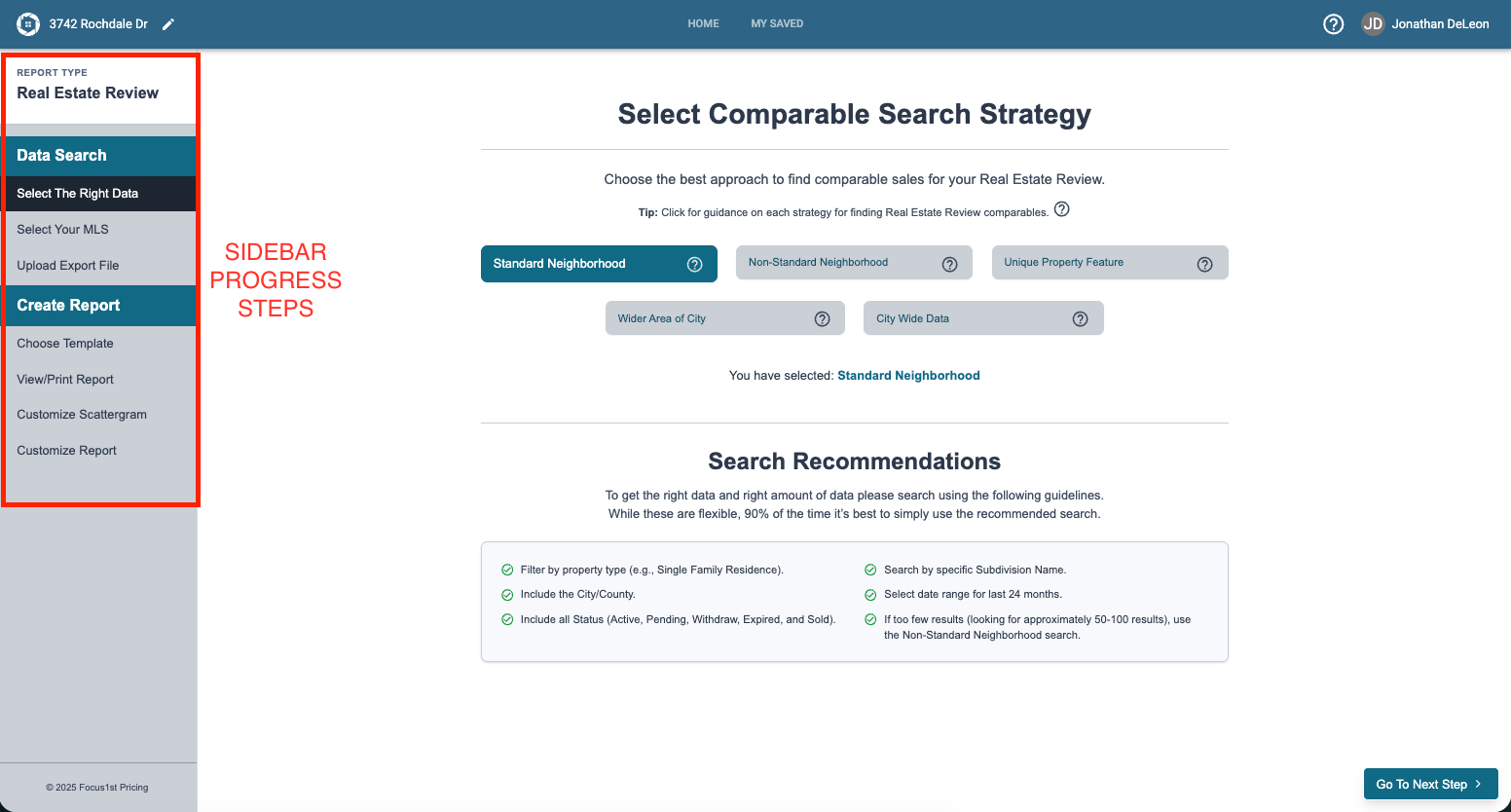
With a report creation file open, you’ll find a new layout of the main screen. The left is the step-by-step navigation you can move between, and the main area is where you controls to accomplish that step are.
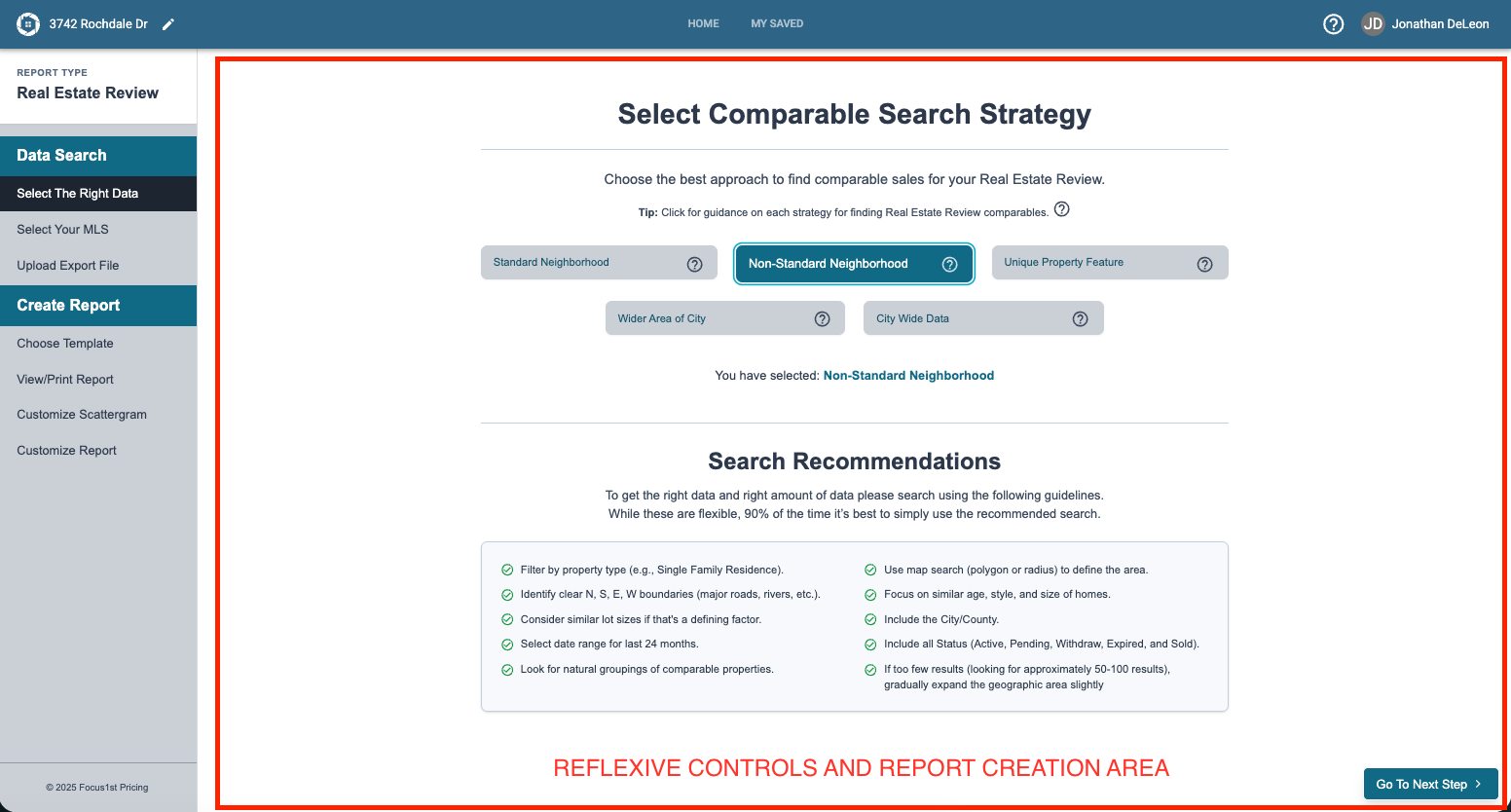
Clicking some controls will change the options on the page reactively.
The Main Layout
Navigation
Account Dropdown
Home Screen
Report Creating Screens