
Help Center > Competitive Market Analysis > How to Use the Positioning vs Market Page
How to Use the Positioning vs Market Page
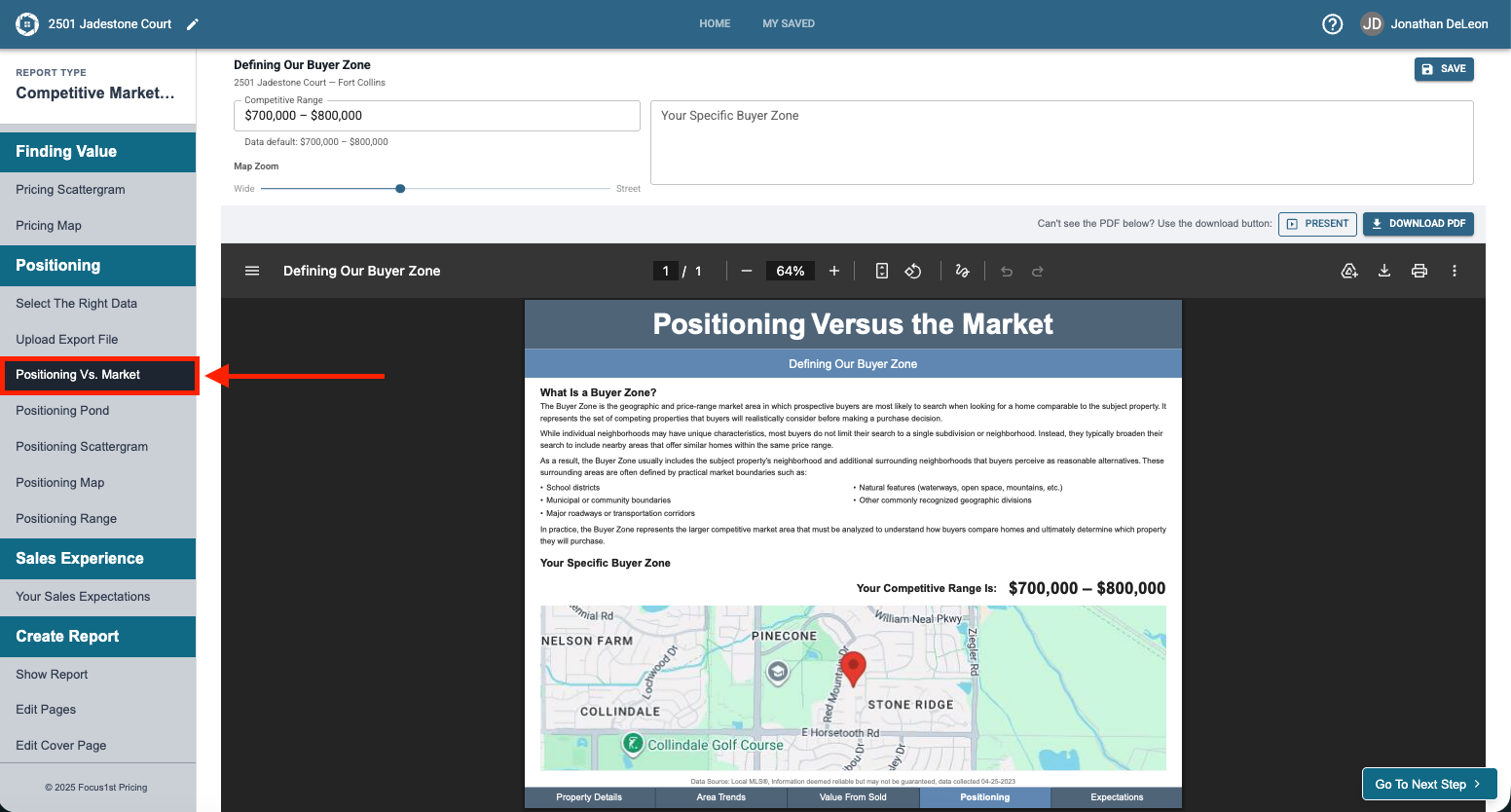
The Positioning vs Market Page is an awesome resource to help you explain the concept of buyer zone to clients, and clearly describe the competitive area for your sellers. There are a few controls that you can use to customize this page. First to open the page you’ll need to ensure you’re step Positioning Vs. Market is open.
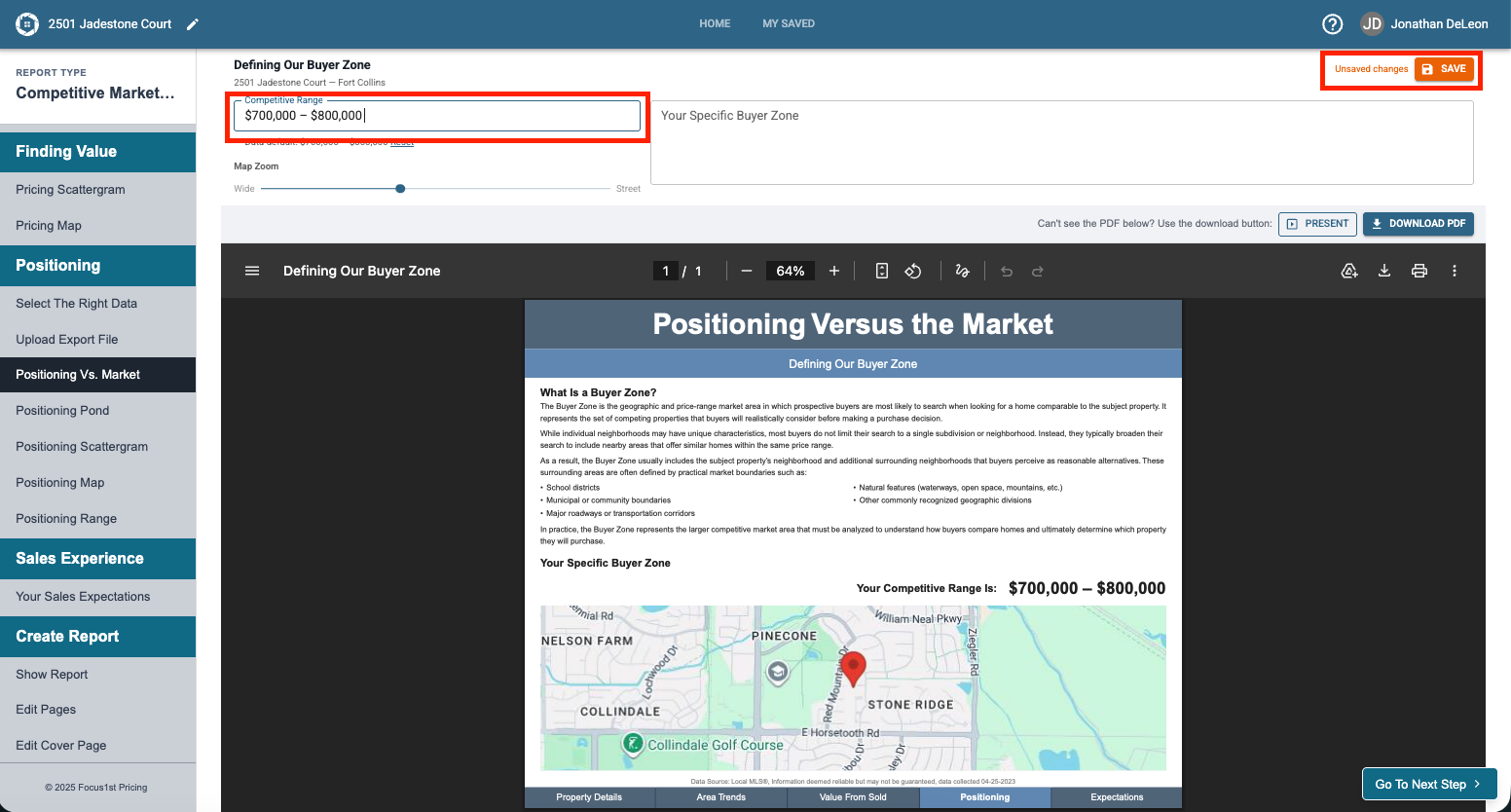
Above the report page you’ll find the customizable areas.
The first area here is a Competitive Range text box. This is automatically filled in based on your positioning data upload, but can be changed by typing in it and clicking the save changes button when done.
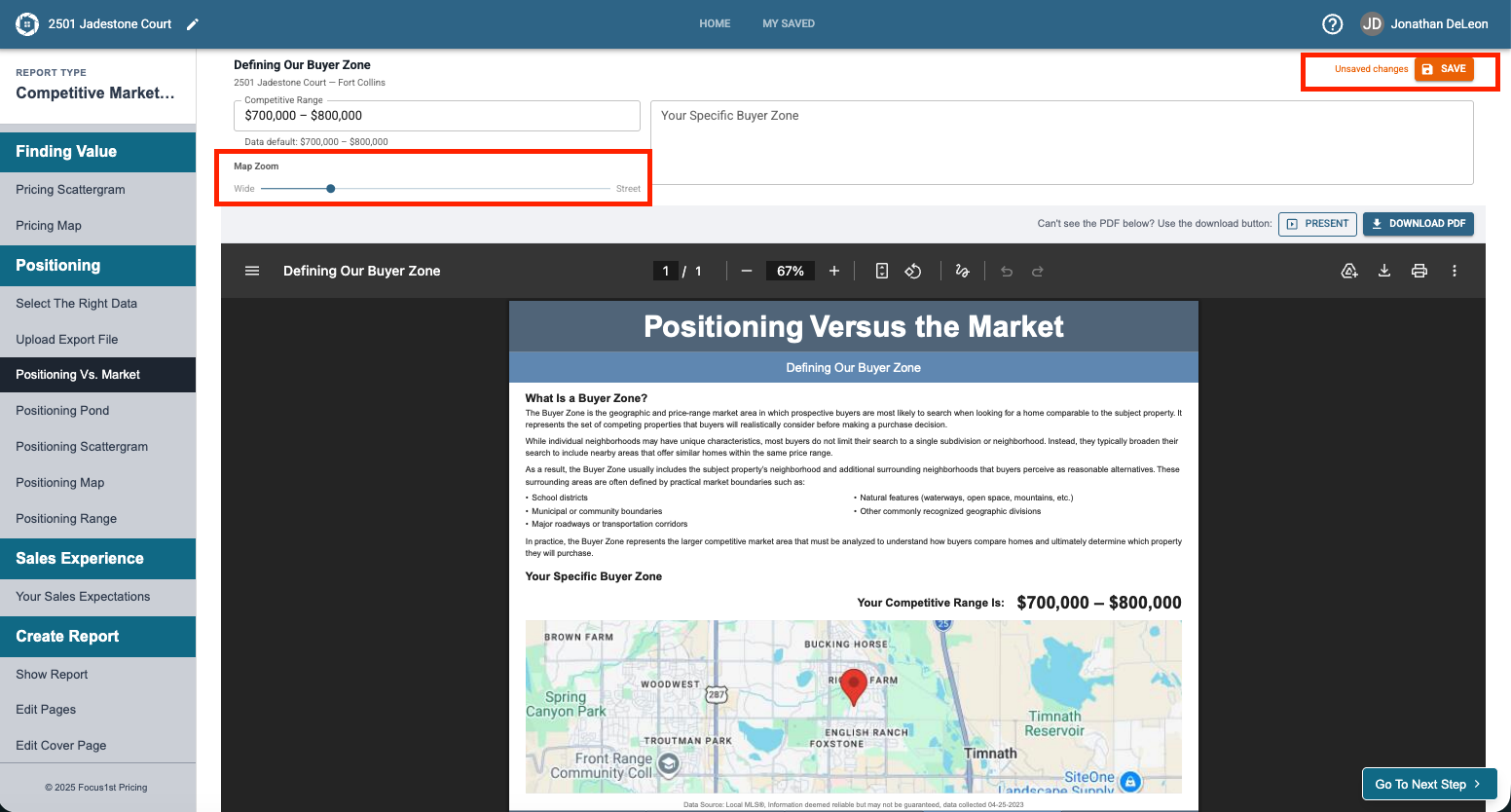
The map zoom function allows you to customize the scope of the map on the report page using the simple slide bar. Move it to change the zoom and then click Save Changes.
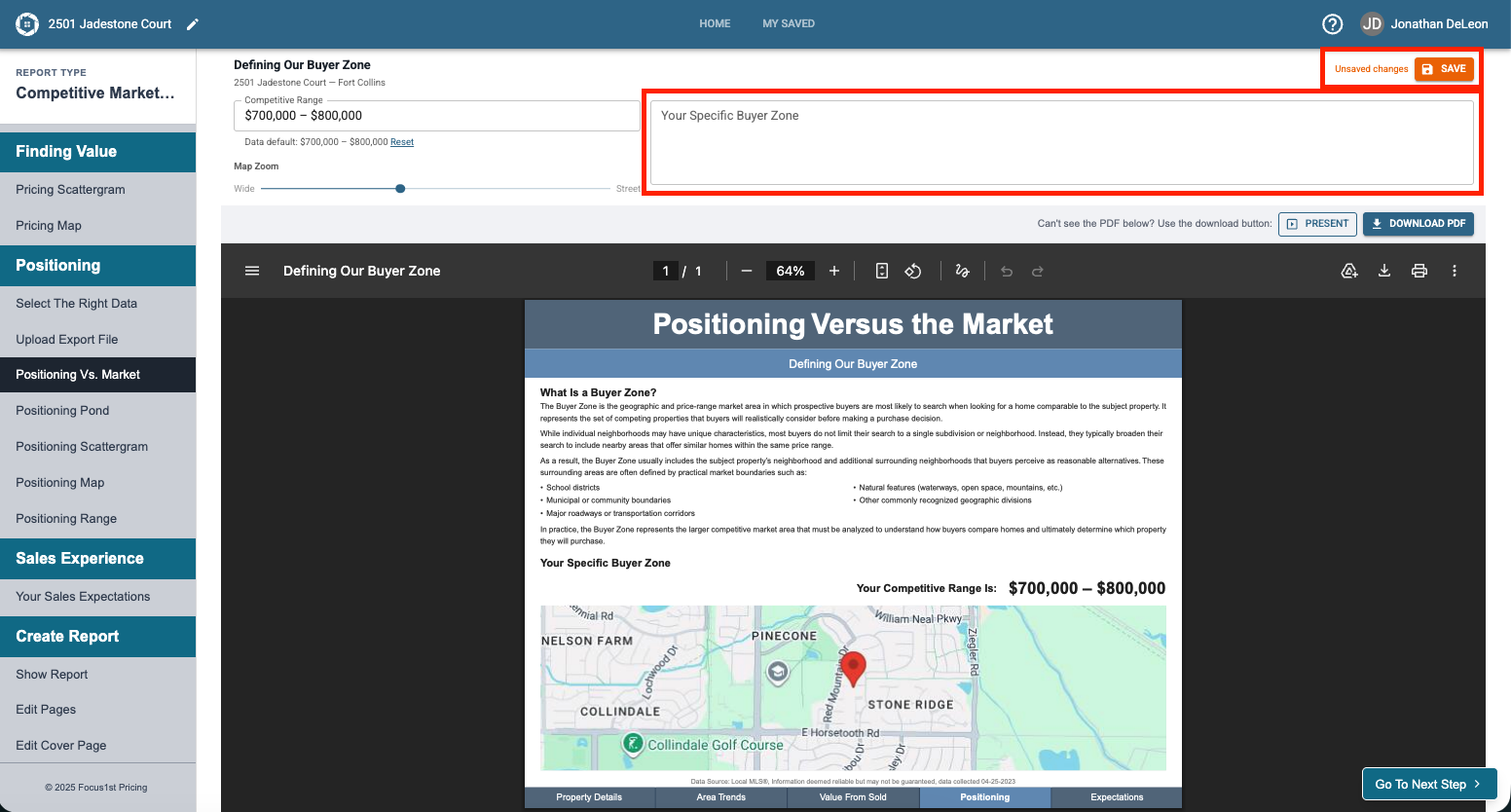
The textbox ‘Your Specific Buyer Zone’ allows you to describe in clear detail the characteristics of the buyer zone that you will be using as your competition. Enter your text and click save changes to see them populate on the report page.
Open Positioning Vs. Market
Competitive Range Textbox
Map Zoom
Your Specific Buyer Zone Textbox