
Help Center > Competitive Market Analysis > How to Use the Positioning Range Page
How to Use the Positioning Range Page
When it comes to the final price of home you’re putting on the market you can usually find a range of price that would give you the right competitive advantage and value backed by past sales. The question of actual listing price then comes to a discussion of the bridge idea and where the best price to attract attention is. This page helps you summarize your positioning price range and has a pre-written explainer of the bridge idea. It has blank areas that you can fill in before or in person. If you wish to fill them in before follow these steps.
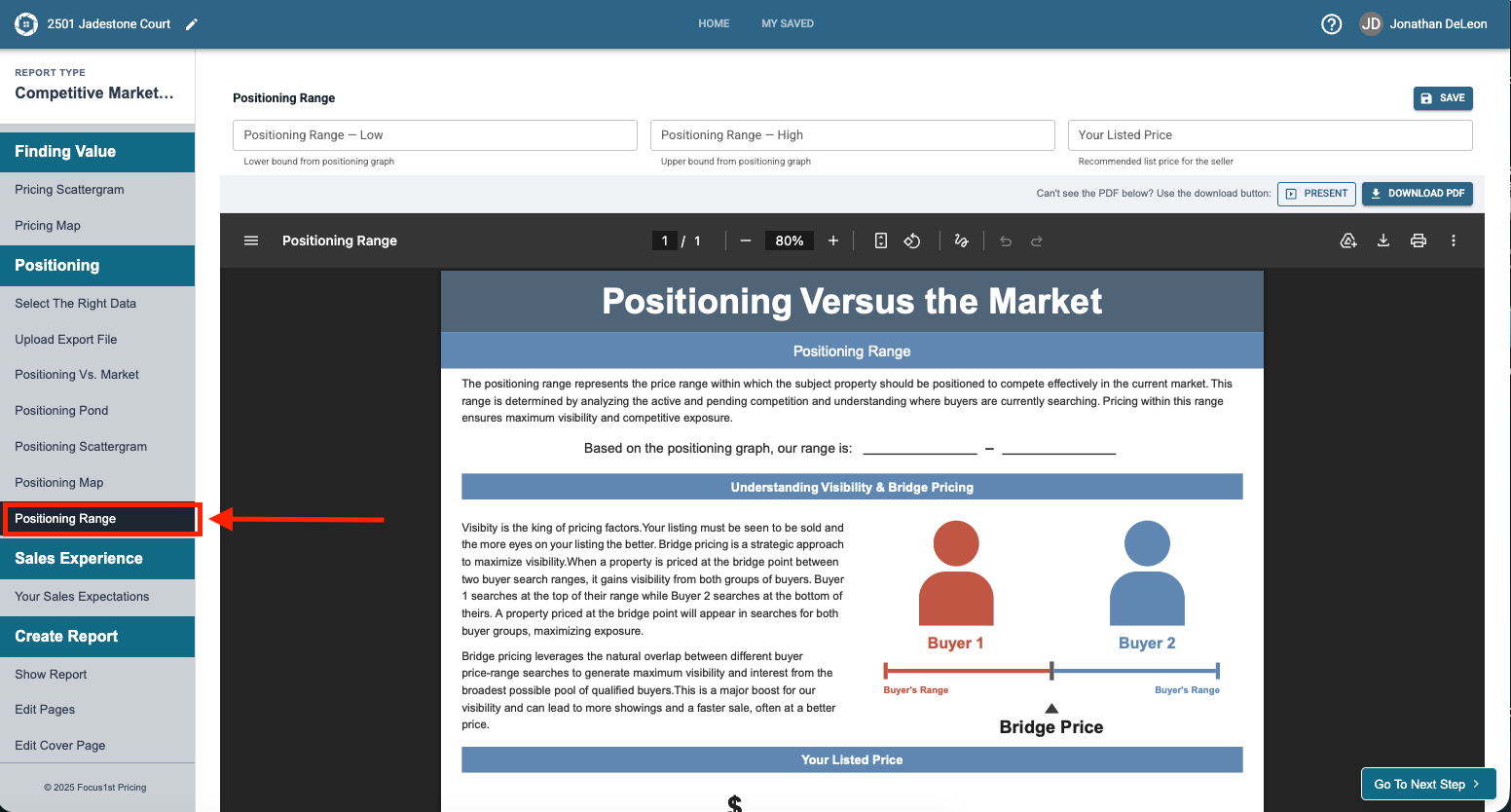
First, open the Positioning Range step under the Positioning area in the Competitive Market Analysis report sidebar.
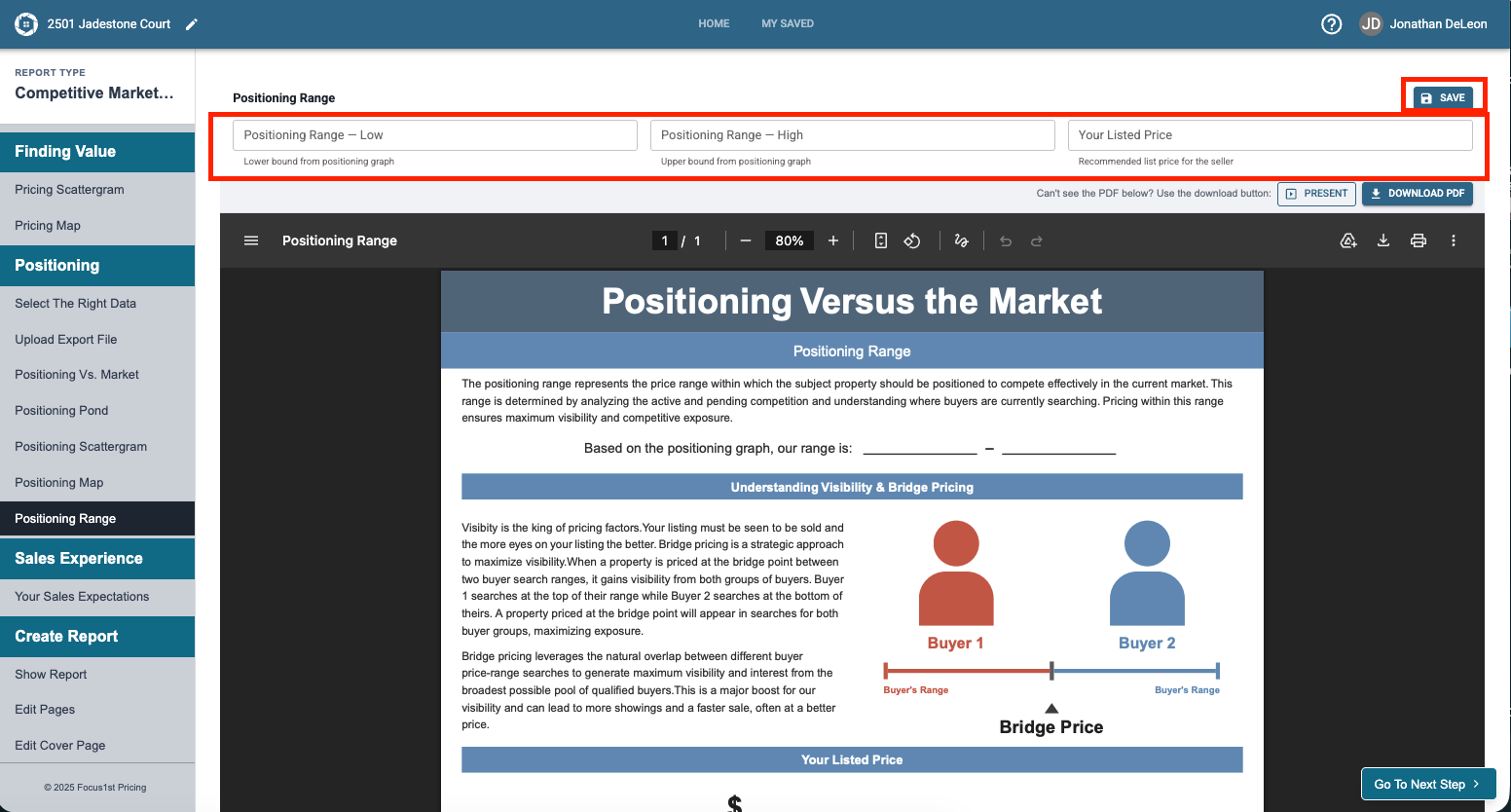
Enter in your positioning range low, high, and if desired recommended price, then click Save Changes.
Purpose of the Page
(Optional) How to Enter Your Details