
Help Center > Competitive Market Analysis > How to Use the Positioning Pond Page
How to Use the Positioning Pond Page
The Positioning Pond Page is created automatically for you using your Positioning Upload. This page is a great way to understand the true momentum of the market as well as the current supply and demand and what that means regarding your needed position in the competitive market.
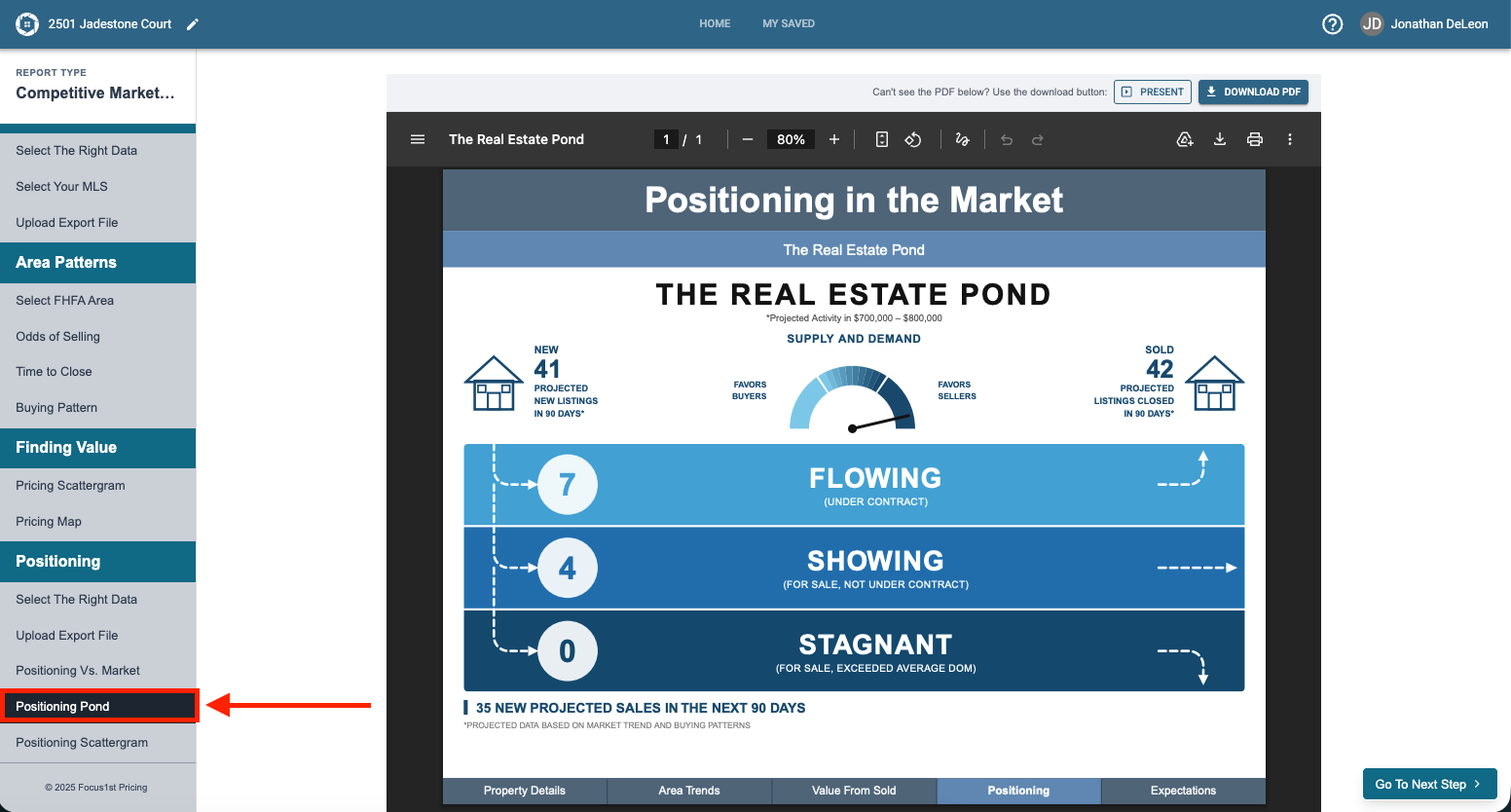
You won’t need to create this page yourself, but there are a few key takeaways you’ll need to know. First open the page by having the Positioning Pond step open.
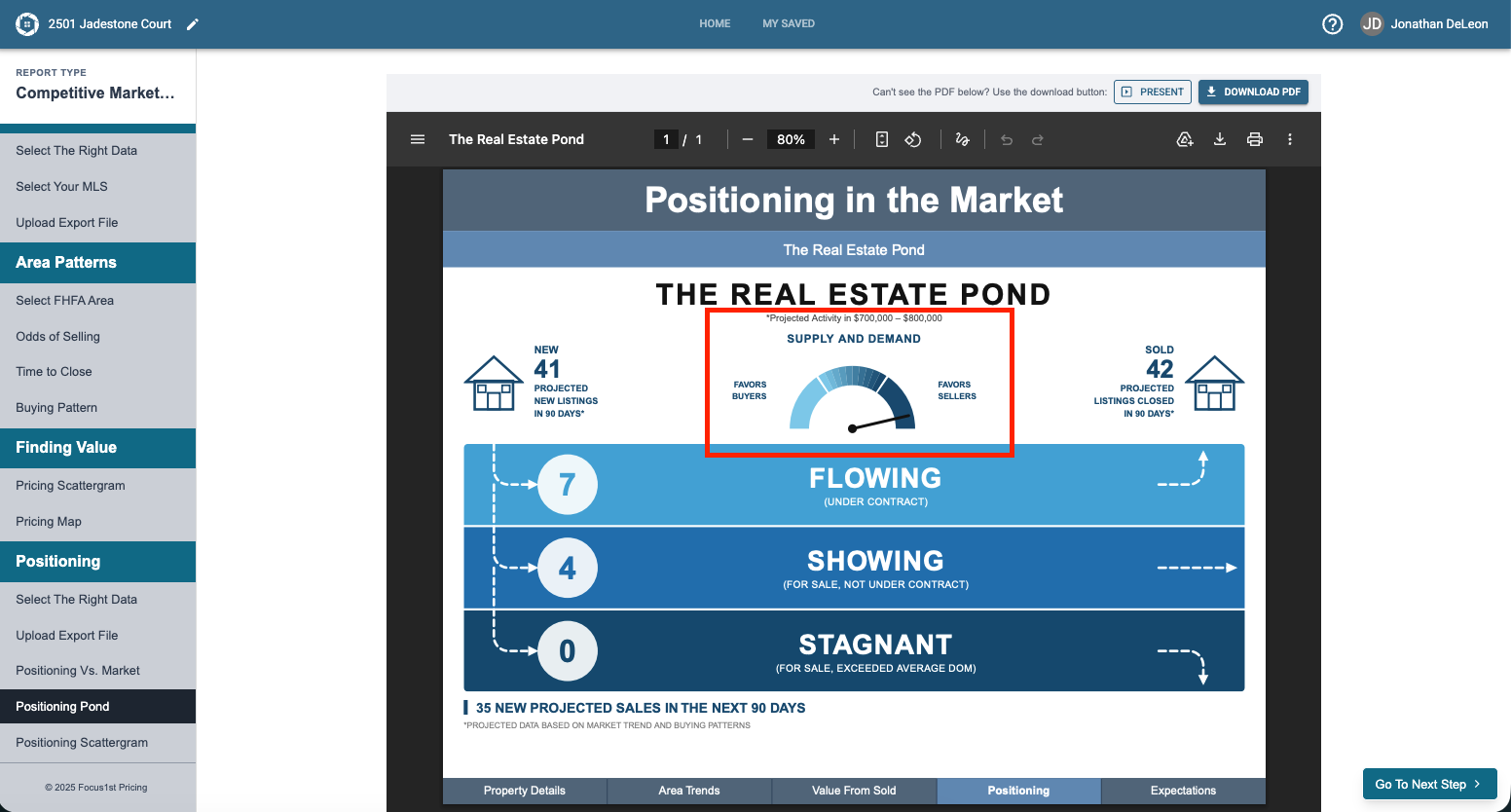
The first thing on this page we’ll look at is the dial at the top. If the dial favors sellers that means we’re going to look to position our price from our base price to the high end of our pricing range. If the dial favors buyers we’re going to look to position our price from our base price to the low end of our pricing range. If the dial is neutral we’re going to look from the low end to the high end of our pricing range.
The next thing we’ll look at is the New Projected Sales Number and compare that to the Projected New Listings + Showing number. This comparison will tell us the required value ranking we need to maintain to ensure traction in the market when it comes to the positioning step.
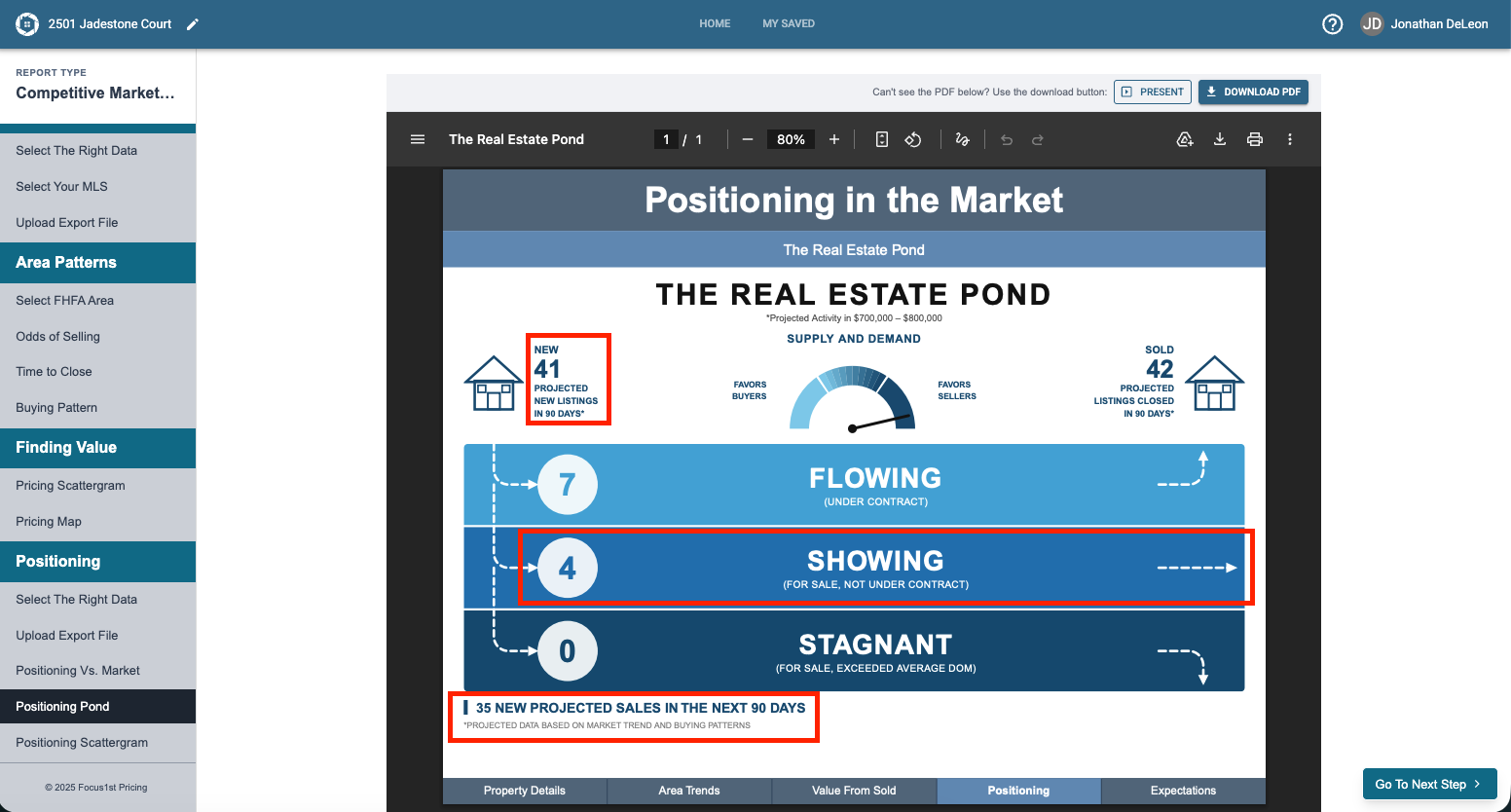
For Example: With 35 New Projected Sales vs (41 New Listings + 4 Available) 45 Competition Sales we will need to be roughly in the top 75% of value when buyers are looking at the market. This means we can price slightly higher and buyers will still want our home because the demand currently is awaiting the supply.
Open Pond
Read Dial to Determine Value Range
Look at New Projected Sales vs Competition to Establish Rank Requirement