
Help Center > Competitive Market Analysis > How to Use the Positioning Map Page
How to Use the Positioning Map Page
The Positioning Map is a great resource to show you where your competition is located based on the data you provided through your positioning search. The map is a great way to see where geographically where the other competition is and can often help us weed out properties that really don’t compare.
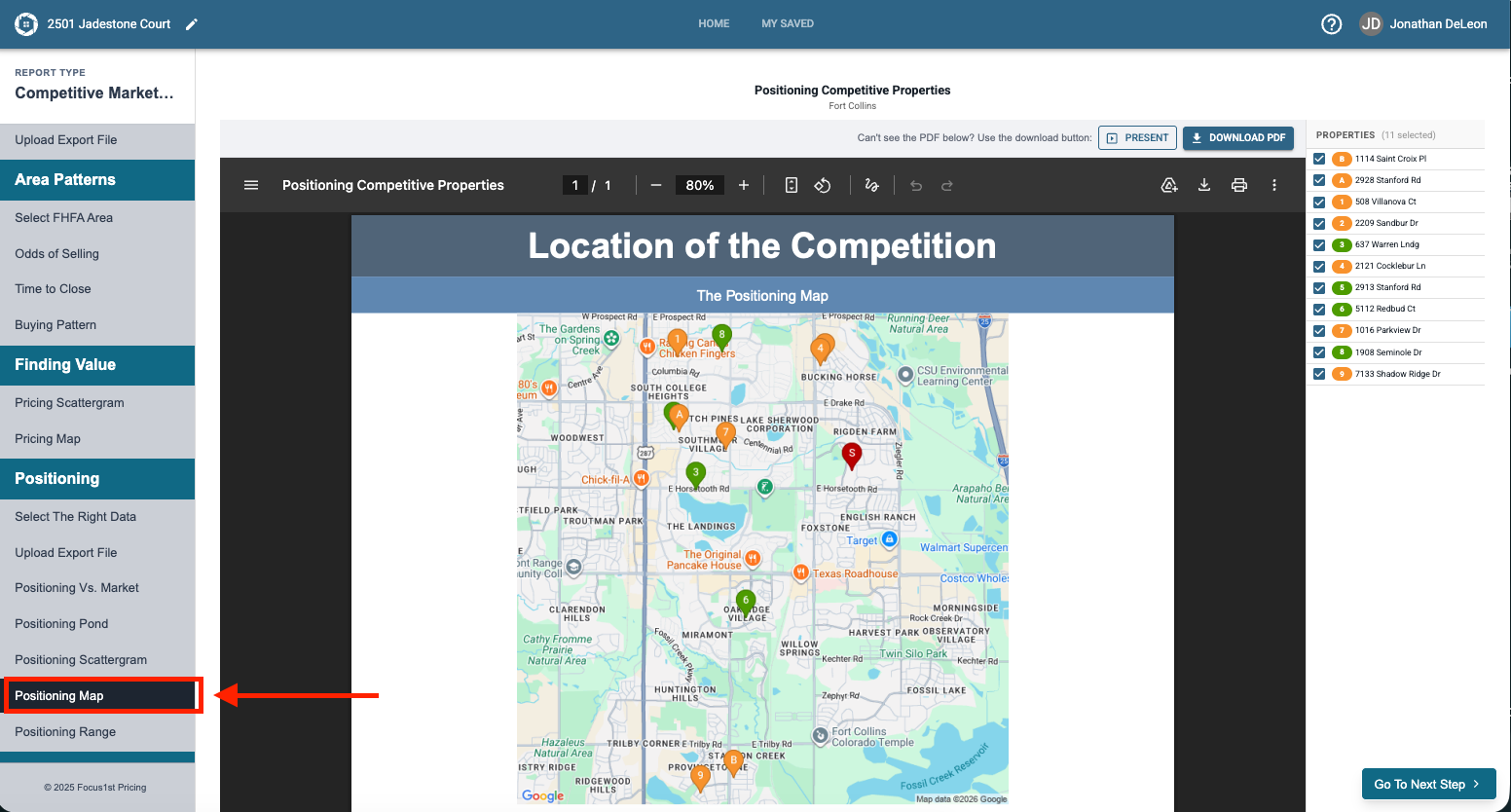
To open the Positioning Map Page click the Positioning Map step in the sidebar.
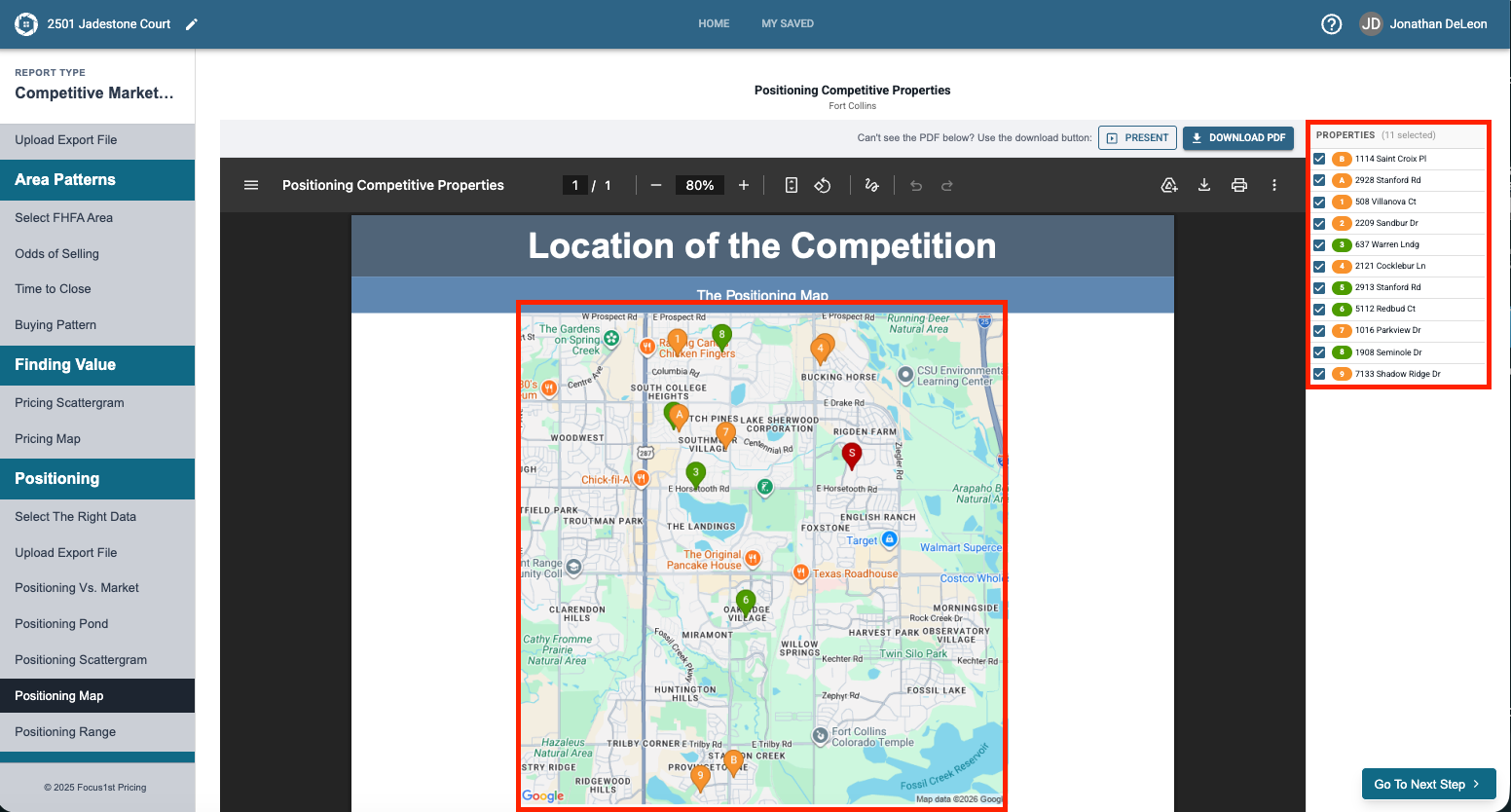
This map shows the competition we loaded in and references them on the page with bubble icons that correspond to the table on the side.
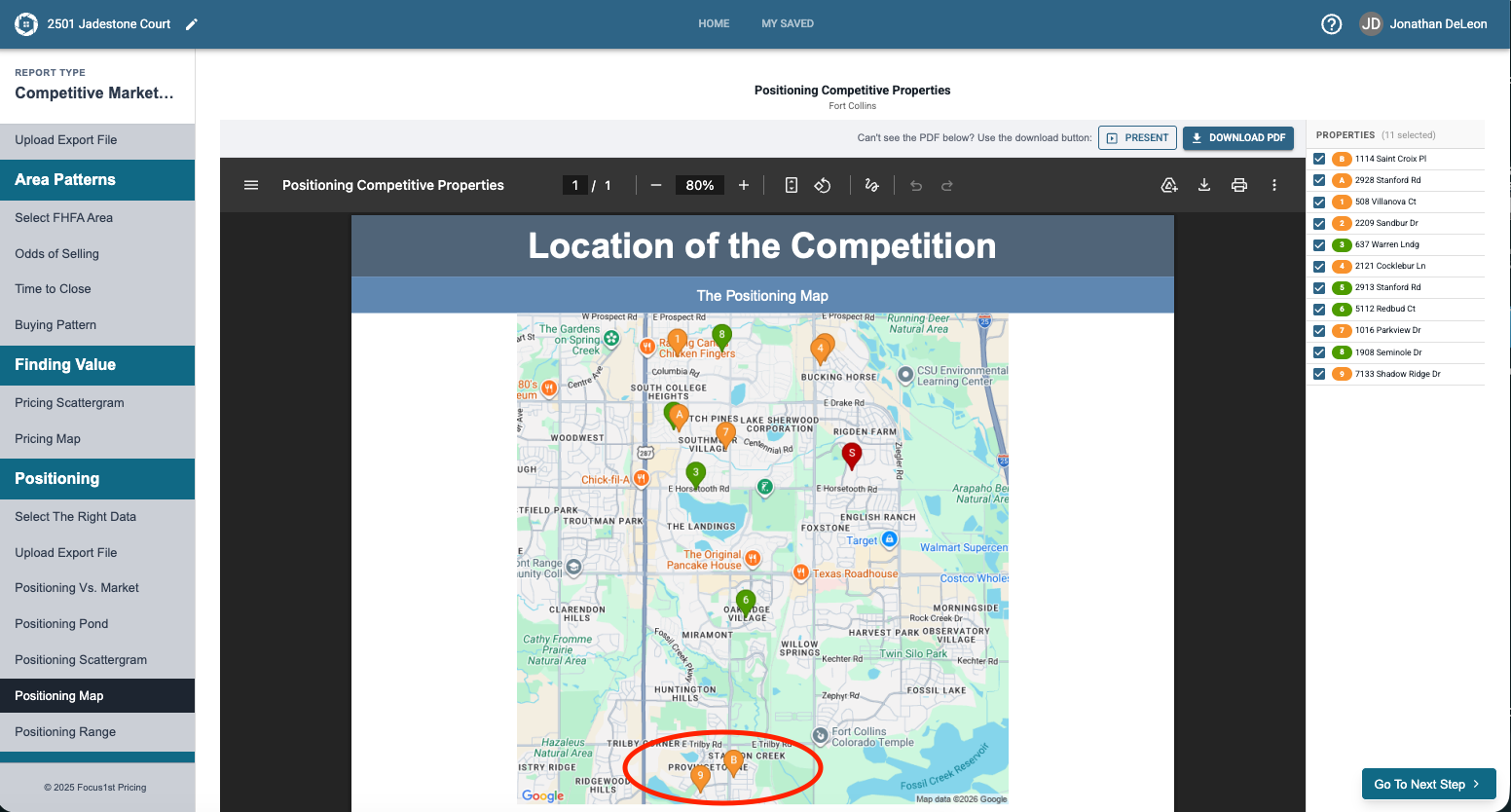
If you see a property that you would like to unselect, simply uncheck the box next to it on the side table and it will refresh off the map page. In the example here we will remove the two properties at the bottom of the map by unselecting their corresponding box.
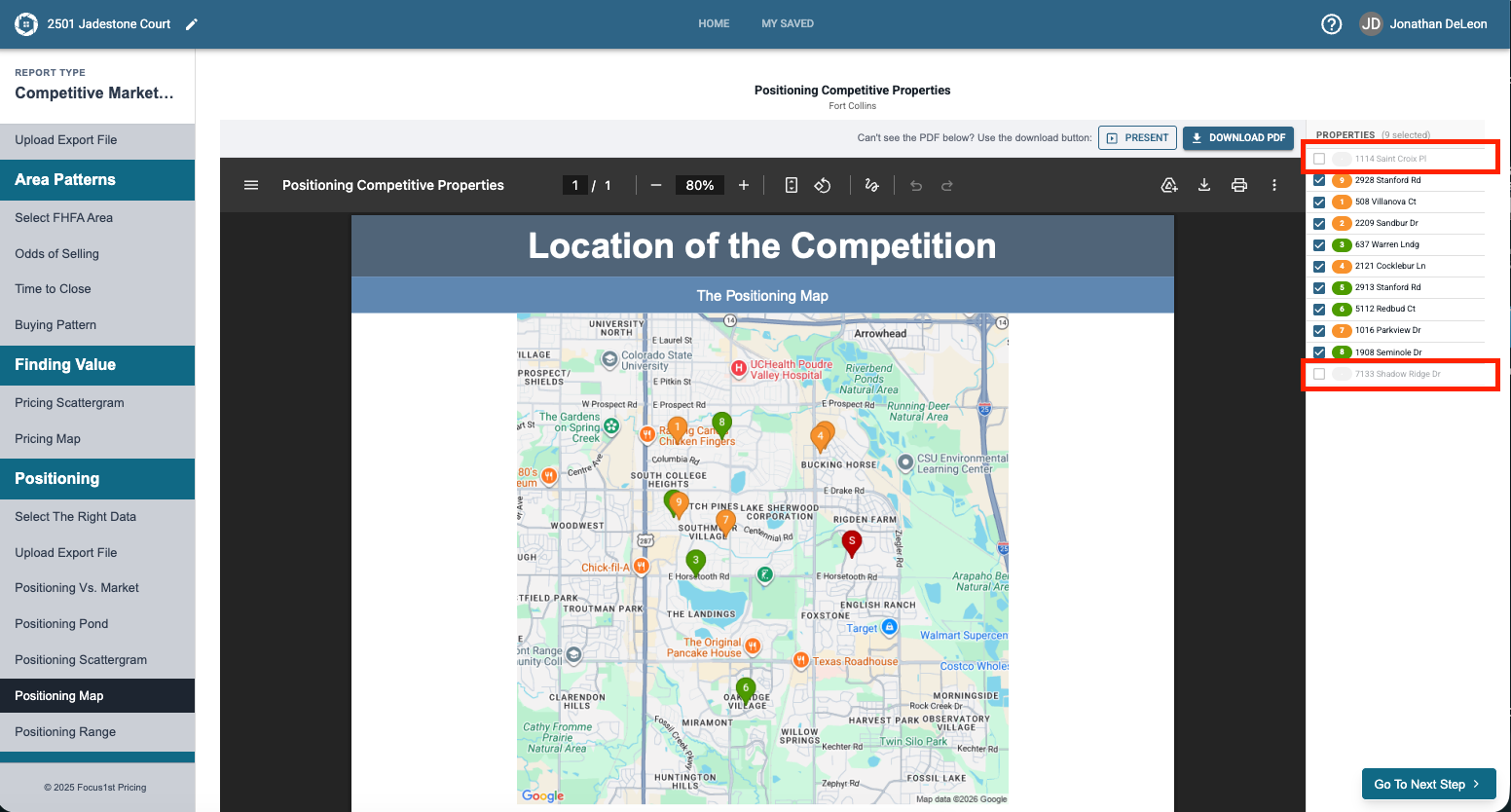
NOTE: As you remove the properties the page will re-load on its own, it may take a few seconds so remove one at a time. This is also important as it re-labels the map as you remove the data points.
Opening Map
Data Points
Selecting/Deselecting Data