
Help Center > Competitive Market Analysis > How to Use the Online Competitive Market Analysis Presentation Option
How to Use the Online Competitive Market Analysis Presentation Option
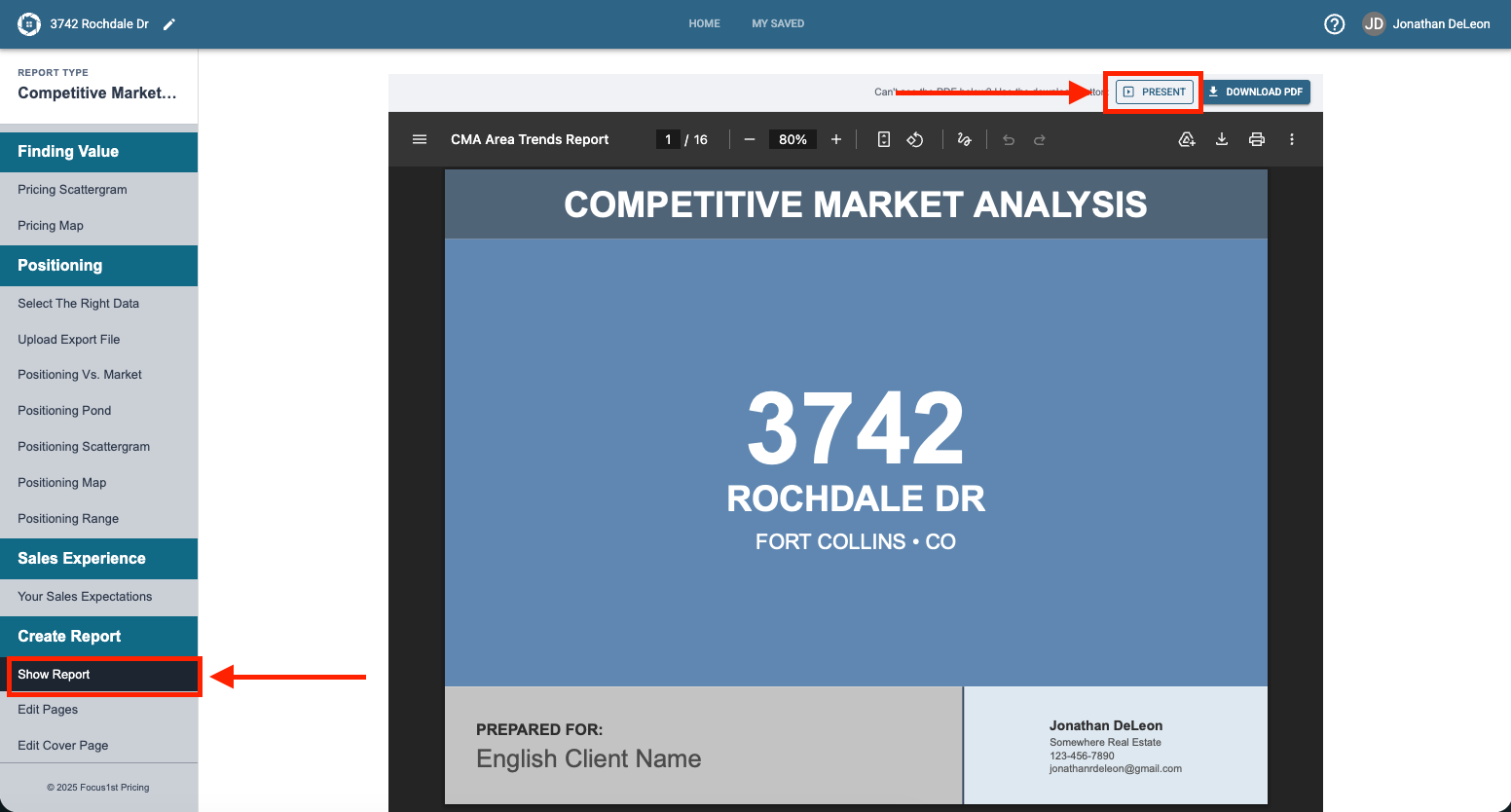
Presenting through the software is a great new feature for many of our users that wish to digitally talk through the report in person, especially if they use a tablet or more mobile device. To present your CMA using the built in web presentation option, simply click the Present button while the Show Report Step is highlighted.
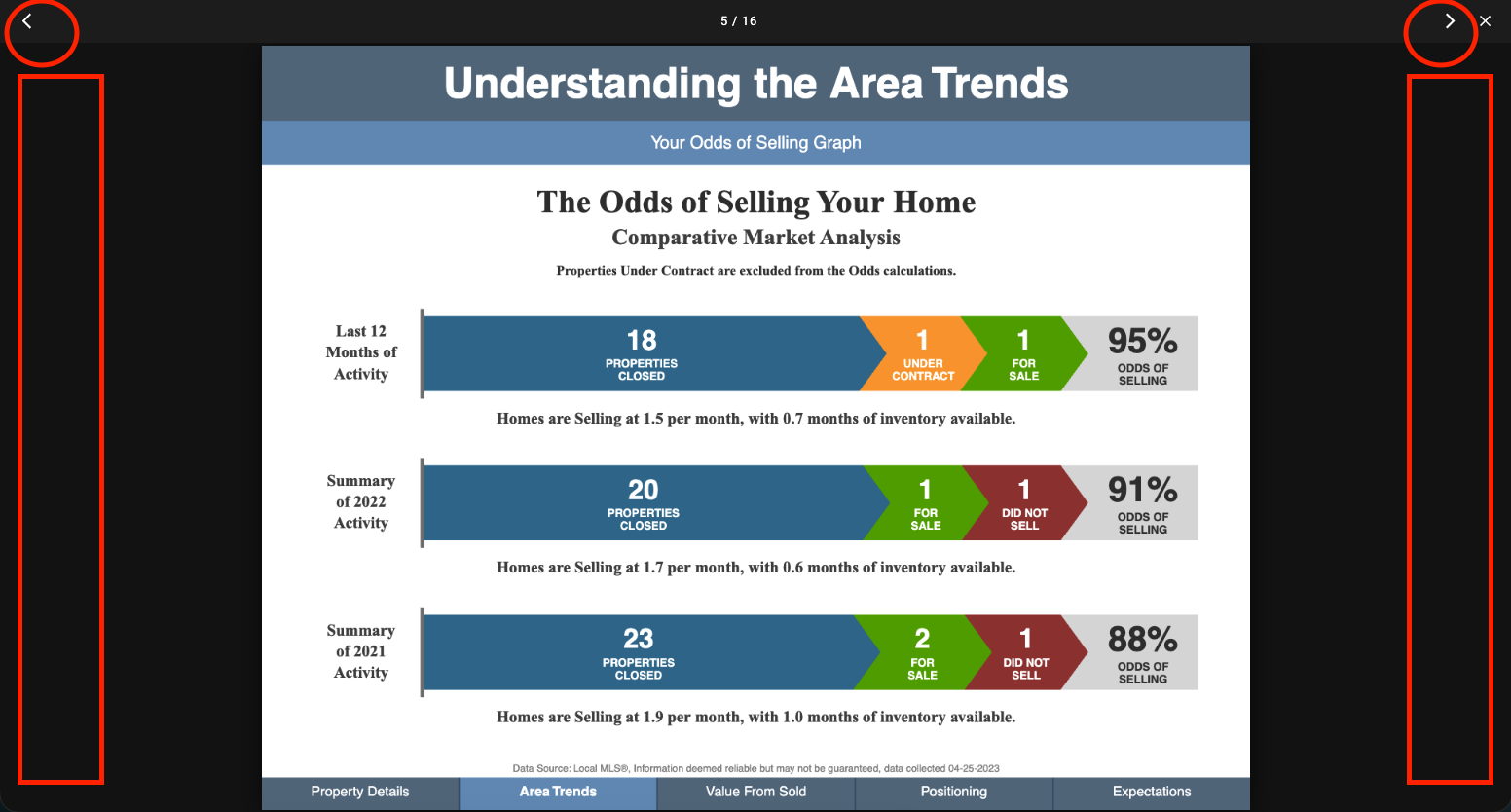
To advance through the pages or go back, simple tap on the sides of the window area or click the arrows at the top.
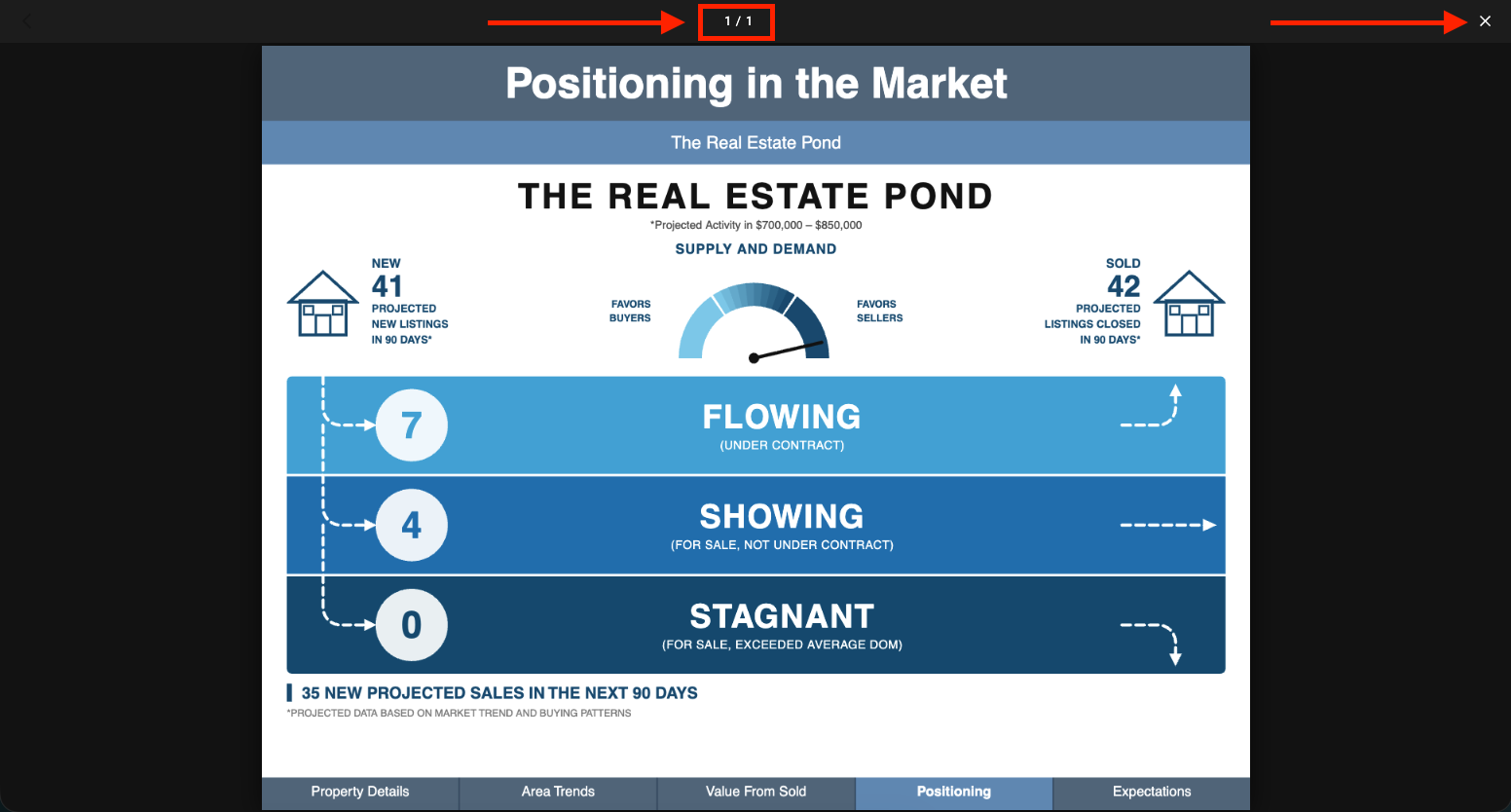
NOTE: If you start the Present mode from another graph page other than Show Report, you will see that it only shows that page, not the whole report. Click the X and go to Show Report to present it all.
Where to Find the Present Mode
How to Use It