
Help Center > Competitive Market Analysis > How to Select Your Competitive Market Analysis MLS Area
How to Select Your Competitive Market Analysis MLS Area
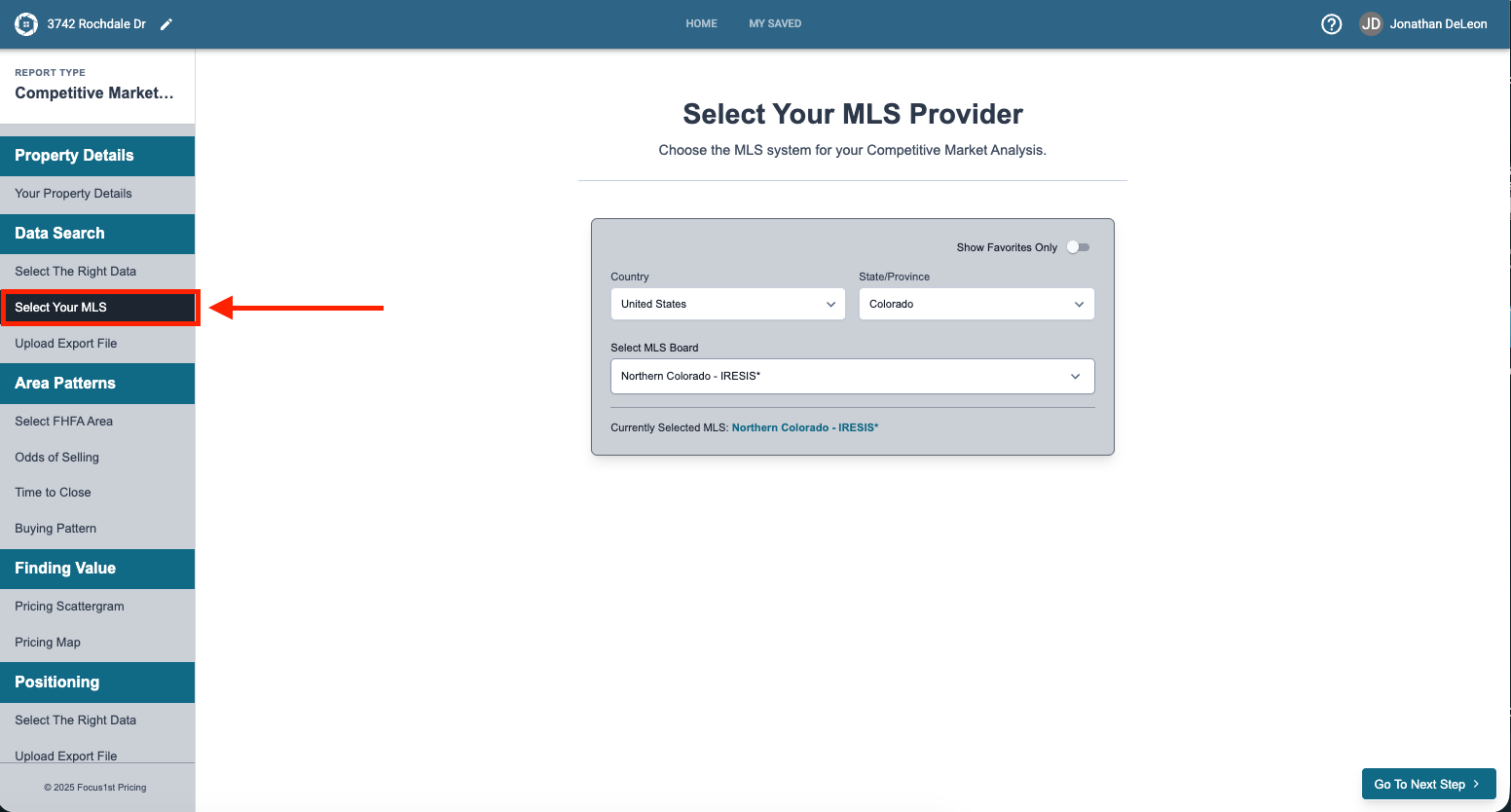
Once you’ve done your MLS search and are ready to upload it you’ll first need to select your MLS so the software knows what to look for. To do this you’ll need to first open the Select Your MLS step.
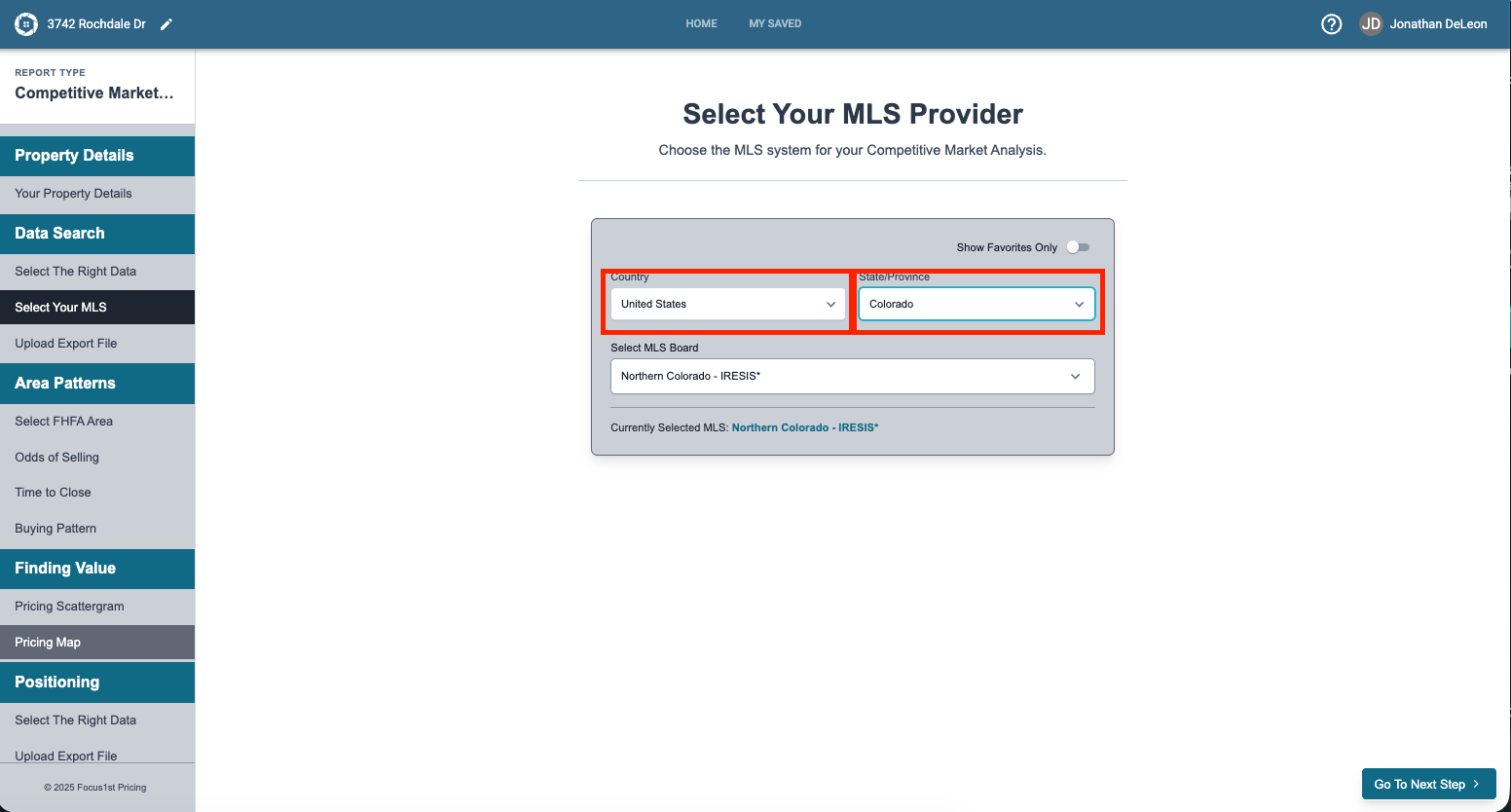
Use the Country and State/Province dropdown menus to start you MLS selection.
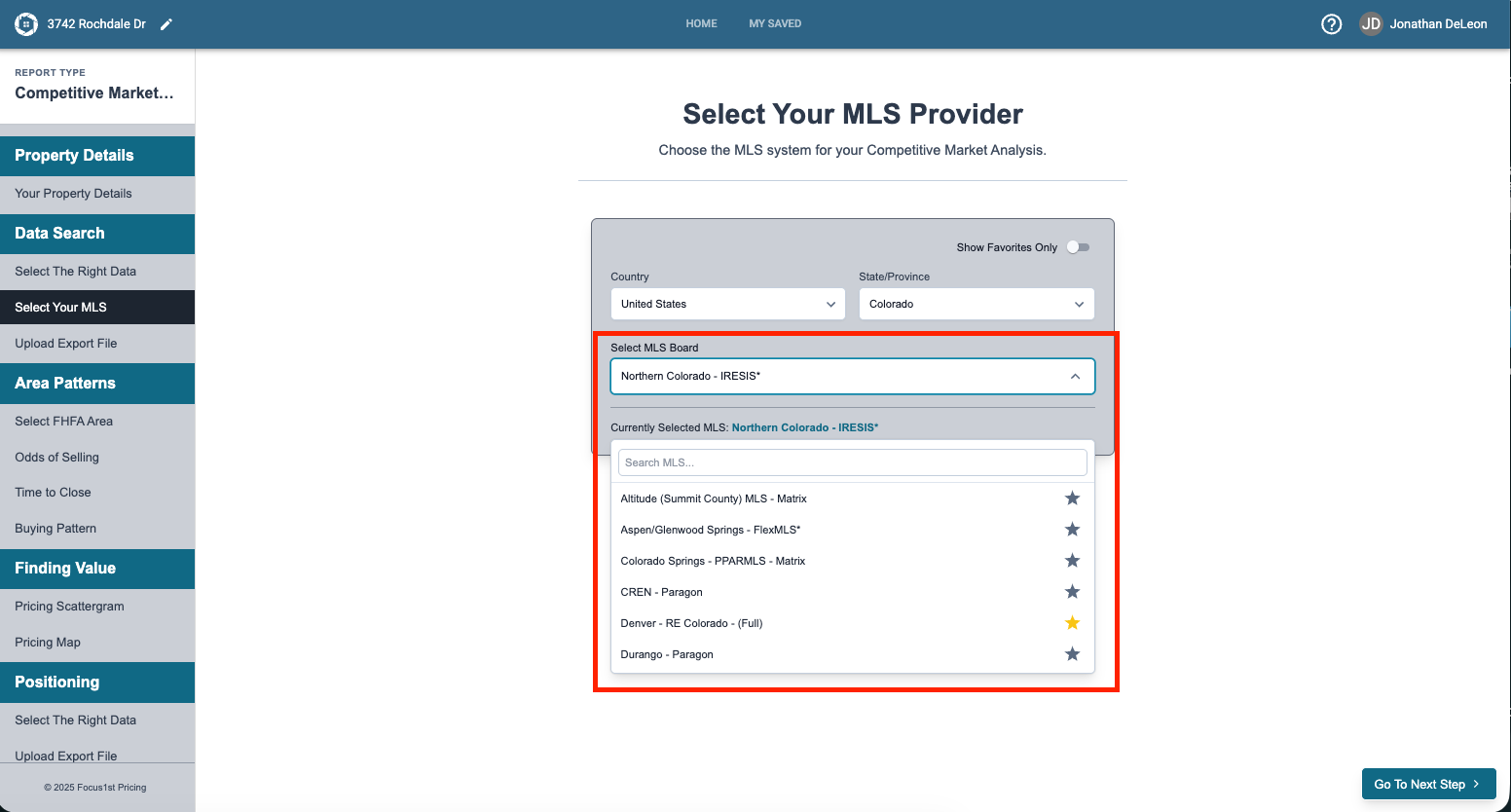
Use the Select MLS Board dropdown to find you MLS. You can also search using the search area. Click the name of the MLS you want to use.
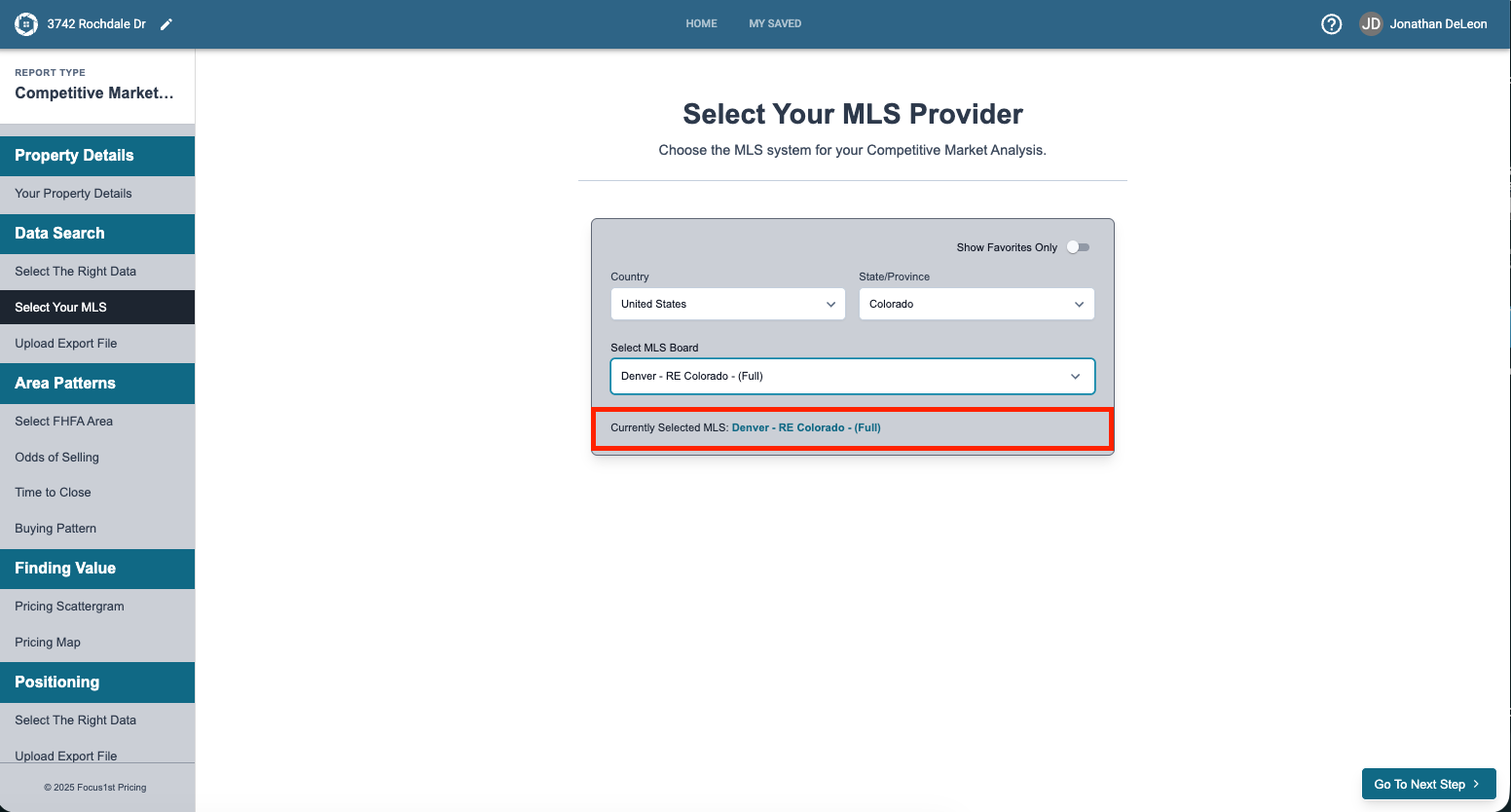
You will now see that MLS as your selected choice.
You can also favorite your MLS for easier finding by clicking on the star.
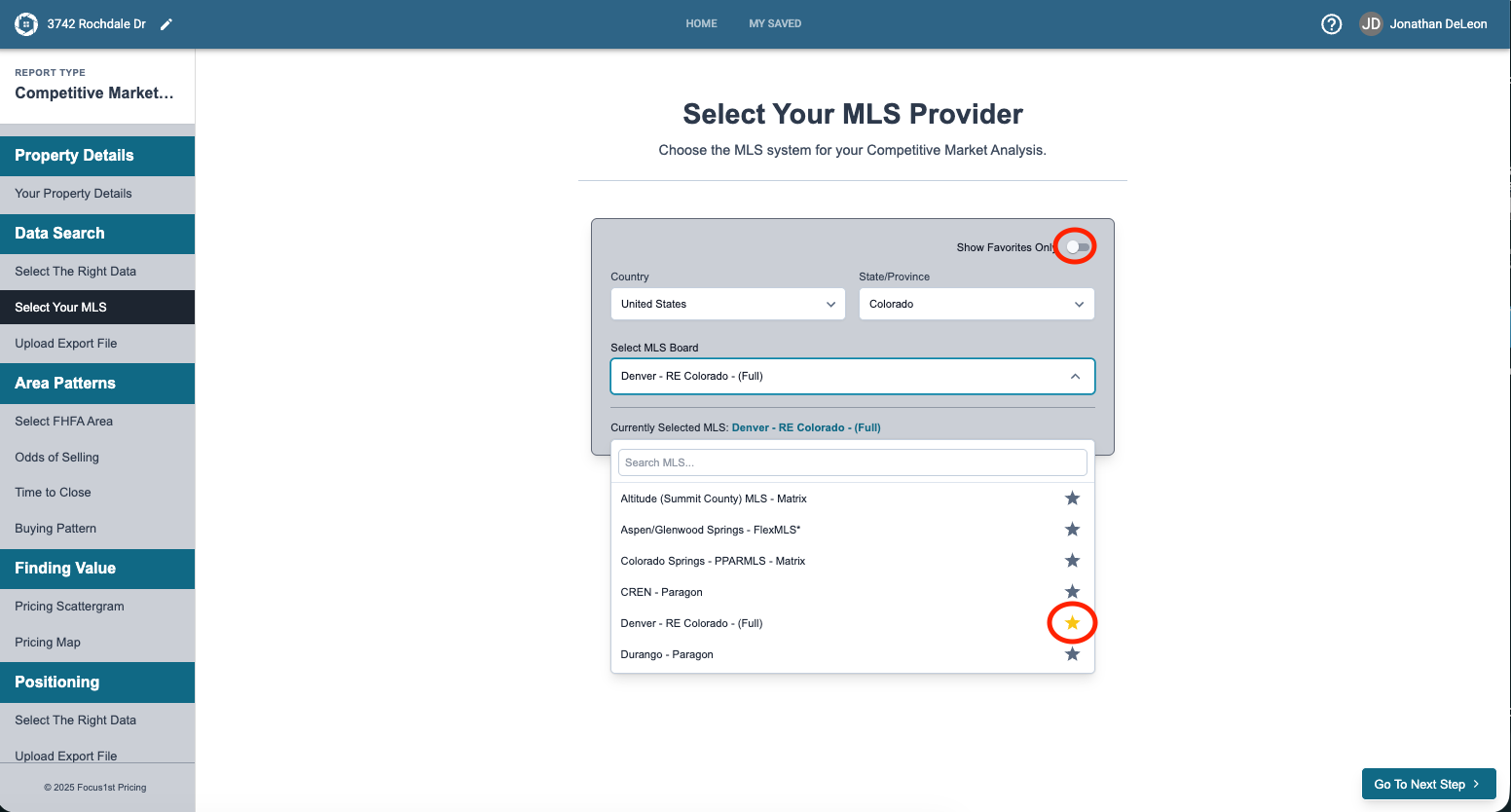
You can now search for favorites only and it will show there.
Open Select Your MLS Step
Select Country & State
Select MLS
(Optional) Add to Favorite