
Help Center > Competitive Market Analysis > How to Create Your Competitive Market Analysis Property Details Page
How to Create Your Competitive Market Analysis Property Details Page
The Property Details page is cleaner way that the old MLS sheet to show the information and location of your subject property. It allows you to customize the home information (which will pull automatically into subject property data points you add), customize additional information, upload a current home picture and zoom the location map in and out.
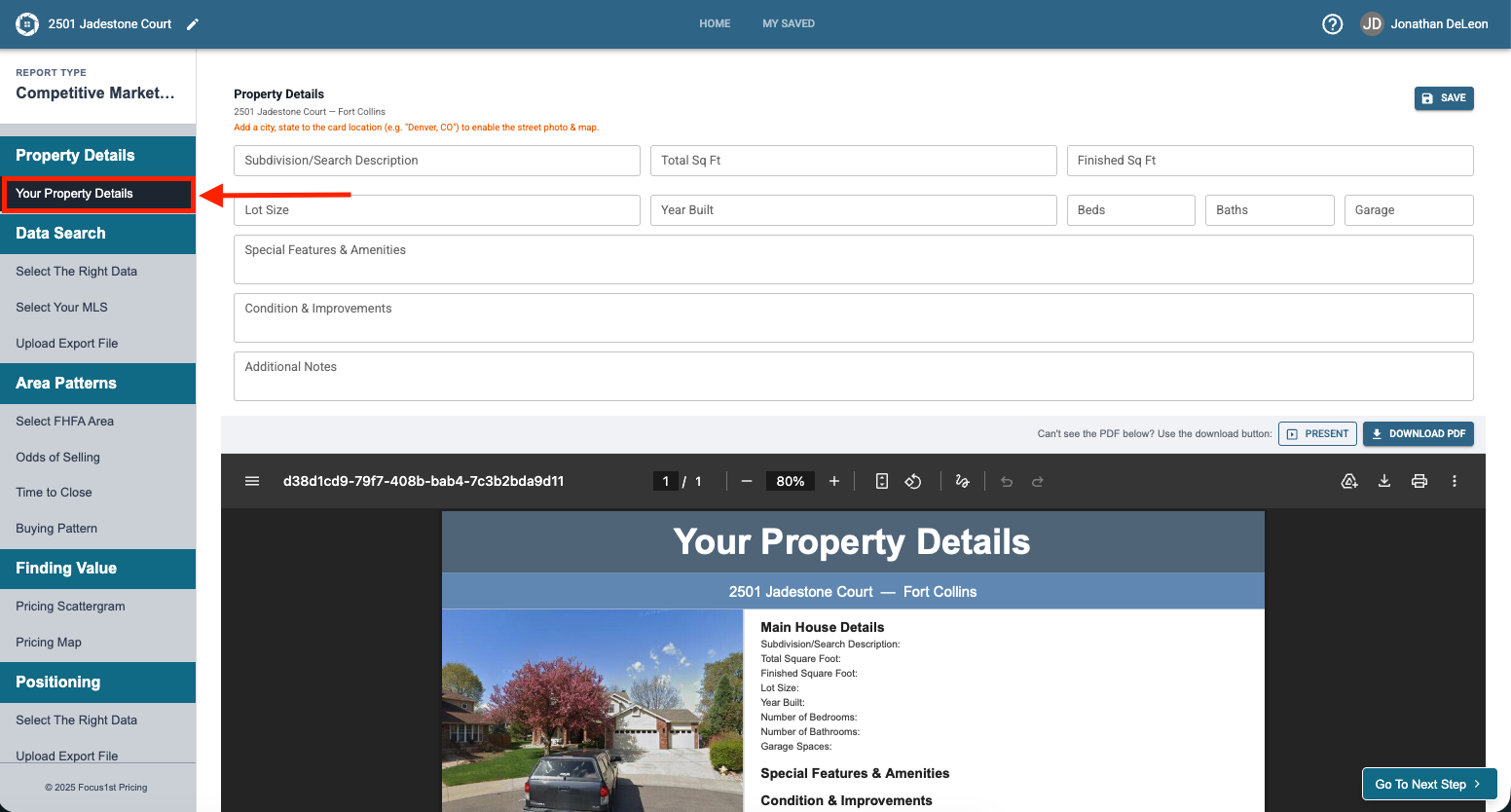
This report page and it’s controls opens automatically when you create a new report file, or you can click the Your Property Details step on the sidebar.
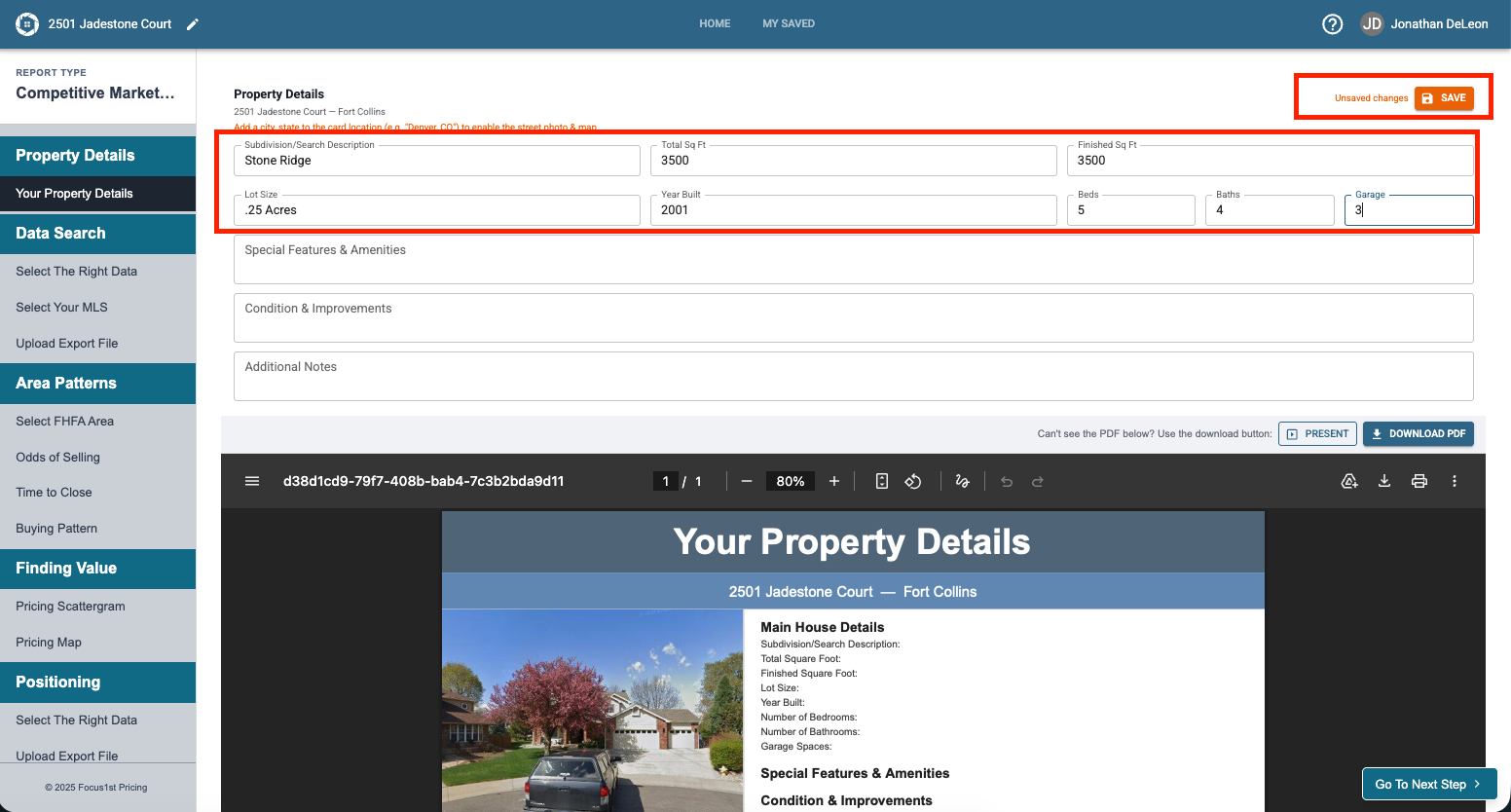
The first information you’ll change are the home details. Type in the relevant information and click save changes.
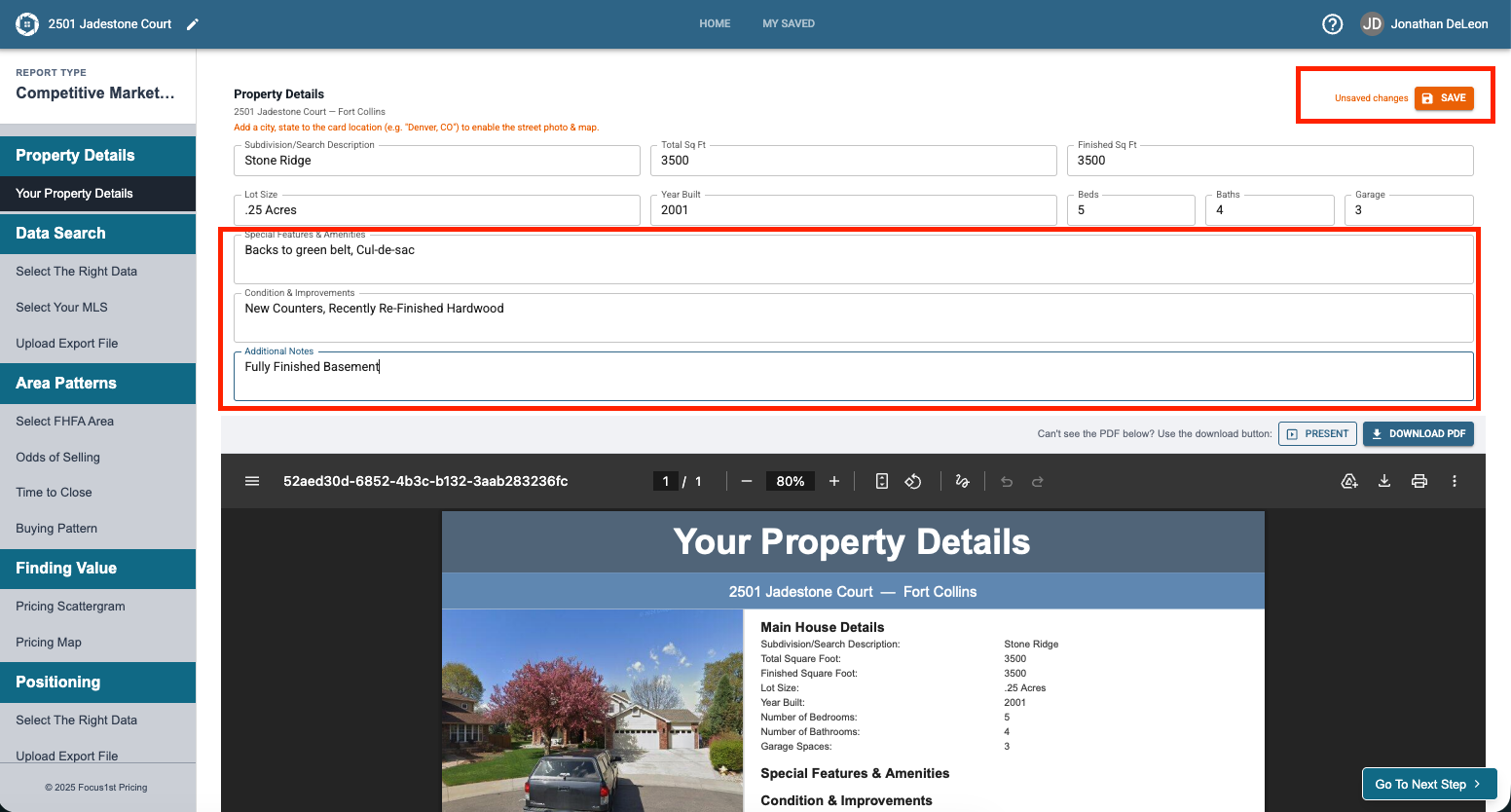
Now you can type in the Special Features & Amenities, Condition & Improvements, and Additional Notes sections, once finished, click Save Changes.
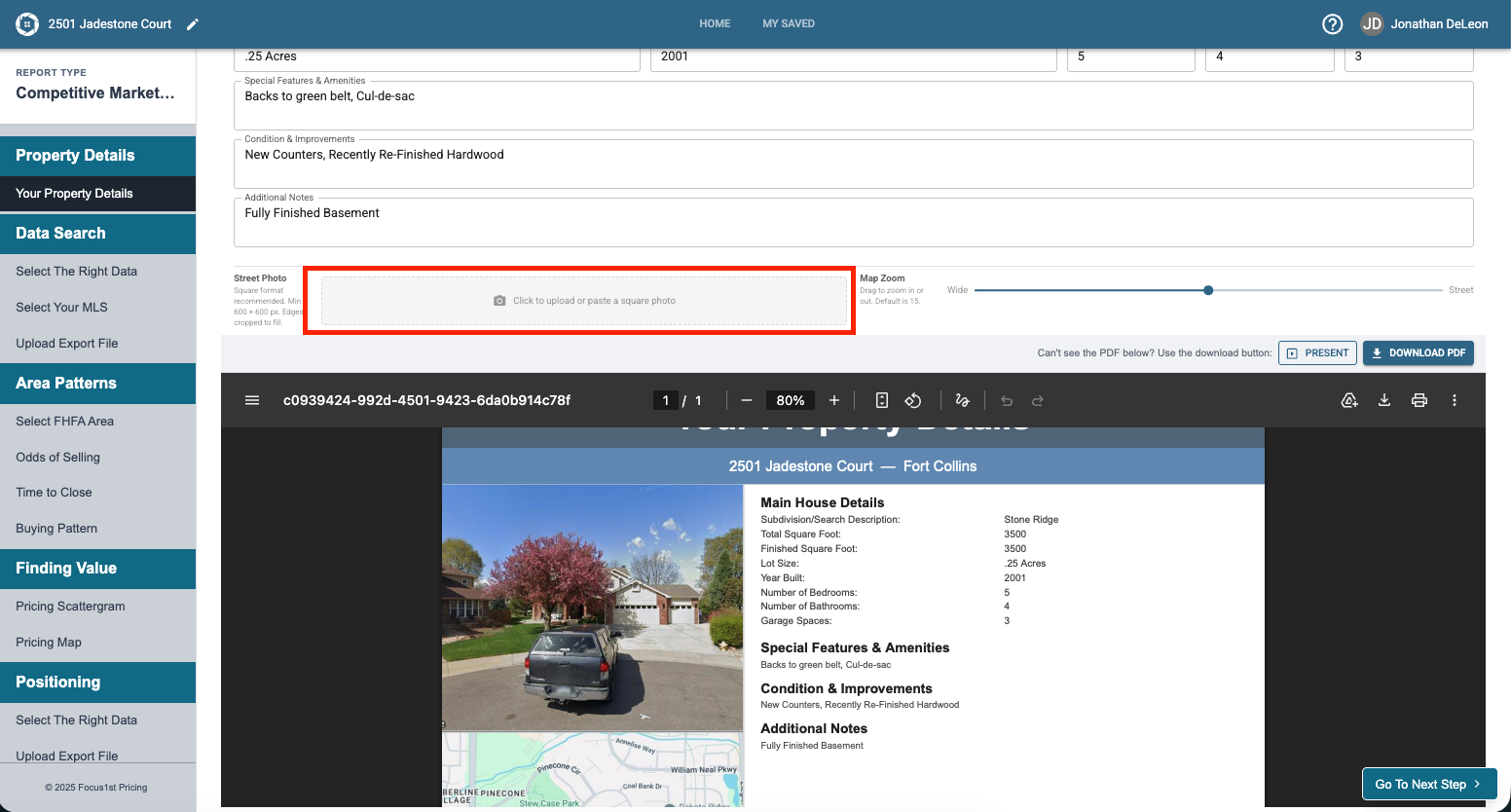
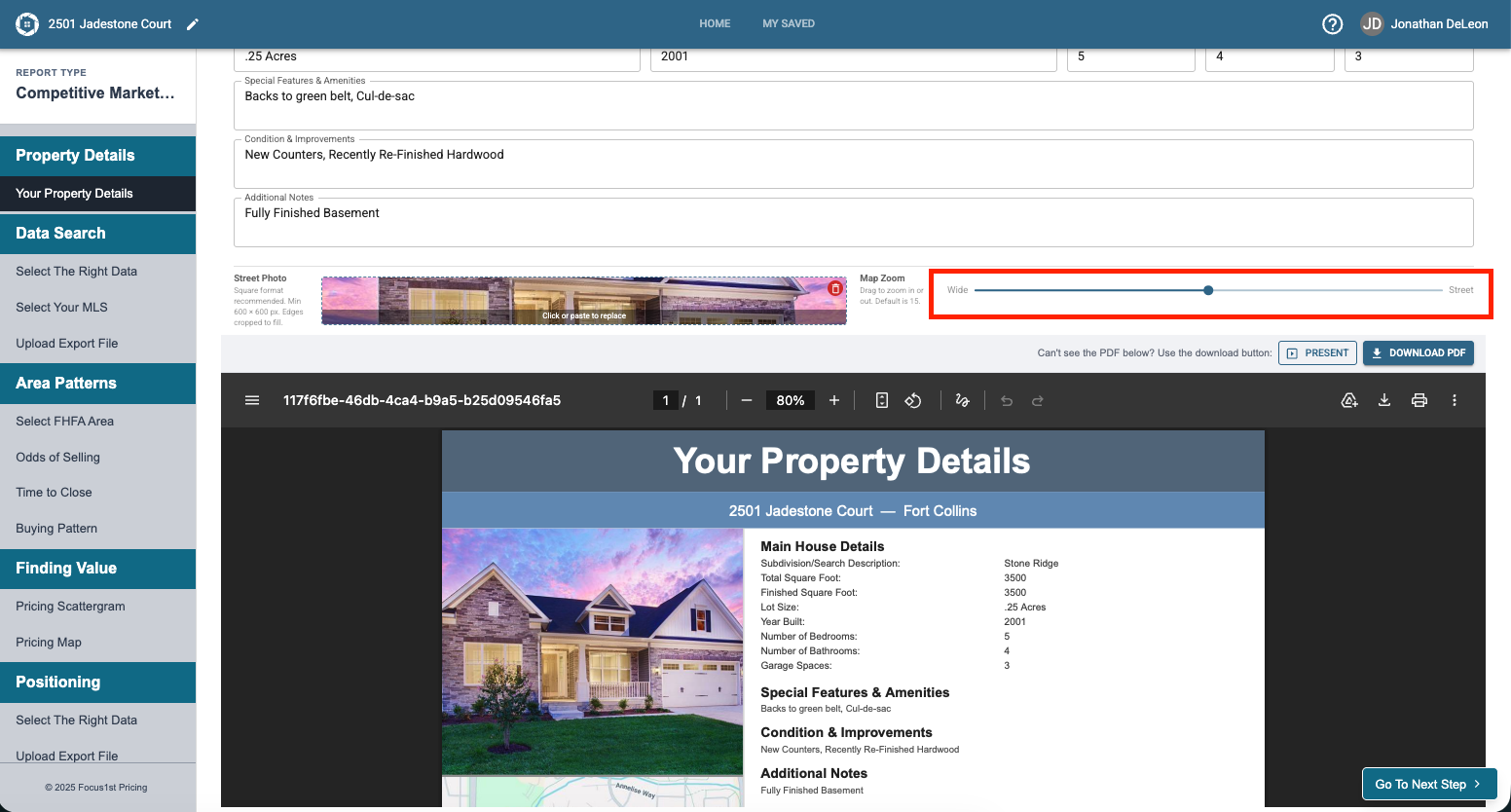
You will need to scroll down on the top tool area to access the image upload and map zoom controls. The image and map on the report page pull automatically from online, however you may want to put a different picture in or zoom out to establish location better. To upload a new picture click the box.
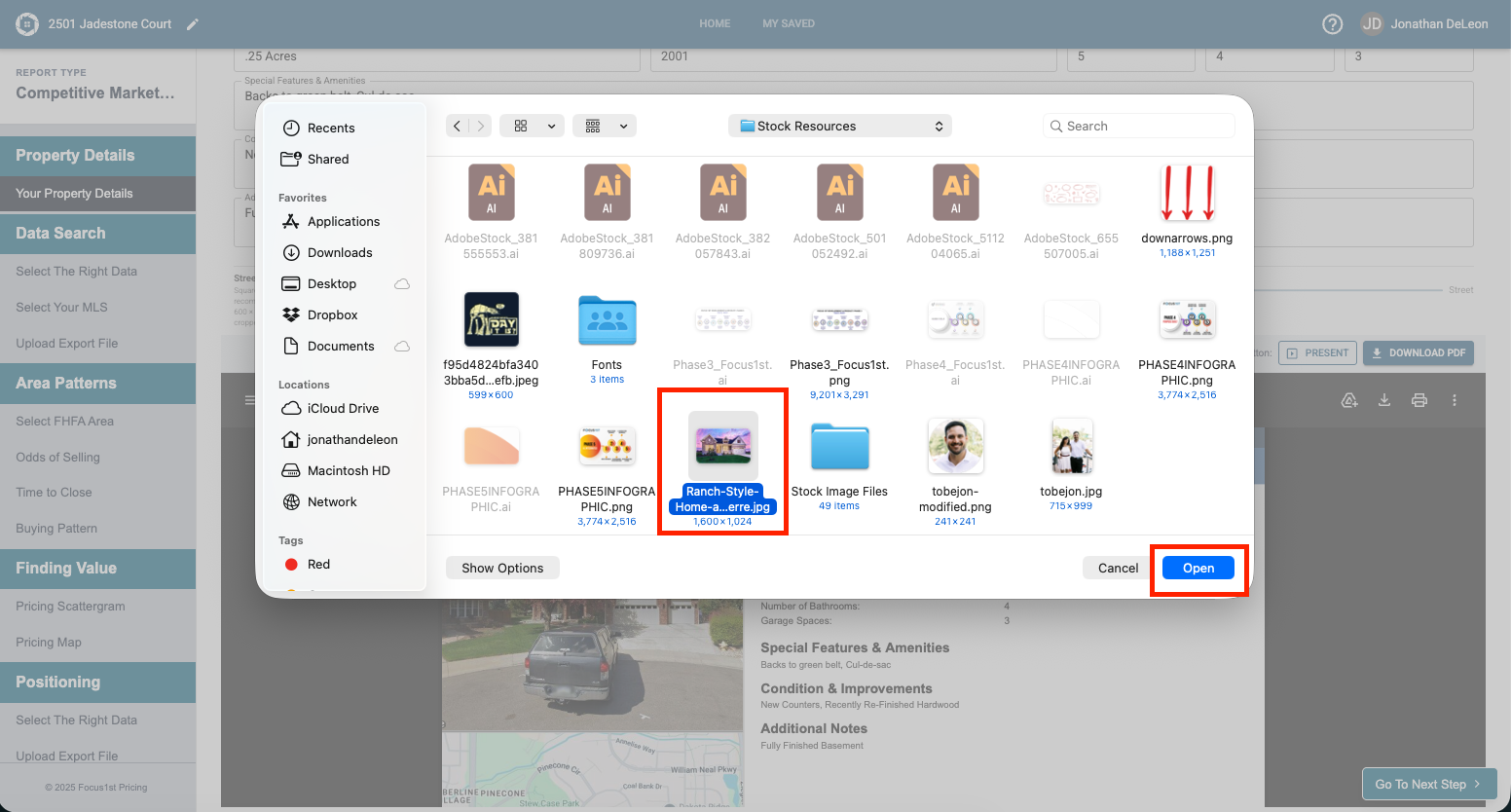
Find your picture and click open. NOTE: A square picture works best but if you upload a different shape it will crop from the center to a square option.
To Zoom on the map, slide the bar left or right and click Save Changes when done.
House Information
Additional Information
Street Photo Upload
Map Zoom