
Help Center > Competitive Market Analysis > How to Choose Which Pages to Print/Include in Your Competitive Market Analysis Report
How to Choose Which Pages to Print/Include in Your Competitive Market Analysis Report
The Competitive Market Analysis report is a large compilation of all the steps you’ve finished up to this point. It includes graphs, customized information pages and some additional resources pages that help paint a complete picture. Some of these pages however you may wish to not include on every report or re-order if your presentation process is a little different. The software lets you select which pages are include easily on the Edit Pages step of the Competitive Market Analysis process.
You will have to scroll down until you find this step on the sidebar.
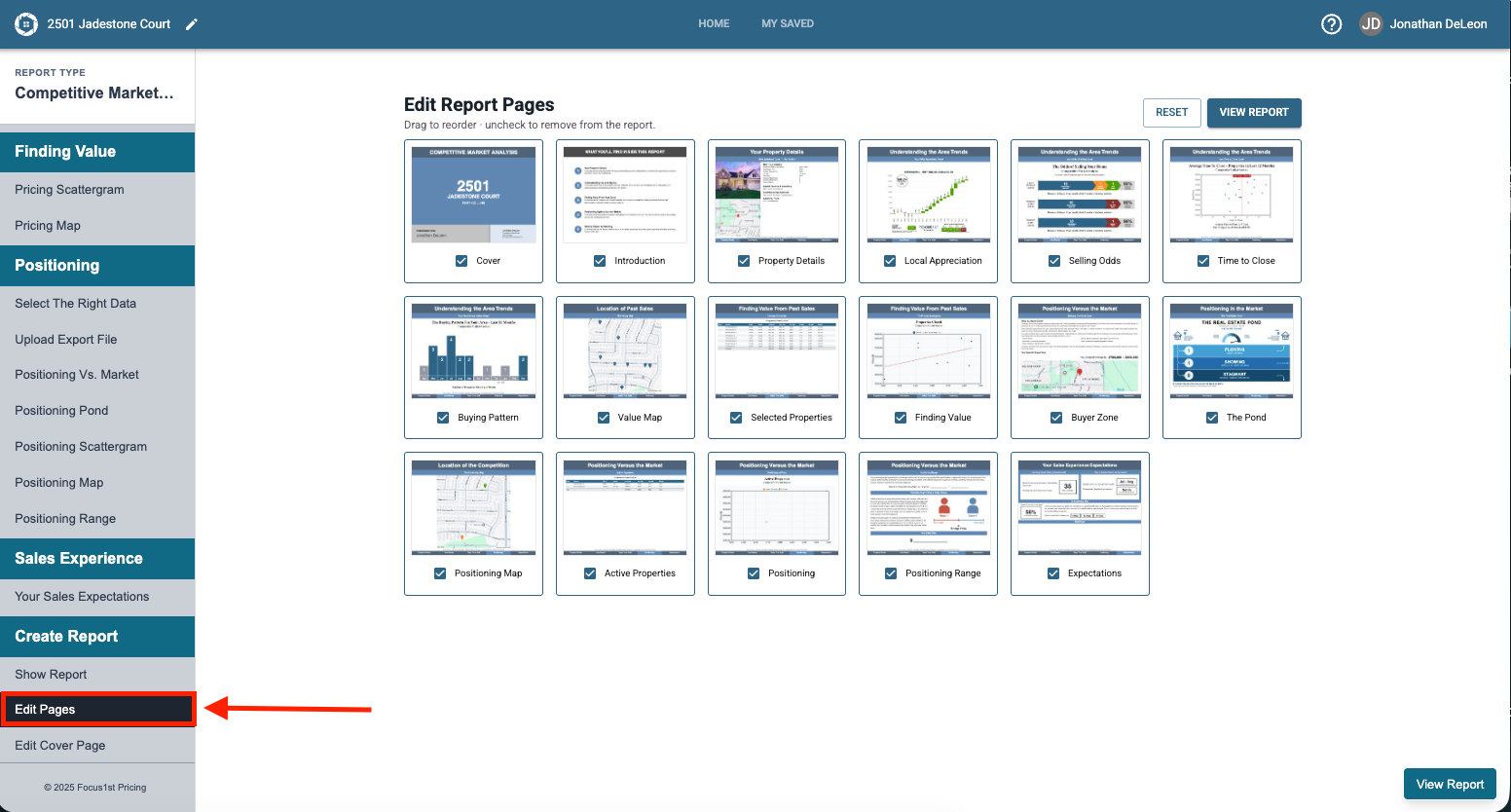
Click the checkbox to include or exclude individual pages.
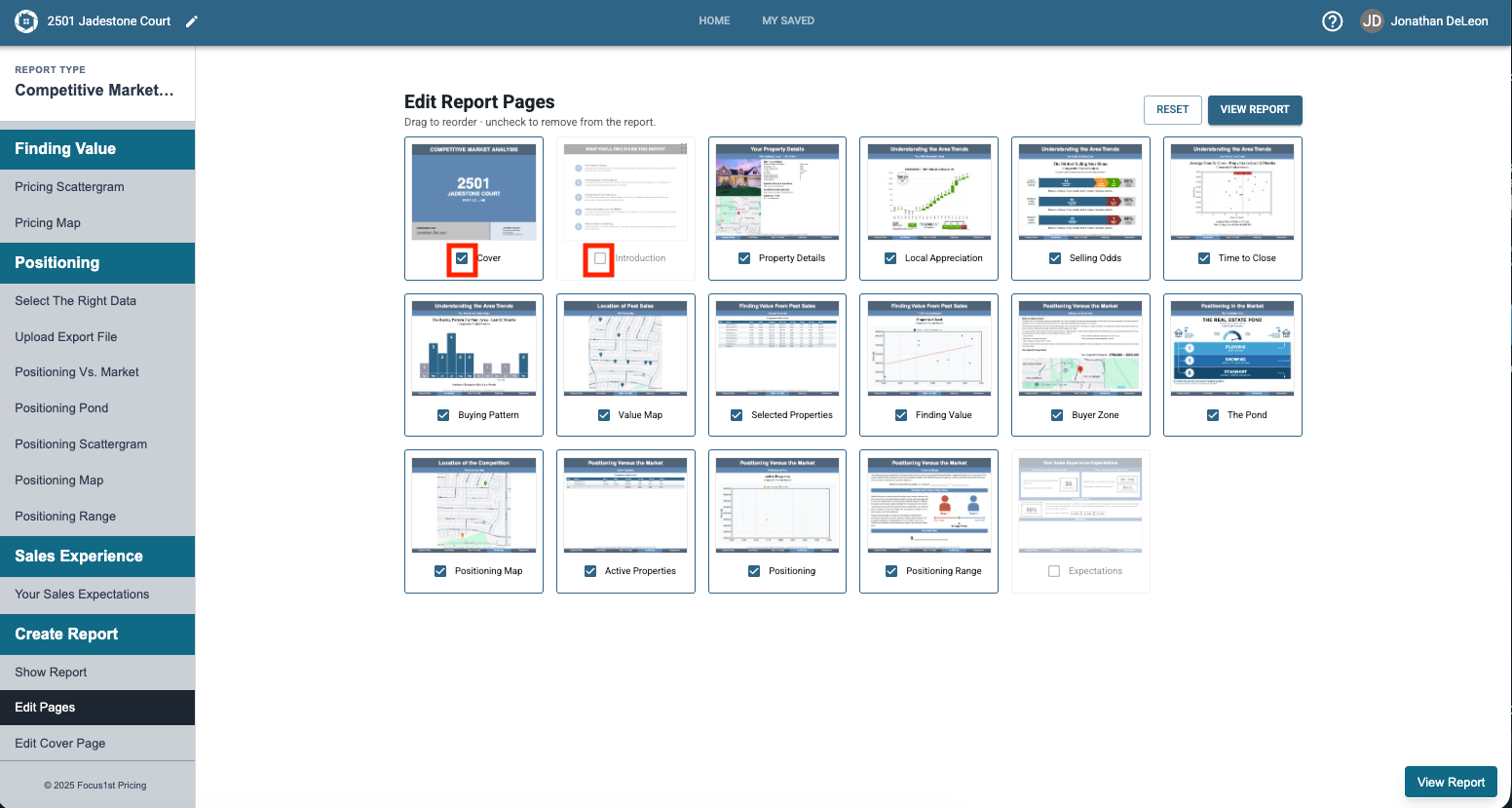
Drag pages around by clicking and holding the page option while dragging it to your desired spot.
Once done simply click View Report to open the report again, or if you want to revert your changes back to standard, click the Reset button.
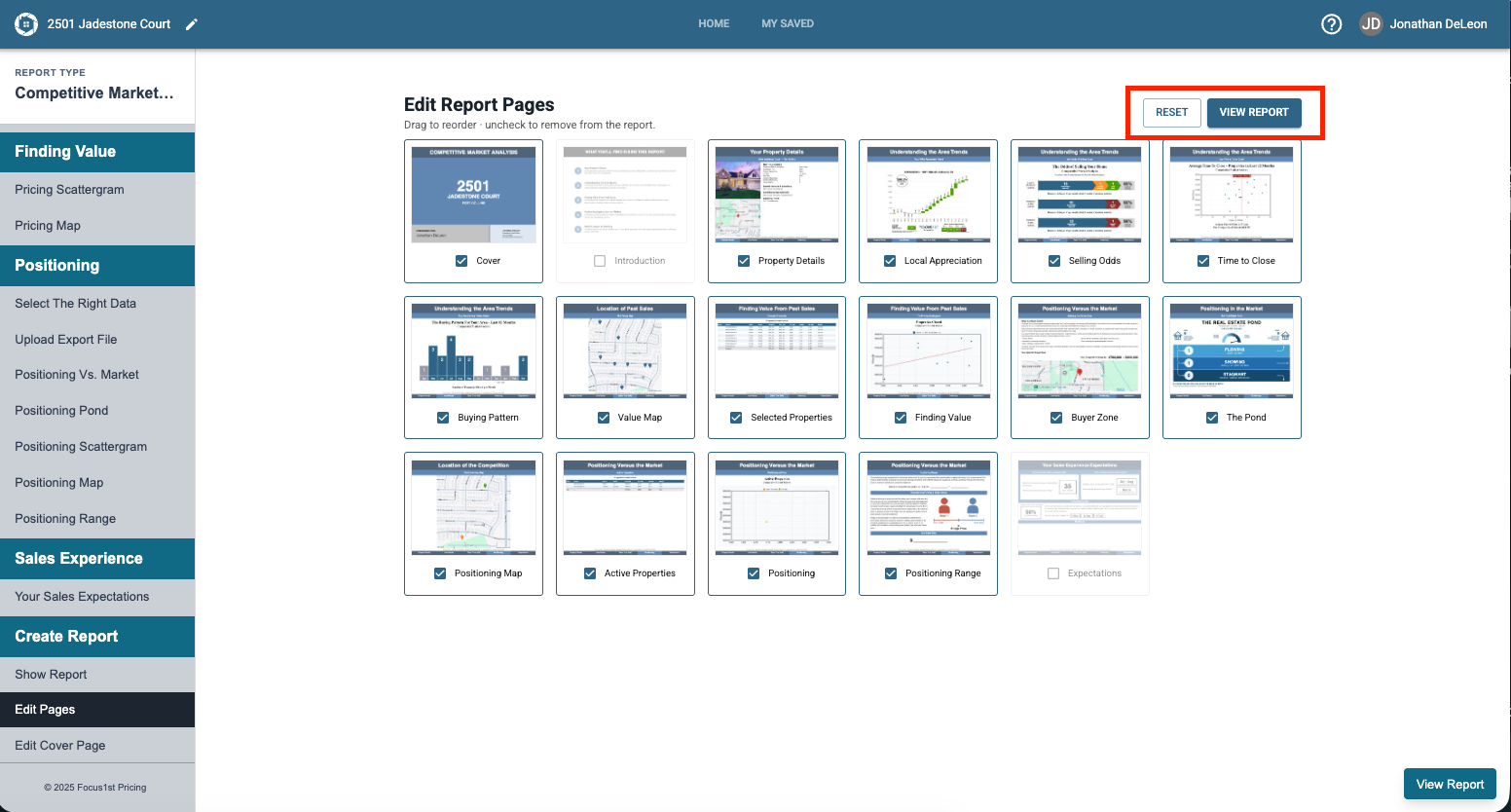
Edit Page Step
Page Selection
Reset