
Help Center > Agent Branding > How Can I Change the Font on the Report Header & Footer?
How Can I Change the Font on the Report Header & Footer?
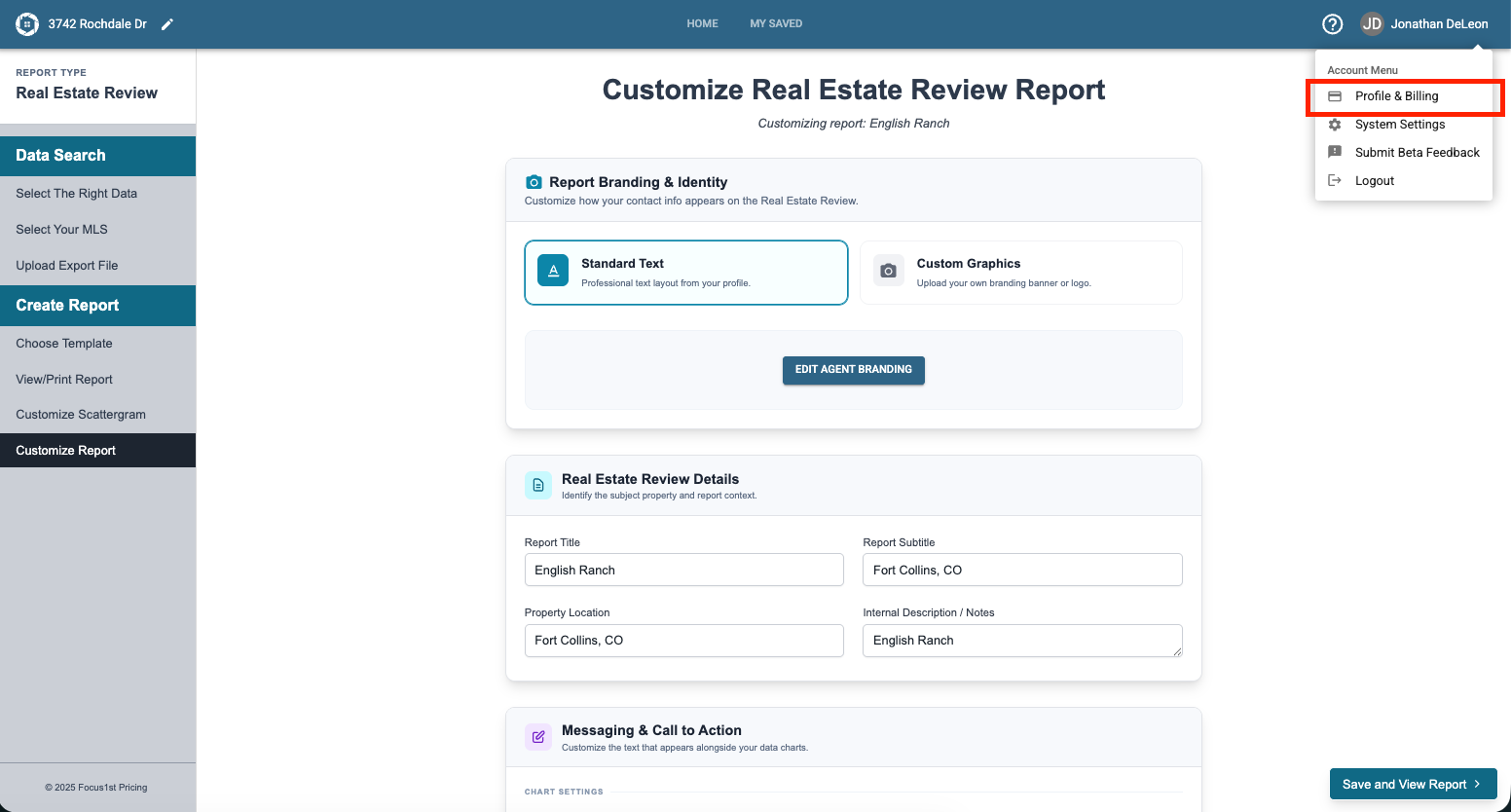
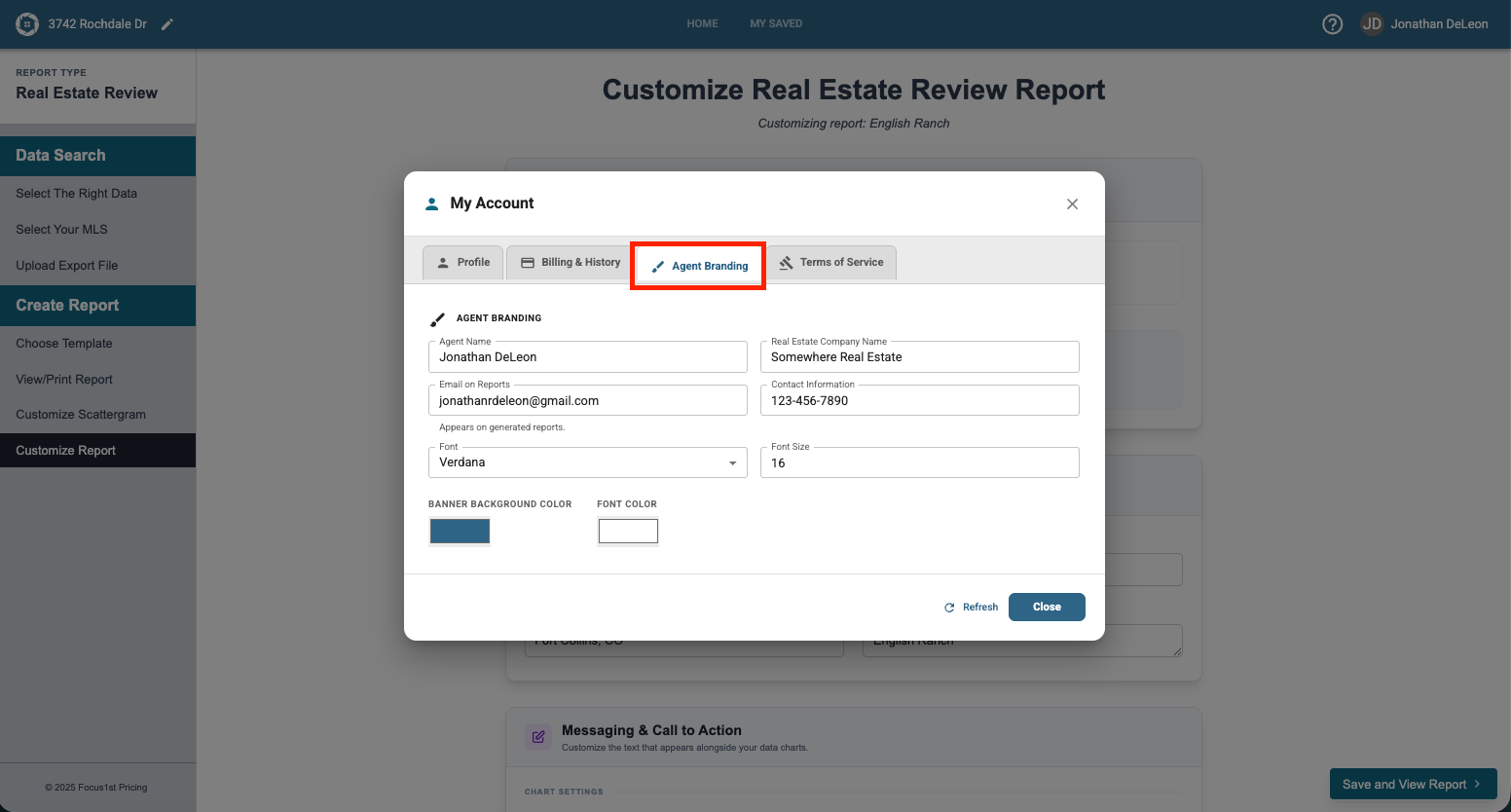
To change the Header and Footer Font choice and color you will need to open the Agent Branding option. You can find this under your Profile & Billing settings under the Agent Branding tab.
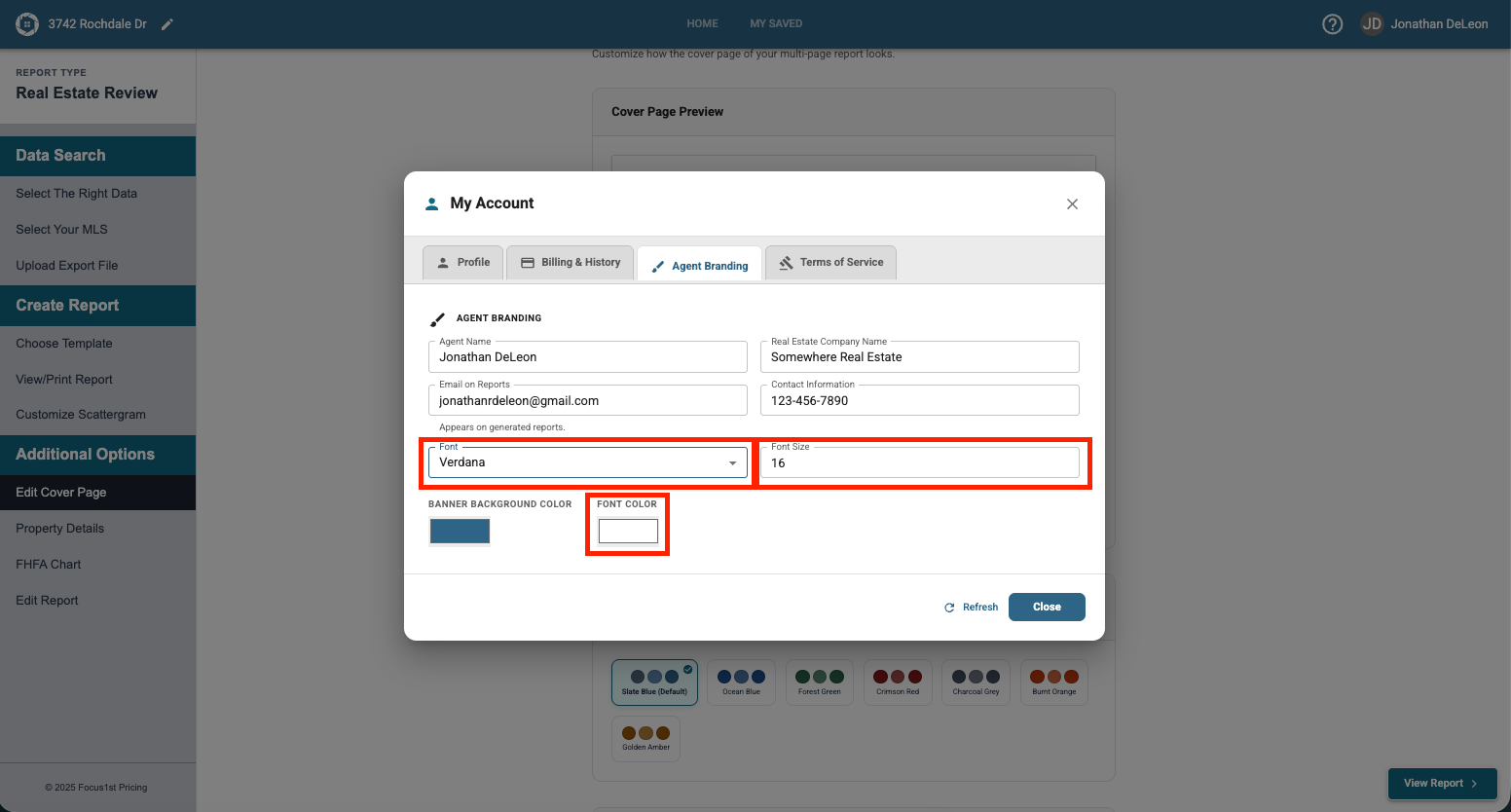
Changing the font is done by using the dropdown menu, the font size using the text box, and the font color using the font color option.
Opening Agent Branding
Selecting Font Options